The thumbnail is blank
People search svgviewer for exactly this: file managers show nothing for SVG. Opening it in a viewer is faster than guessing from the file name.

Open an SVG and actually see it. Drop in a file or paste the markup, and this SVG file viewer renders it, reports its size, and shows the source next to the drawing.
Stays in your browser — nothing is uploaded.
Viewing is free with no account. Files are read in this browser tab and never uploaded.
Reviewed by SVGMaker TeamUpdated
What you can open
Anything a browser can draw, this can show — which is most of what people have. These are the file types that turn up most often and what to look for in each.






How it works
To use an SVG online viewer: drop in the file or paste markup, and it renders immediately. Nothing is uploaded — the browser reads it from disk, which is why it is instant and free.
Pick an .svg from disk, or paste markup straight from an editor. Both land in the same viewer.
The drawing appears at its natural size with its declared dimensions shown beside it, so you can tell a 16-pixel icon from a 1000-pixel illustration at a glance.
Read the source next to the drawing, or send the same file onward — PNG, PDF, or the professional formats — without loading it again.
Why this viewer
A file manager shows you a name and a size. What you usually need to know is whether this is the right artwork, whether the fills came through, and how big it actually is. An SVG online viewer answers all three in one look, which is why it beats opening a vector editor for a two-second question.
Open a file
Half the time the SVG is not a file yet — it is a block of markup in a code editor, a chat message or an API response. Pasting it straight in skips the save-to-disk step that has nothing to do with what you were trying to find out.
Paste markup
The file is read and drawn in the page you already have open. That matters more for a viewer than for most tools: people open files they did not make, from senders they do not fully trust, and often before they know what is inside.
See how it works
Once the file is loaded, the same workspace converts it — PNG for a message, PDF for print, DXF for a cutter, STL for a printer. Opening a file to look at it and then needing it in another format is the normal sequence.
See the formats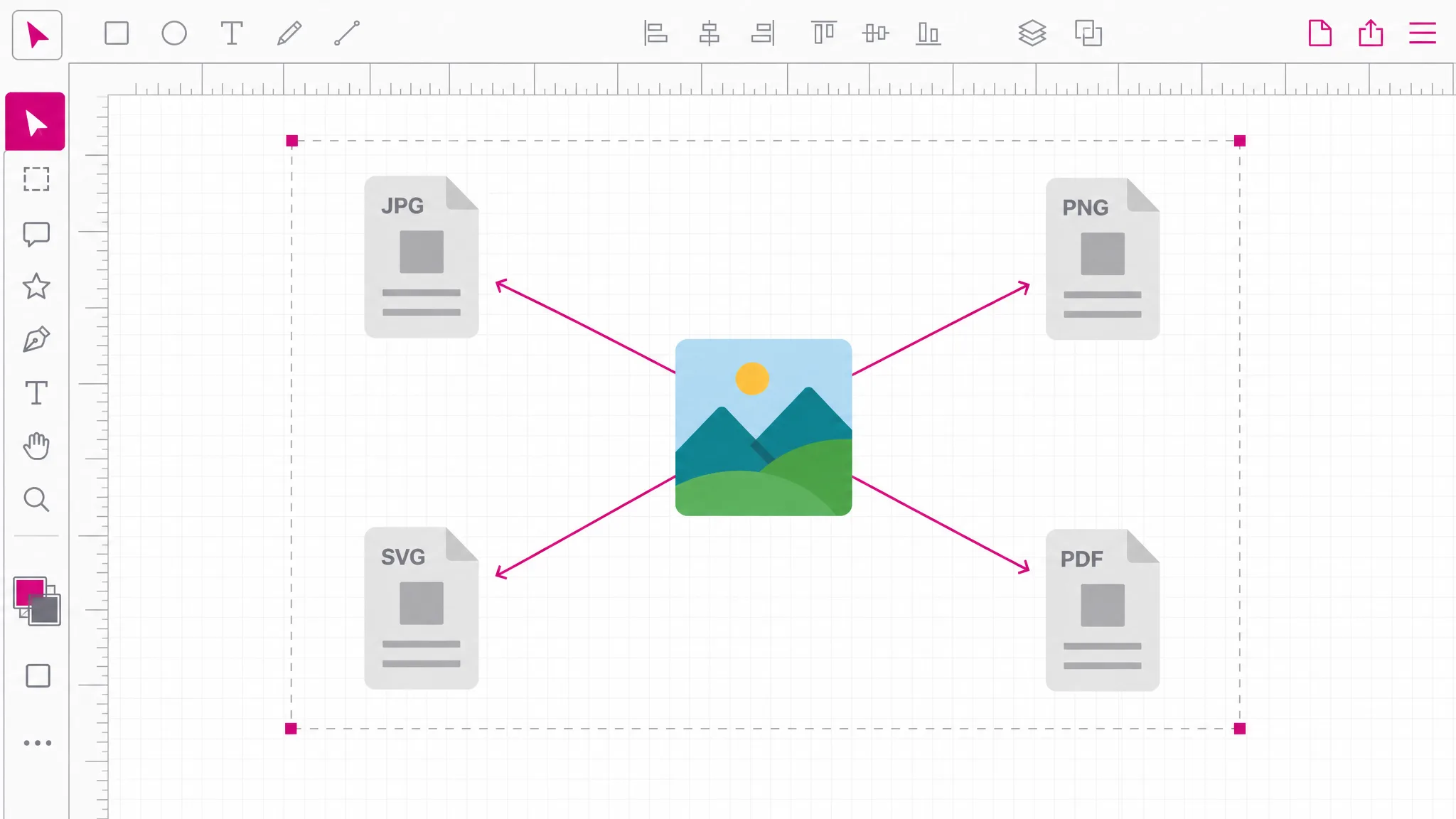
What you get
The drawing renders as soon as the file is read — no import dialog, no waiting for an editor to start.
The declared width, height and viewBox are shown as written, so you know what size the file thinks it is.
An SVG file inspector view: read the markup next to what it renders, which is how you find the shape you care about.
Files stay on your device. For a tool people point at files they did not create, that is the whole point.
The markup is cleaned before it is drawn, so opening an unknown file cannot run anything in your browser.
Convert onward to raster, print, cutting or 3D formats from the same place, without loading the file twice.
When you need it
An SVG file viewer exists because SVG is a format most machines can draw and most people cannot preview. That gap is the whole reason a viewer exists. These are the moments it comes up.
People search svgviewer for exactly this: file managers show nothing for SVG. Opening it in a viewer is faster than guessing from the file name.
Someone sent an export. You want to know it is the right artwork before it goes into a build.
Rendering a cut file first catches an empty or inverted path while it is still cheap to fix.
Design tools drop details on export. Viewing the result tells you whether the fills and strokes survived.
A block of SVG in a chat or an issue is easier to judge rendered than read, and pasting is quicker than saving.
An SVG viewer online free of charge beats installing a desktop vector app — and no reason to install one to answer a single question.
Which tool
Every one of them is free, needs no account, and runs locally. What separates them is depth: how far into the file each reaches.
| Tool | Best for | What it changes | Cost |
|---|---|---|---|
| SVG Editor | Moving, recolouring and reshaping artwork on a canvas. | Objects on a canvas | Free, no account |
| SVG Path Editor | Pulling one curve into shape, anchor by anchor. | Anchors and handles | Free, no account |
| SVG Code Editor | Reading and fixing the markup itself. | The XML source | Free, no account |
| SVG Viewer | Seeing what a file draws, without changing it. | Nothing — read only | Free, no account |
FAQ
The drawing itself, rendered the way a browser draws it, plus the facts about the file: its declared width and height, its viewBox, and the source markup. Those three together answer nearly every question people open an SVG to ask.
No — it never leaves your device. The browser reads the file from disk and draws it in the page. Nothing is transmitted, which matters here more than in most tools: people routinely open SVG files they did not create.
It shows the drawing, with anything executable removed first. SVG can contain scripts, event handlers and external references; those are stripped before rendering, along with style blocks and link containers, so a file from an unknown sender cannot run anything. Shapes, paths, gradients and text survive, and a notice appears whenever something was removed — which matters for files whose colors live in a style block rather than on the elements.
Yes — paste the markup and it renders the same way. That is often the faster route, because SVG frequently arrives as text in an editor or a message rather than as a saved file. You can view SVG online either way.
Yes — an SVG viewer online free of charge, with no account and no limit. Viewing runs entirely in your browser, so there is no server cost for us to recover. Credits on this site apply only to AI generation, which is a different tool.
Because an SVG carries its own declared size, and that size is often not what the artwork suggests. The viewer shows the width, height and viewBox as written so you can see the discrepancy rather than guess at it.
Yes, from the same workspace: PNG, JPG, WebP, PDF and favicon on the free local route, plus DXF for cutting machines, STL for 3D printing and EPS or AI for print. Opening a file and then needing it in another format is the usual sequence.
Yes — rendering an SVG is something every modern mobile browser already does. Very large illustrations are the one case where a desktop machine feels noticeably quicker.
More tools
Drop it in and see it rendered immediately in this SVG online viewer. It runs in this browser tab, costs nothing, and your file stays on your device.
Open the viewer