A README or docs page
Many docs pipelines render raster reliably and vector unpredictably. One PNG removes the question.

Paste a block of SVG and get a PNG back. The markup is rendered in this browser tab, so there is no upload, no queue and no account — just the image.
Stays in your browser — nothing is uploaded.
Pick a file, then choose what to convert it to.
Vector formats keep every line sharp at any size. Bitmap conversions run right in your browser — nothing is uploaded.
This conversion is free and runs on your device — no account needed. AI generation elsewhere on the site uses credits.
Reviewed by SVGMaker TeamUpdated
What comes out
Pixels, at the size the markup declares. These are the snippets people render most often, and what to watch for in each.





How it works
To render SVG code to PNG: paste the markup, pick PNG, download. The whole thing happens in this browser tab, which is why it is free and why nothing is uploaded.
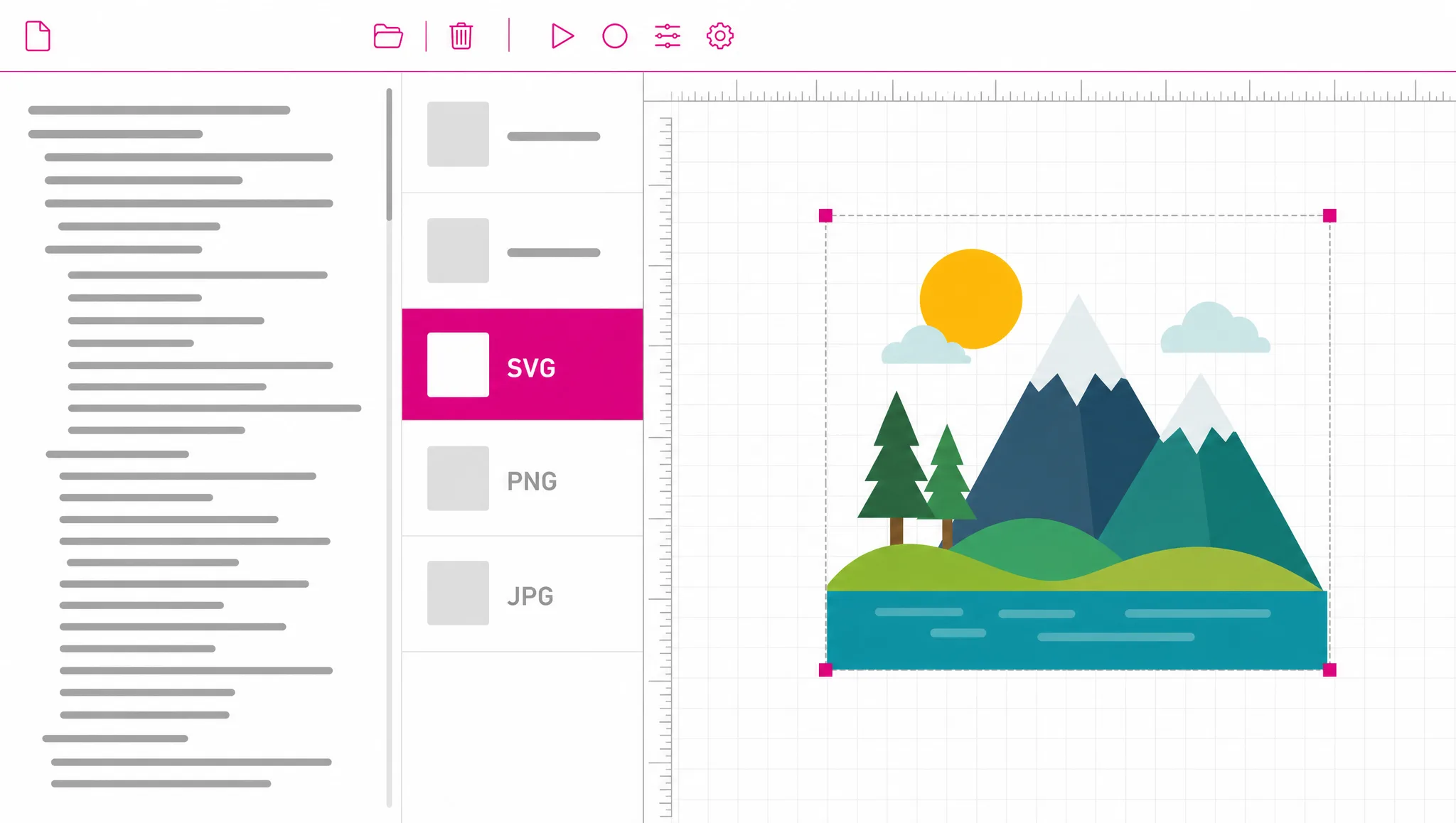
Copy the SVG from an editor, an API response or a message and paste it in. A saved .svg file works the same way if you have one.
PNG is the default here. The same picker also offers JPG, WebP and PDF when transparency is not what you need.
The markup is drawn and handed to you as a file. Transparent areas stay transparent, so there is no white box behind the artwork.
Why this converter
Most converters want a file, which means saving your markup somewhere just to upload it again. When the SVG is already text in front of you, that round trip is pure friction — pasting is the shorter path to the same image.
Paste some markup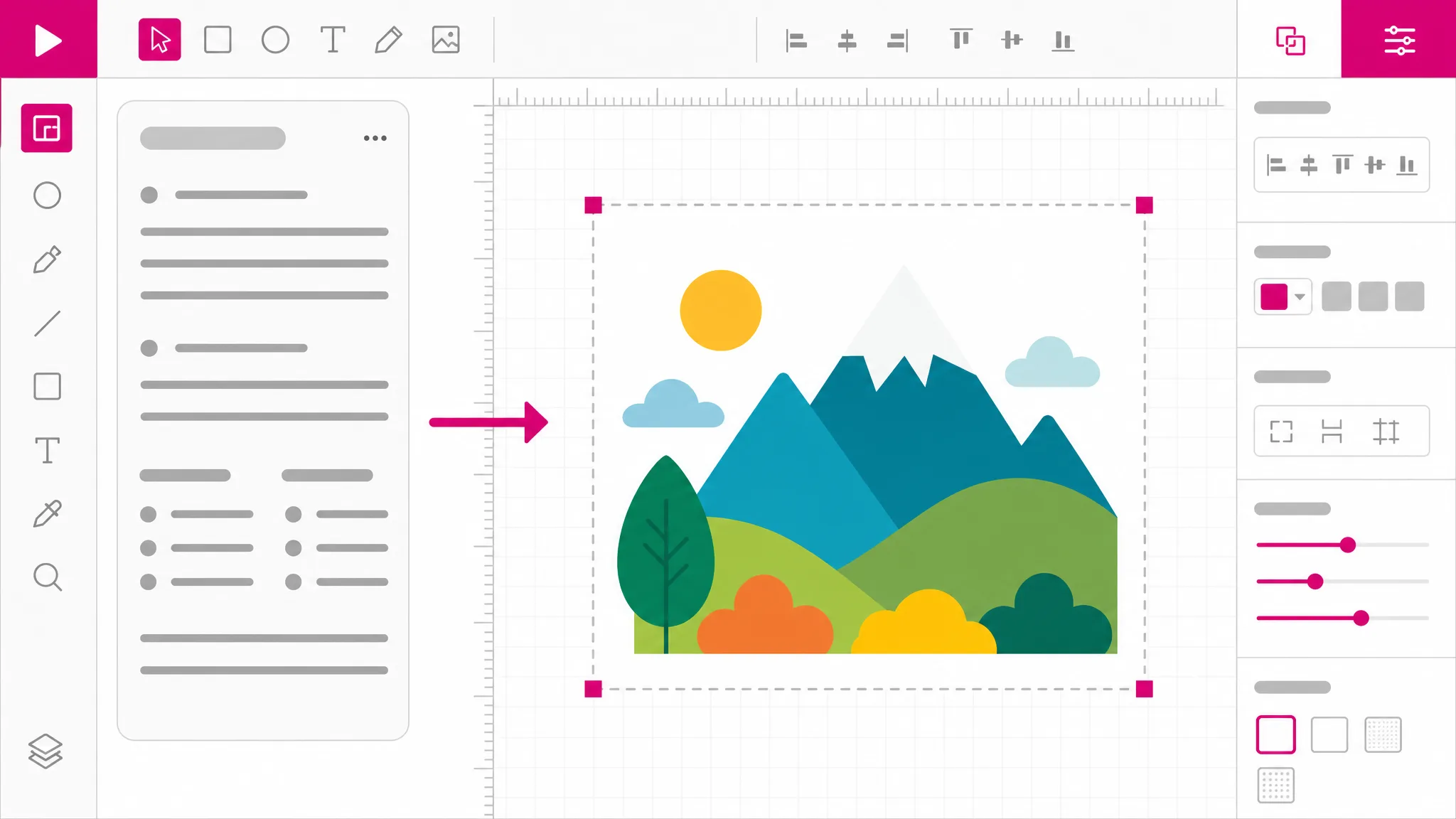
The most common complaint about rendering SVG is a white rectangle appearing behind the artwork. That happens when the renderer flattens onto an opaque canvas. Here the empty parts of the markup stay empty in the PNG.
See what you get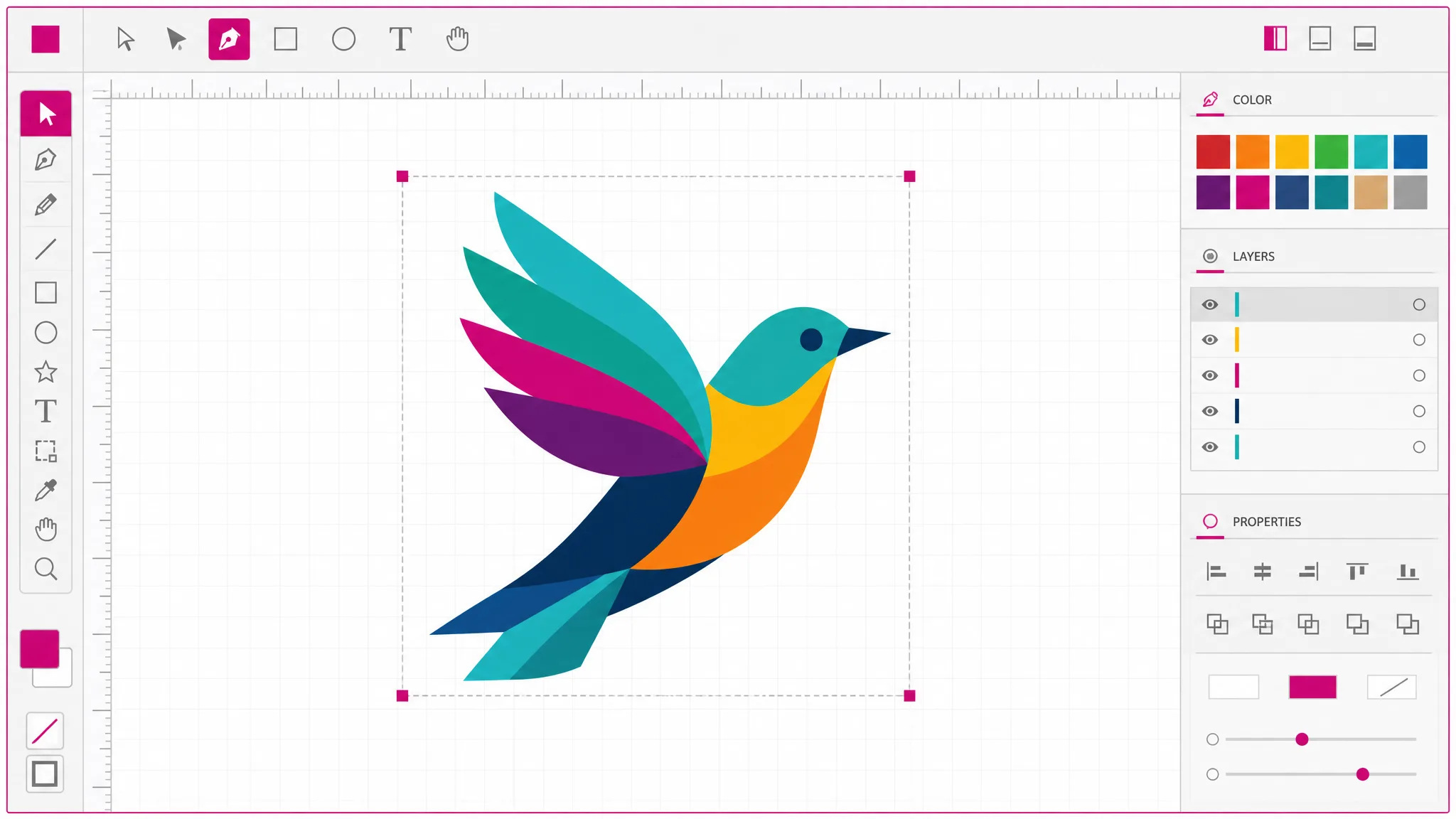
A malformed tag usually renders as nothing, which leaves you guessing whether the problem is the code, the size or the tool. A parse failure here comes back as a readable message about what went wrong.
Try it
Pasted markup often comes from somewhere you do not control. Scripts, event handlers, style blocks and external references are stripped before anything is drawn, so rendering an unfamiliar snippet is safe.
How it stays safe
What you get
The markup goes straight from your clipboard to an image. No saving a temporary file first.
Empty areas stay empty, so the PNG sits on any background without a white rectangle behind it.
Rendering happens locally. No upload, no queue, no daily quota to run out of.
The markup never leaves this tab, which is also why this is free rather than metered.
Executable content is removed before drawing, so pasting something unfamiliar cannot run anything.
The same markup renders to JPG, WebP and PDF, or converts onward to the professional formats.
When you need it
Going from SVG to PNG matters because vector is the better format nearly everywhere — until something in your chain only takes pixels. SVG HTML to PNG is the same trip when the markup is inline in a page. When the SVG is text rather than a file, this is the shortest way across.
Many docs pipelines render raster reliably and vector unpredictably. One PNG removes the question.
Markup in a message is unreadable. An image is understood by everyone in the thread immediately.
Marketplaces and older systems take PNG and nothing else, and the artwork you have is a snippet.
A script produced SVG — svg to code and back again. An svg code to image render is the quickest way to confirm it produced the right thing.
Presentation tools handle PNG predictably, while their SVG support ranges from partial to absent.
Rendering two versions of a snippet side by side shows the change that a text diff cannot.
FAQ
It draws the markup onto a pixel grid and saves the result. The SVG describes shapes; the PNG stores the finished pixels. That is why the SVG can be scaled to any size afterwards and the PNG cannot.
No — paste it directly. That is the whole point of this page: when the SVG is already text in an editor or a message, saving it to disk just to upload it again is a detour with no purpose.
Yes — transparency is preserved. Areas with no fill in the markup stay transparent in the PNG. If your output looks like it has a white background, check the markup for a full-size white rectangle: those are common in exports and they render faithfully because they are really there.
It matches the dimensions declared in the markup. There is no resolution picker here, so if you need a specific pixel size, set the width and height in the SVG before rendering. We would rather say that than silently upscale and hand back a soft image.
Yes — free with no account and no cap. Rendering runs in your own browser, so there is no server cost for us to recover and nothing to meter.
You get a readable message instead of an empty image. A blank result would leave you unable to tell whether the problem was the markup, the size or the tool, so failures are reported explicitly.
Not on this page — an SVG code editor is the tool for changing it, and an SVG code viewer is the one for inspecting it without rendering. Both take the same markup, so nothing has to be pasted twice.
Yes — JPG when transparency does not matter, WebP for smaller files, and PDF for print. The professional formats are available from the same picker as well.
More tools
Paste the markup, pick PNG, download the image. It runs in this browser tab, costs nothing, and nothing is uploaded.
Open the converter