The file renders black everywhere but one site
Its color lived in CSS that stayed behind. Edit SVG files online here and put the color on the shapes so it travels with them.

Editing SVG files is mostly a question of where the file came from. A tracing tool, a design app and an icon set each hand you a different kind of document, and each breaks in its own way. Open yours here and see what you actually got.
Open an SVG file to start editing it here
Canvas: 0 x 0Objects: 0Grid: offNo selectionZoom: 100%Pointer: —, —
Properties
Select a shape on the canvas to change how it looks
Layers
Open a file to see its shapes here
Editing runs entirely in this browser tab — the file is never uploaded, and nothing is stored on our side. Free, with no account.
Reviewed by SVGMaker TeamUpdated
Where the file came from
These all end in .svg, and they behave nothing alike once you open them. Knowing which one you have decides how the edit should go.



How it works
Editing SVG files safely comes down to three habits: look at what you got, change one thing at a time, and check the export rather than the screen.
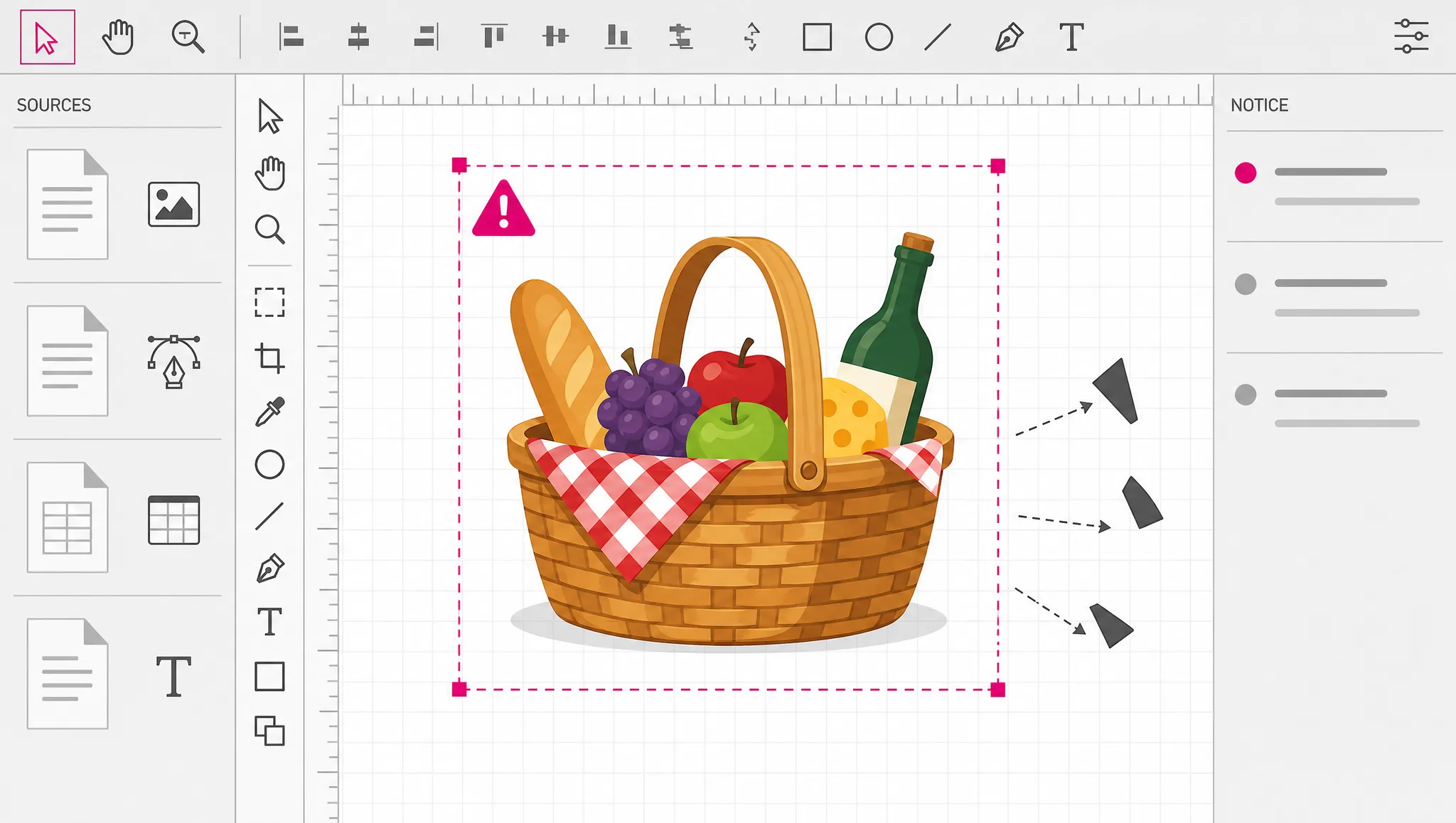
The file is cleaned before it reaches the canvas. If anything was removed, a notice says so — that message is the fastest description you will get of what kind of document this is.
Vector documents are stacks of shapes with inherited properties. Changing several at once makes it impossible to tell which change caused what, especially in a traced file with hundreds of paths.
What you see is a rendering; what you ship is the file. Export and reopen it when the result matters — that is the only check that catches a change which looked right and serialized wrong.
What to watch for
A large share of real SVG does not put color on the elements at all. It puts it in a style block, or in CSS classes defined by the page the file was meant to live in. Open that file anywhere else and it renders black, or renders nothing. Nothing is broken — the styling was never in the file. When our cleaning removes a style block you get told, which is the signal to look for where the color was really coming from before you start repainting shapes by hand.
Open a file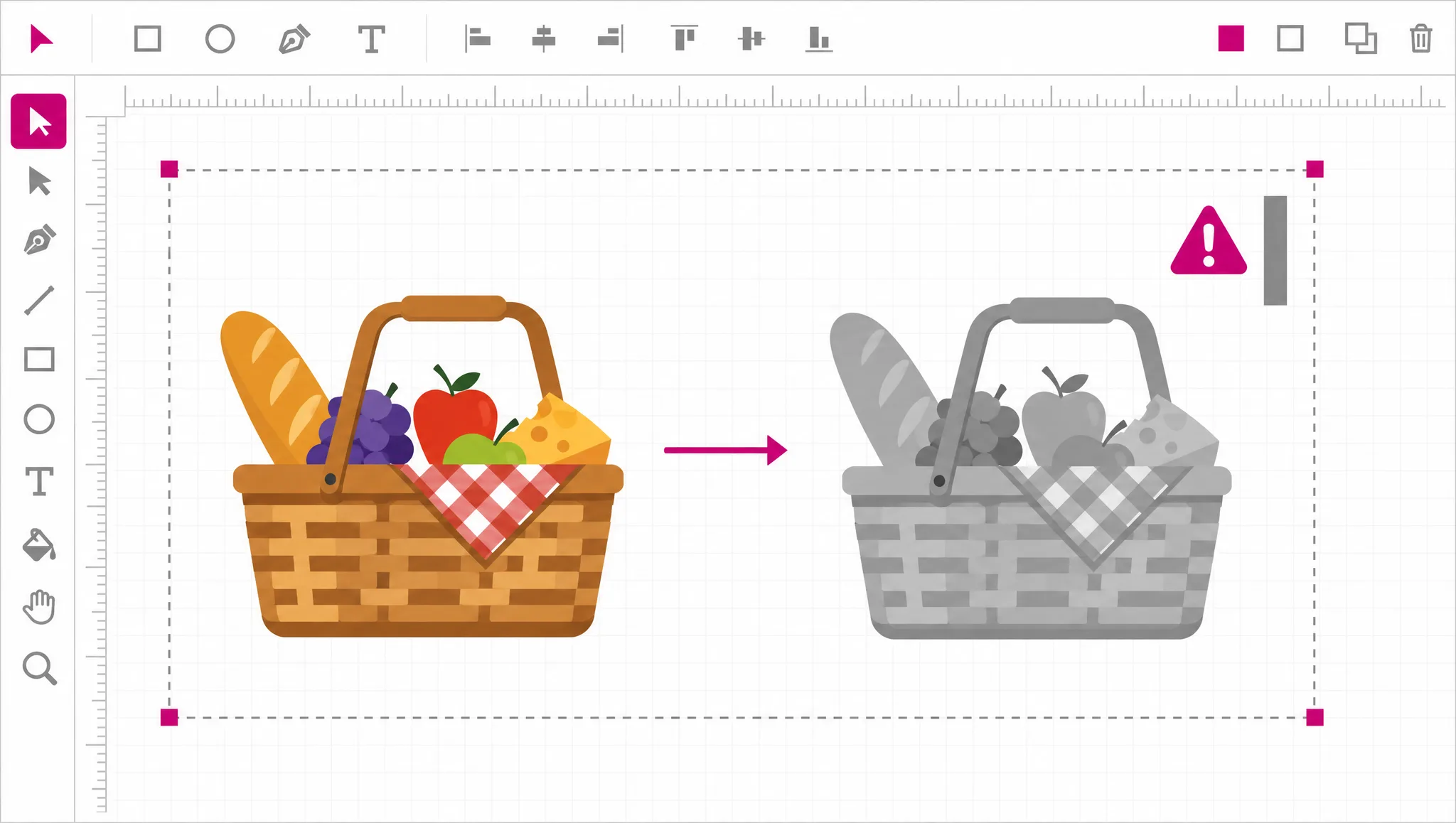
Design tools wrap almost everything. Artboards, layer folders, boolean results and clipping all arrive as nested groups, several deep, around what you think of as one object. That is why clicking a shape sometimes selects a container instead. Breaking a group apart is usually the first real step in editing a file from a design app, and it is reversible, so it costs nothing to try.
Try ungrouping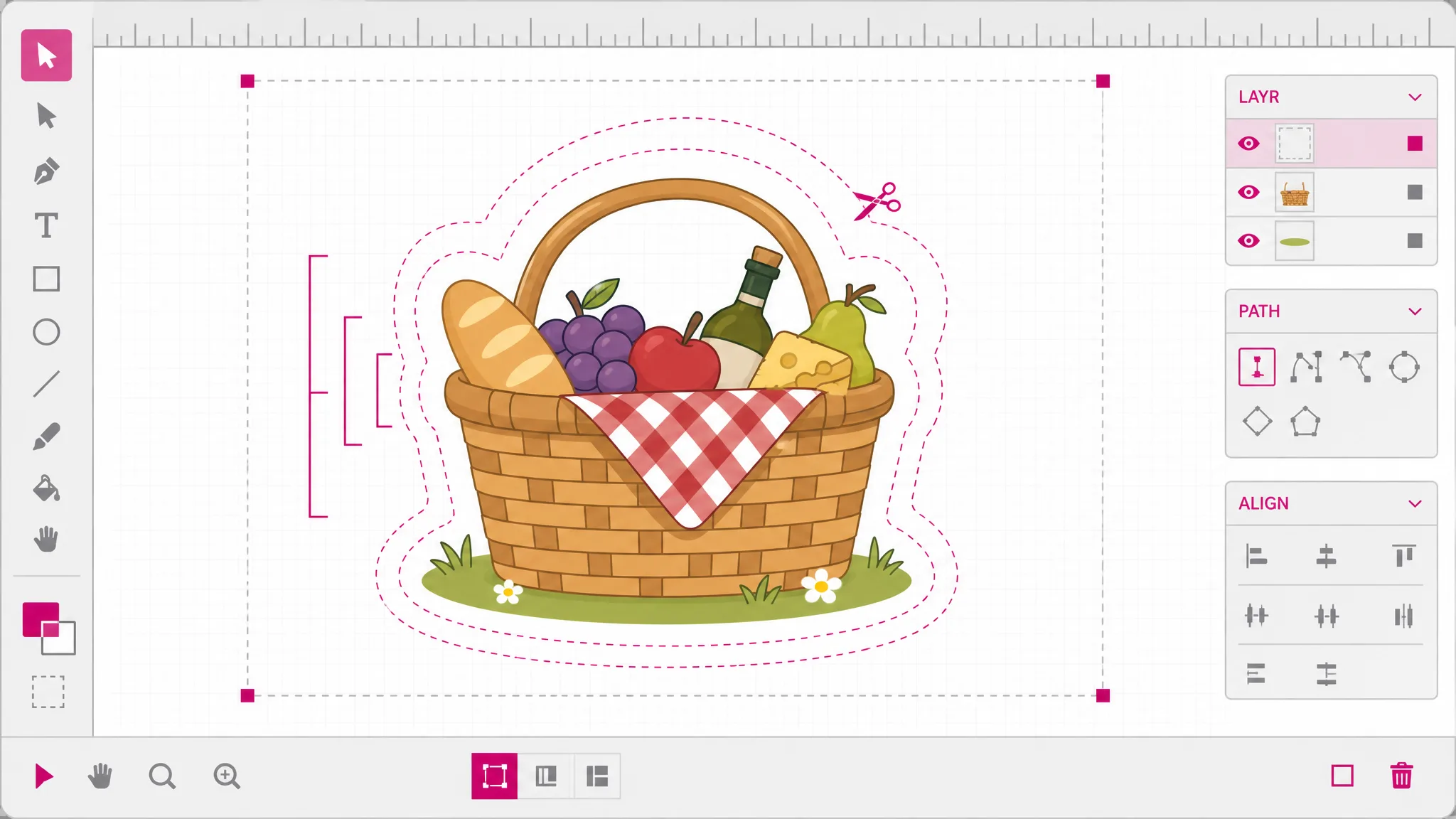
Opening a file and exporting it again rewrites the document. Attributes get written out consistently, comments and editor metadata do not survive, transforms may be expressed differently, and inline styling comes back as presentation attributes. What the file draws is preserved. How the file is written is not. That matters if the file is under version control, or if a build step downstream reads something from it that is not the drawing — so keep the original when either is true.
See what survives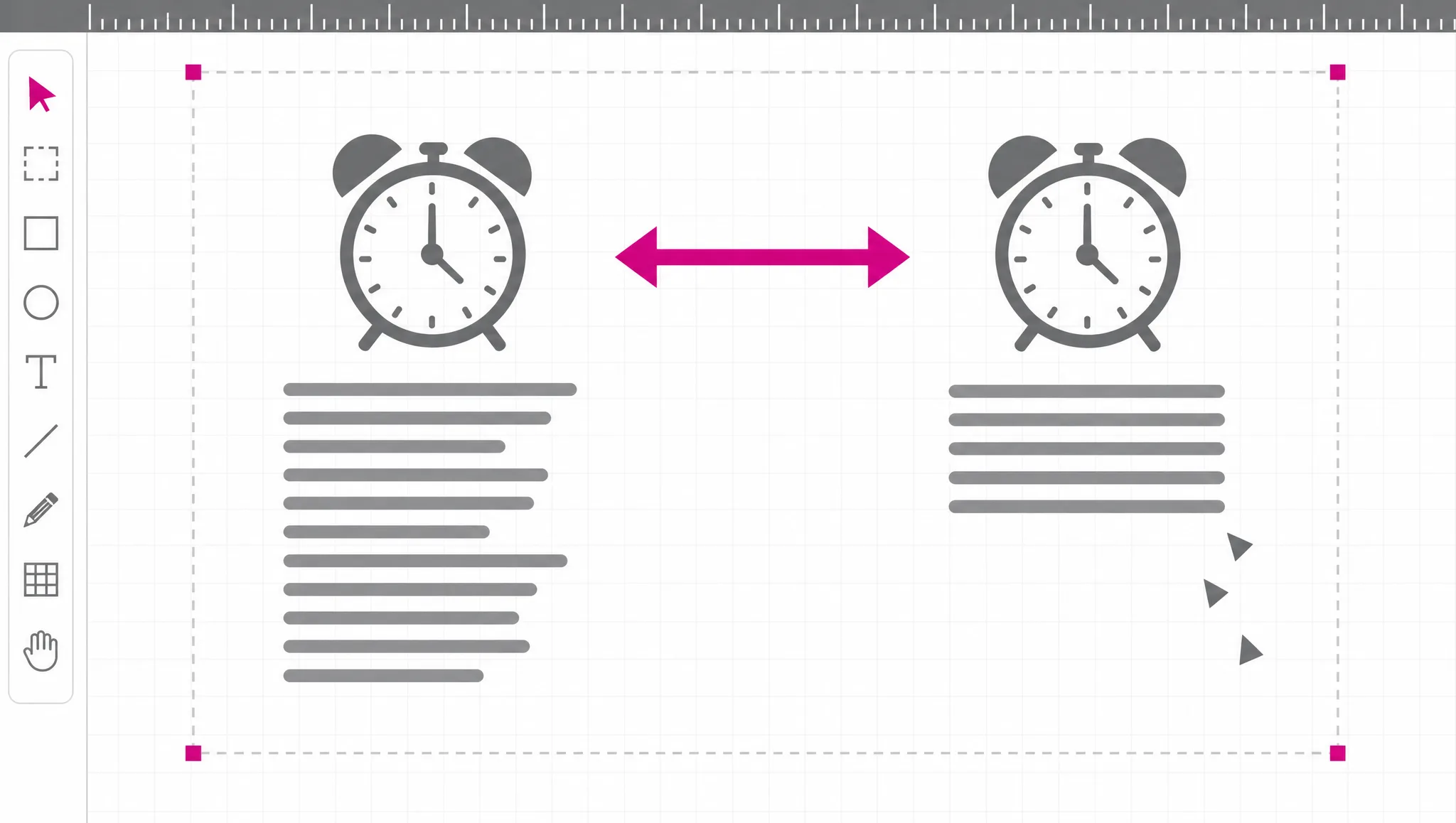
SVG is a document format that can carry scripts, event handlers, links and references to other files. A drawing that renders innocently can still run code when it is opened the wrong way. Everything of that kind is removed here before the file reaches the canvas and again before it leaves, so a file from an unknown source is safe to open and the file you export is safe to hand on. That is the single biggest difference between editing SVG and editing a PNG.
How that works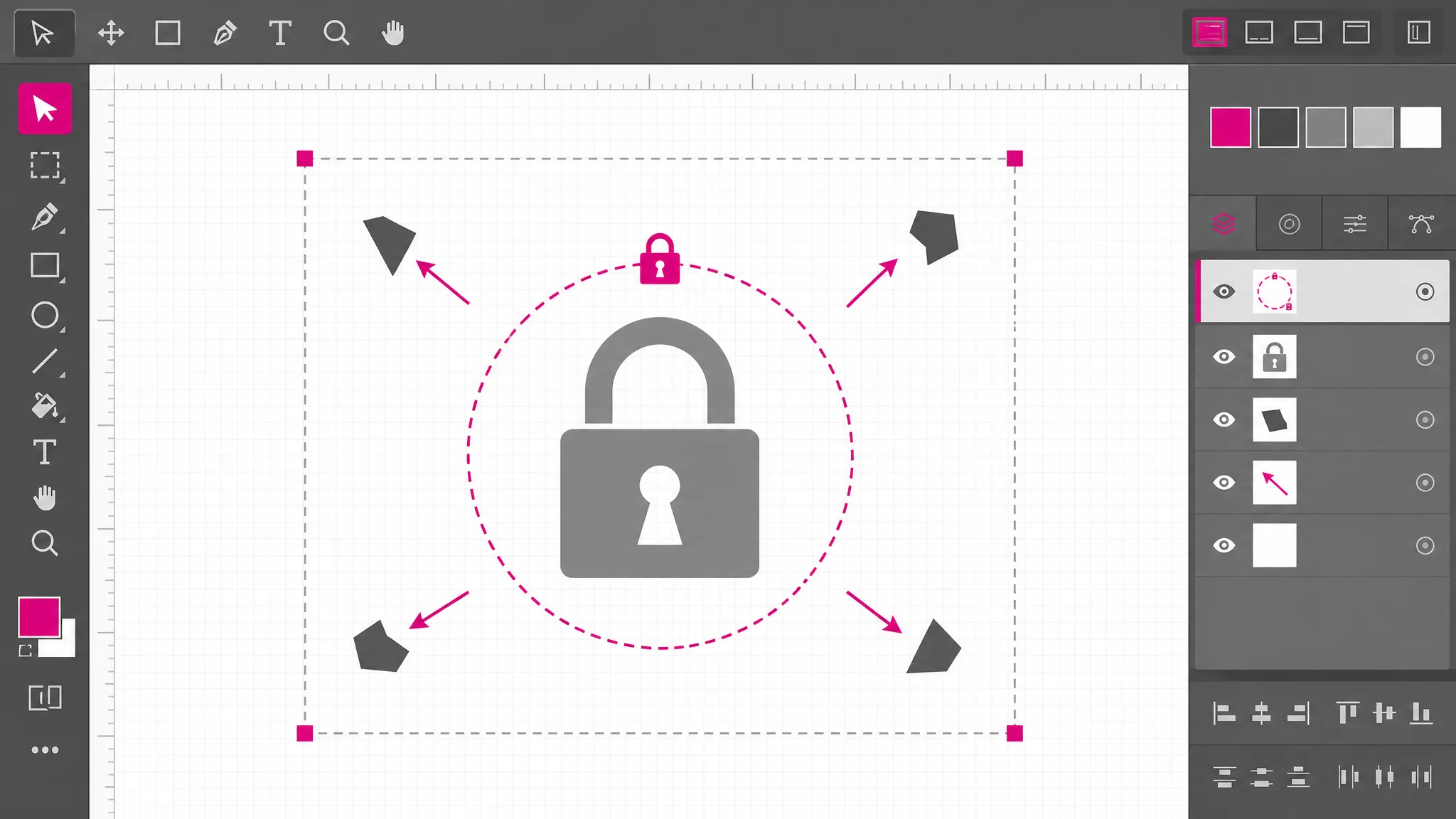
What you get
Design exports, icon downloads, traced artwork and hand-written markup all land on the same canvas as editable shapes.
When cleaning changes what you see, a notice says so — instead of leaving you to wonder why the colors went.
Undo covers all of it, so exploring an unfamiliar file costs nothing.
The drawing is preserved, the byte-level formatting is not, and this page says so rather than implying otherwise.
Stay vector, or export pixels when the destination cannot take a vector file.
The file is read and written in this tab, which is what makes it usable on documents you cannot send anywhere.
When it comes up
The file exists, someone else made it, and something about it has to change. These are the situations people arrive with.
Its color lived in CSS that stayed behind. Edit SVG files online here and put the color on the shapes so it travels with them.
It is a group several levels deep. Breaking it apart is what makes the individual pieces reachable.
Design tools ship metadata and long decimals. Knowing that is what turns a mystery into a known cleanup step.
One large path underneath everything. Selecting and removing it beats re-running the trace with different settings.
Opening it here removes anything executable first, so inspecting a file you did not make is not a risk you take on trust.
Something in the document, not the drawing, changed. Comparing an original against a re-export narrows it fast.
Which tool
Every one of them is free, needs no account, and runs locally. What separates them is depth: how far into the file each reaches.
| Tool | Best for | What it changes | Cost |
|---|---|---|---|
| SVG Editor | Moving, recolouring and reshaping artwork on a canvas. | Objects on a canvas | Free, no account |
| SVG Path Editor | Pulling one curve into shape, anchor by anchor. | Anchors and handles | Free, no account |
| SVG Code Editor | Reading and fixing the markup itself. | The XML source | Free, no account |
| SVG Viewer | Seeing what a file draws, without changing it. | Nothing — read only | Free, no account |
FAQ
Editing SVG files means changing a structured document, not repainting an image. Every visible thing is an element with attributes — a path with coordinates, a fill color, a position in the stacking order — so an edit is a change to one of those values. That is why the result stays sharp at any size, and why a small change can be made without touching anything else in the drawing.
Almost always because part of the styling was never inside the file. SVG can take its colors from a style block, from CSS classes defined by the surrounding page, or from properties inherited from a parent element. Move the file somewhere those are missing and it renders with defaults — usually black. Putting the color on the shapes themselves is what makes a file look the same everywhere.
No — the drawing is described by coordinates rather than pixels, so scaling, moving and reshaping cost nothing in fidelity. What can be lost is information that is not the drawing: comments, editor metadata, and the exact way attributes were written. The picture survives a round trip intact; the file text does not come back byte for byte.
Here, yes — and that is worth being deliberate about, because SVG is an executable document format. It can contain scripts, event handlers and references to files elsewhere, and a drawing that looks harmless can still carry them. Everything of that kind is stripped before your file reaches the canvas, and again before anything is exported, so both opening an unknown file and passing on the result are safe.
Because the colors lived in a style block, and style blocks are removed along with the other executable parts of the document. A notice appears whenever cleaning changed what you see, so this is reported rather than silent. The practical fix is to set the fills on the shapes directly, which also makes the file render correctly everywhere else.
Yes — everything here runs in the browser tab you already have open. The file is read from disk by the page, parsed and drawn locally, and written back out the same way. Nothing is uploaded, so you can edit SVG online on a locked-down machine and on documents you are not permitted to send to a third party.
Select the path, switch on node editing, and drag the anchor points or the handles that control each curve. That writes new numbers into the path data, so the change survives the export. Curves have enough detail to be their own subject, and the SVG path editor goes through the commands and what each one does.
About two megabytes of markup. That covers icon sets, exported artwork and most traced images. Beyond it the parser declines rather than locking up the tab, and reports the byte count.
More tools
Every SVG arrives with its own history. Edit SVG files online here: open yours on the canvas, find out what survived, and change what needs changing.
Open a file