Icons for a product
An SVG generator AI run gives a set that matches when no icon library has your object, and no icon library has exactly your object. Generating gets you consistent marks in the same style.

Describe the mark you want and get a vector file back. This SVG AI generator returns actual paths you can open in any editor, recolor and resize. No pen tool, no tracing step, no desktop software.
Generating uses credits and needs an account. New accounts start with free credits, and every model shows its cost before you commit.
Reviewed by SVGMaker TeamUpdated
What comes out
AI generation suits artwork that is describable and geometric rather than photographic. These are the categories that come out well, and what to expect from each.





How it works
To generate SVG with AI: describe what you want, pick a model, then generate and download. The output is a real vector file, which is the part that distinguishes this from an image generator.
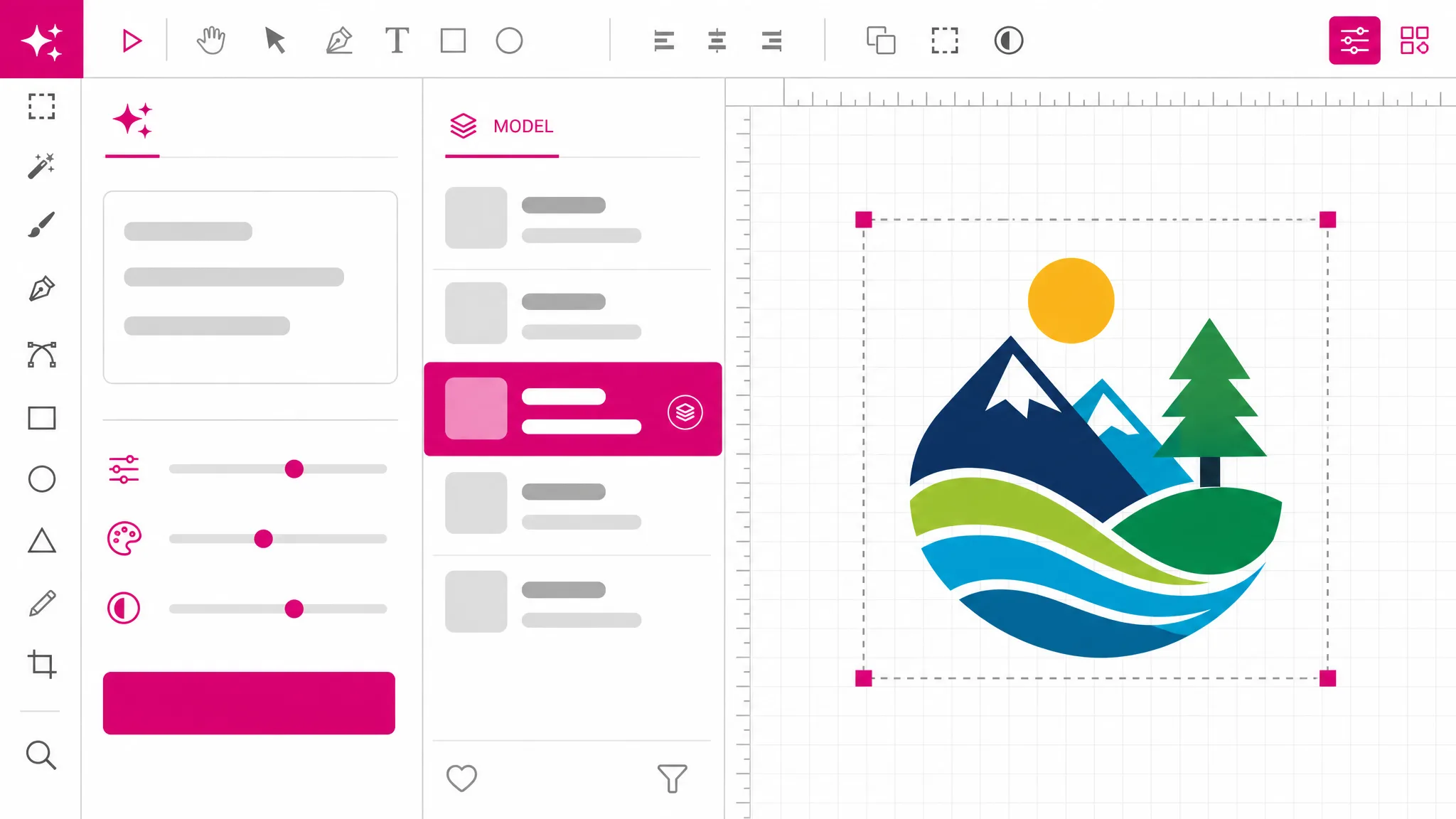
Let the AI create SVG geometry from a sentence: say what it is and how it should look — subject, style, stroke weight, palette. Concrete descriptions beat adjectives: "a fox head in one continuous line" gets further than "a cool modern logo".
One route generates a bitmap and vectorizes it, which is fast and cheap. The other generates vector natively, which costs more and produces cleaner geometry. Both show their credit cost before you commit.
Download the SVG and open it anywhere. AI SVG generator free credits cover the first runs, so if the first result is not the one, run it again with a sharper description — iterating is the normal way to use this, not a sign something went wrong.
Why this generator
Most tools that advertise AI vector output generate a picture and hand it back with an .svg extension wrapped around it. That file will not scale, cannot be recolored and has no editable shapes. Everything here produces real paths, fills and groups — the things that make a vector file worth having in the first place.
Generate a vector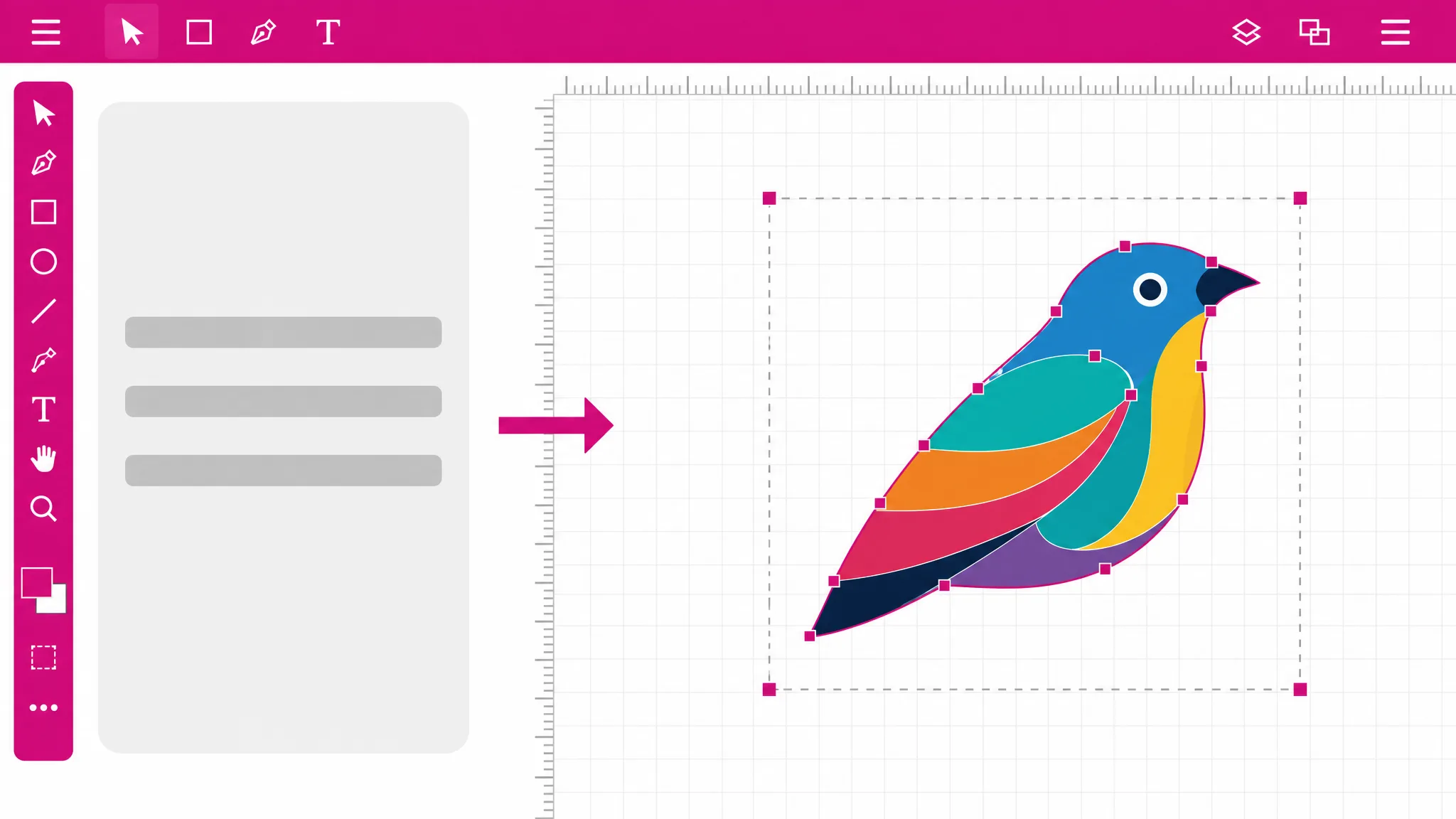
A generated-then-vectorized route is fast and inexpensive, and it is the right answer most of the time. A natively vector model produces markedly cleaner geometry — fewer nodes, more deliberate curves — and costs more per run. Both are offered rather than one being chosen for you, because which is right depends on whether the file is a draft or a deliverable.
Compare the models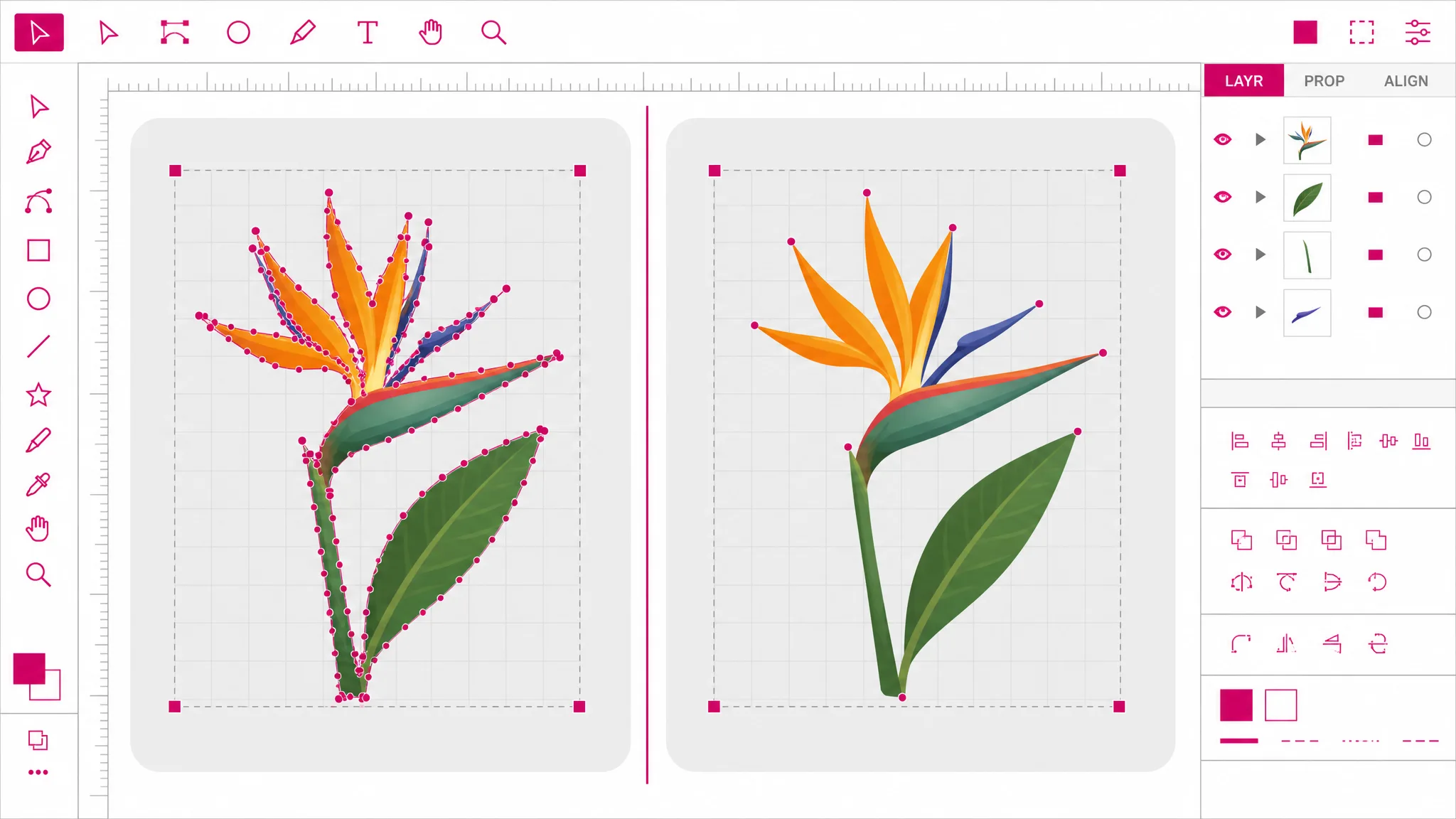
Every model shows its credit cost in the picker, before generating. There is no metered surprise and no "credits deducted" notification after the fact. Sign-up includes an AI SVG generator free allowance, so you can find out what the output looks like before deciding whether it is worth paying for.
See the pricing
Once the artwork exists as vector it can go anywhere from the same workspace: PNG for uploads that refuse SVG, PDF for print, DXF for a cutting machine, STL for a 3D printer. That is usually the actual goal — the vector was the means.
See the formats
What you get
Paths, fills and groups that open in Illustrator, Inkscape or Figma — not a bitmap hiding inside an SVG wrapper.
As an SVG creator it takes a description, not a pen tool — that is the whole interface. No pen tool, no bezier handles, no tracing pass.
Run it again with a sharper prompt. The fast model exists precisely so exploring does not cost much.
Recolor by changing fills, reshape by moving nodes. The generated file is a starting point you own, not a locked export.
Each model in this SVG generator AI lineup shows its credit cost up front, and a new account arrives with credits on it.
Export the SVG markup itself when the artwork is going straight into a component rather than an asset folder.
When you need it
Generating beats searching a stock library when the thing you need is specific, and beats drawing it when you do not have the hours or the skill. These are the cases where it earns its keep.
An SVG generator AI run gives a set that matches when no icon library has your object, and no icon library has exactly your object. Generating gets you consistent marks in the same style.
Text to SVG exploration before committing to a direction. Generating twenty marks in an afternoon is a different activity from drawing one.
A flat vector scene for a landing section, sized to the layout and recolorable to the brand palette afterwards.
Screen printing and cutting both want vector. Generating directly to vector skips the vectorizing step entirely.
A vector placeholder stays sharp in every mockup size, unlike a stock image you would have to replace later anyway.
You have an icon family and need one more member. Describing the missing one is faster than matching the style by hand.
FAQ
A vector file: shapes described as paths with fills and strokes, grouped the way a designer would group them. That is different from an image generator, which produces a grid of pixels. The practical test is whether you can open the result and move a single node — if you can, it is a real vector; if you cannot, you were handed a picture with a misleading file extension.
There is an AI SVG generator free allowance rather than an unlimited free tier: generating uses credits and needs an account, because it runs on AI providers we pay per request. A new account arrives with credits already on it, so you can see what the output looks like before deciding whether it is worth paying for. The conversion tools elsewhere on this site are genuinely free — those run in your browser, which generation cannot.
Start with the fast route: it makes a bitmap and vectorizes it, costs the least, and is fine for exploring directions. Switch to the native vector model when you have settled on a direction and want clean geometry — fewer nodes, more deliberate curves, a file that is pleasant to edit rather than merely correct.
Describe the object and its construction rather than its vibe. Stroke weight, number of colors, whether it is filled or outlined, what style of shapes — those all reach the output. "Modern", "professional" and "clean" mostly do not. If a result is close, change one thing in the description and run it again.
Yes, and you usually should. The output opens in any vector editor as editable geometry: move nodes, change fills, delete a shape you do not want. Treating a generated file as a first draft rather than a finished asset is where this tool is most useful.
It depends on the model. The natively vector route produces noticeably fewer nodes and more deliberate curves. The fast route goes through a vectorizing step, so it can leave more nodes than a person would have drawn. Neither produces the noise you get from tracing a photograph, but the difference between them is real and it is why both exist.
Everything a vector allows: scale it to any size, recolor it, feed it to a cutting machine. From the same workspace you can also export it to PNG, JPG, WebP, PDF and favicon, or to the professional formats — DXF for cutters, STL for 3D printing, EPS and AI for print.
The output is yours to use. What we would not claim is that it is unique — generative models produce similar things from similar prompts, so for anything that has to be legally distinctive, such as a registered trademark, treat the generated file as a starting point for a designer rather than the final mark.
More tools
Describe the mark, pick a model, get real vector paths back. Sign-up includes credits, and every model shows its cost first.
Open the generator