Image to SVG
Convert any image to SVG and get scalable vector paths back. Best on logos, icons and flat artwork where the shapes are already clear.

SVG Maker Free turns a written description into a clean, editable vector — or traces an image you already have. No pen tool, no desktop software.
Format conversion is free and runs on your device. AI generation uses credits and needs a signed-in account.
Reviewed by SVGMaker TeamUpdated
What it makes
An SVG maker is only as useful as the shapes it can produce. Vector work spans far more than logos: icons and illustrations, mascots and characters, badges and emblems, lettering, diagrams and stickers — every one of them a real file you can open, recolor and resize without ever losing an edge.





Features
Describe the mark you want and this free SVG maker returns an actual vector file — paths, fills and groups you can open in any editor. Not a PNG wearing an .svg extension. Read the credit cost before you commit, and run it again when the first idea is not the one.
Try the SVG generator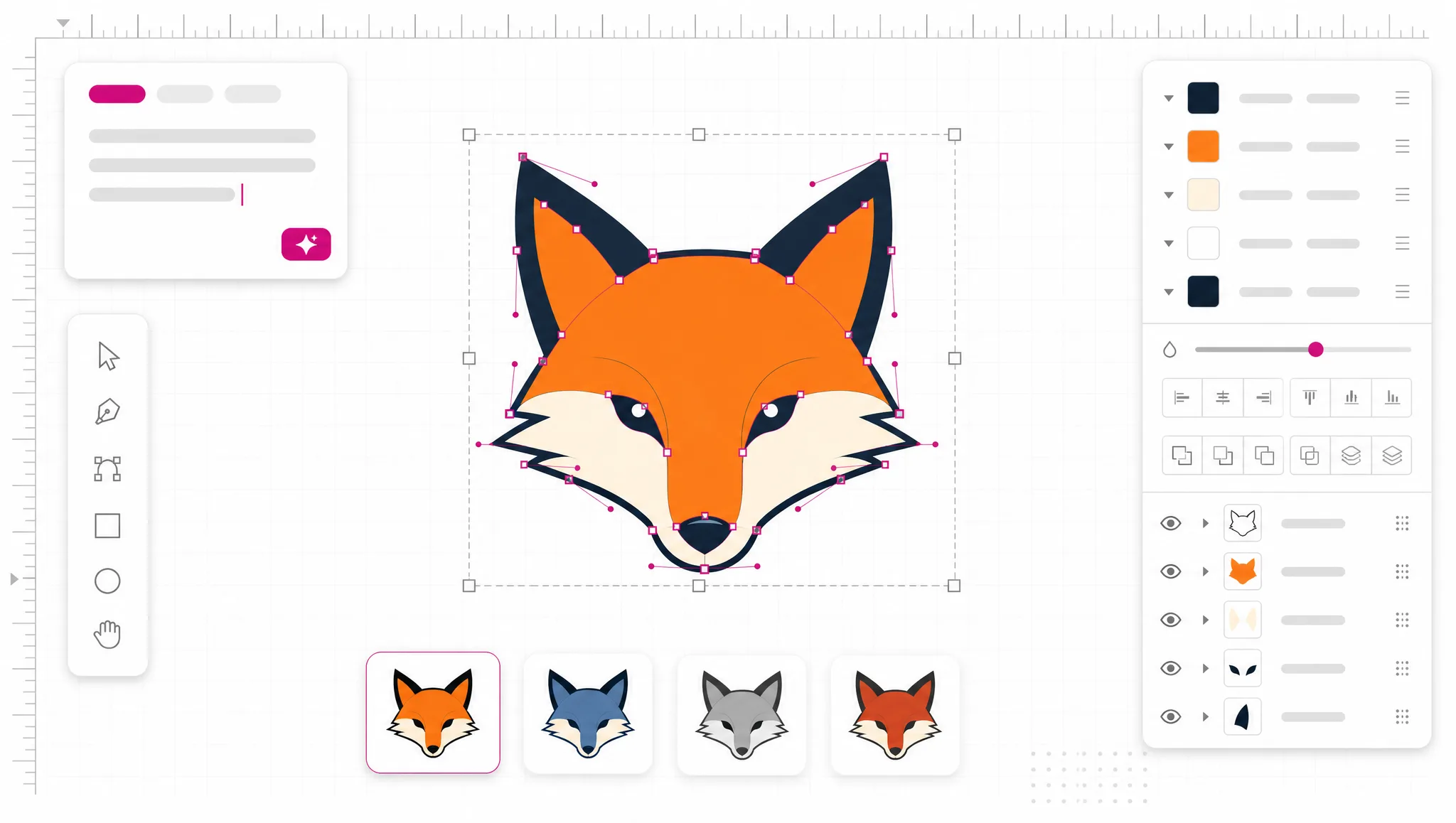
Upload a PNG, JPG or WebP and the SVG creator traces it into scalable shapes. On-device tracing is free and handles logos, screenshots and flat artwork well. When a photograph holds more detail than tracing can honestly reduce, the tool says so and points you to AI vectorization instead of quietly returning mush.
Vectorize an image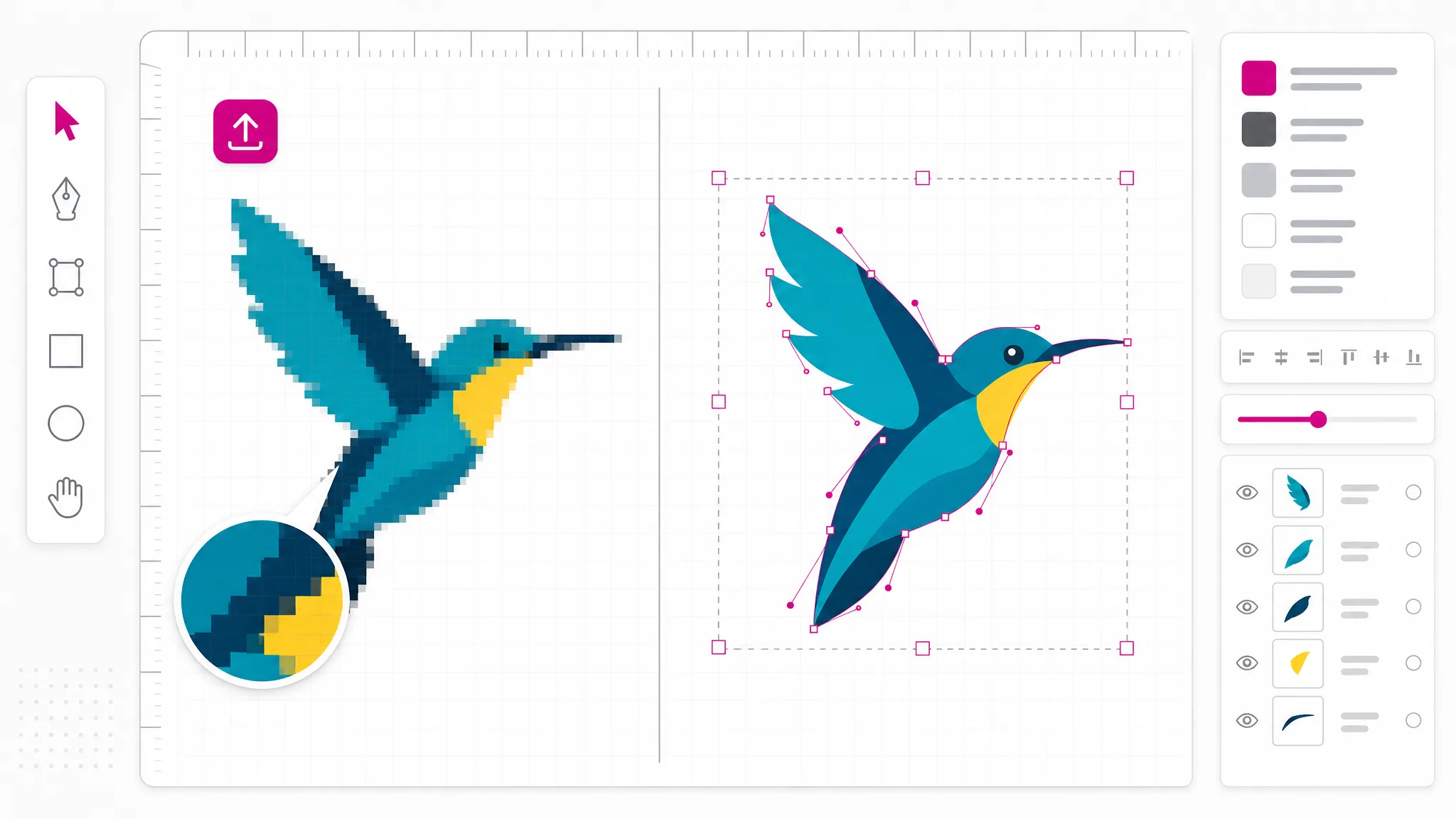
Vector output is only useful if it opens in the tool you actually use. Send an SVG straight to STL for 3D printing, DXF for laser cutters and CNC, or EPS, PS and PDF-compatible AI for print. These conversions are geometry, not guesswork — the shapes that go in are the shapes that come out.
Convert a file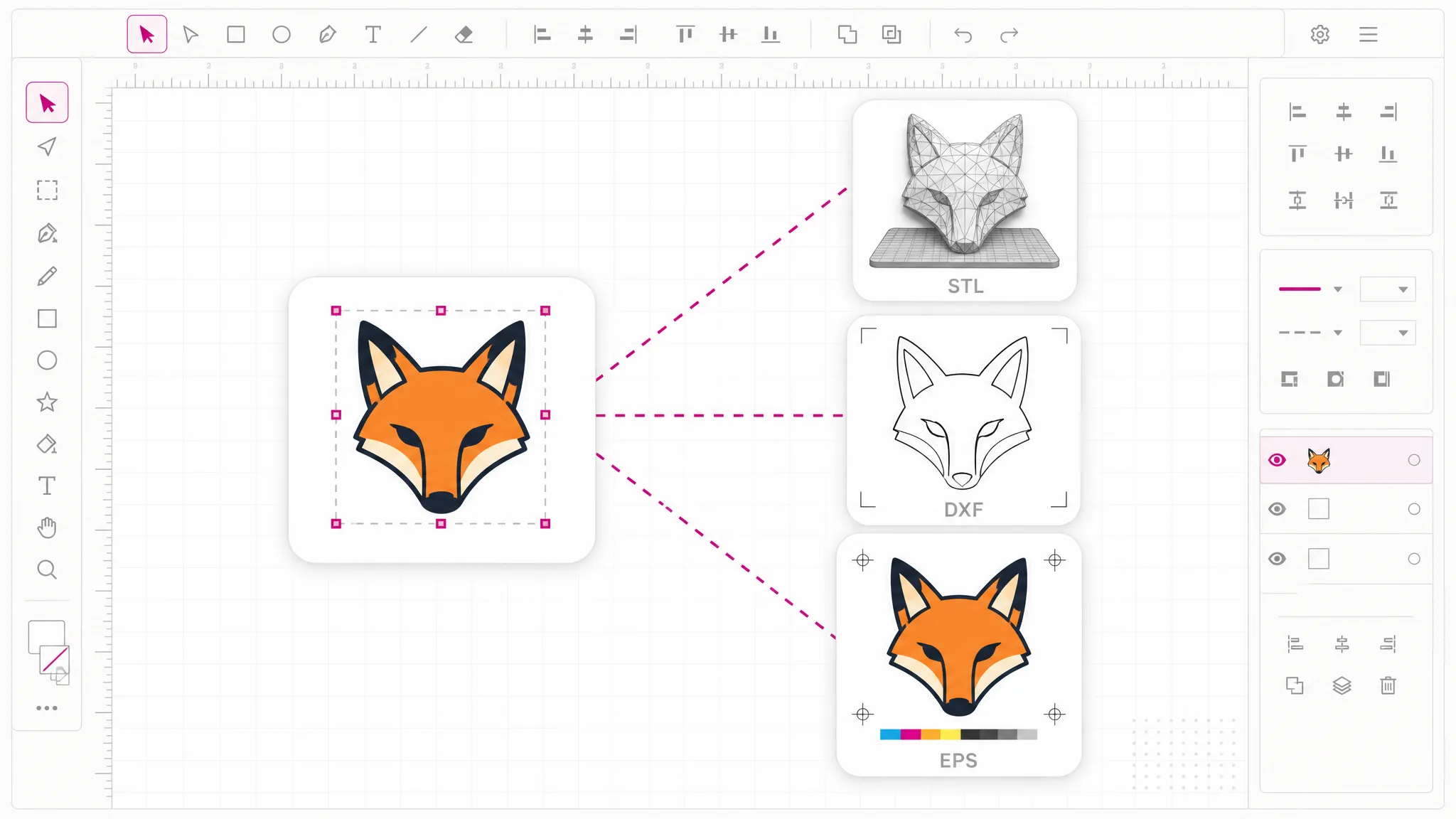
SVG to PNG, JPG, WebP, PDF and favicon all run on your own device — not uploaded, not queued, not stored. That is also why they cost nothing and work without an account: a genuinely free SVG maker for everyday format work, with credits reserved for the AI that actually costs us money.
Convert for free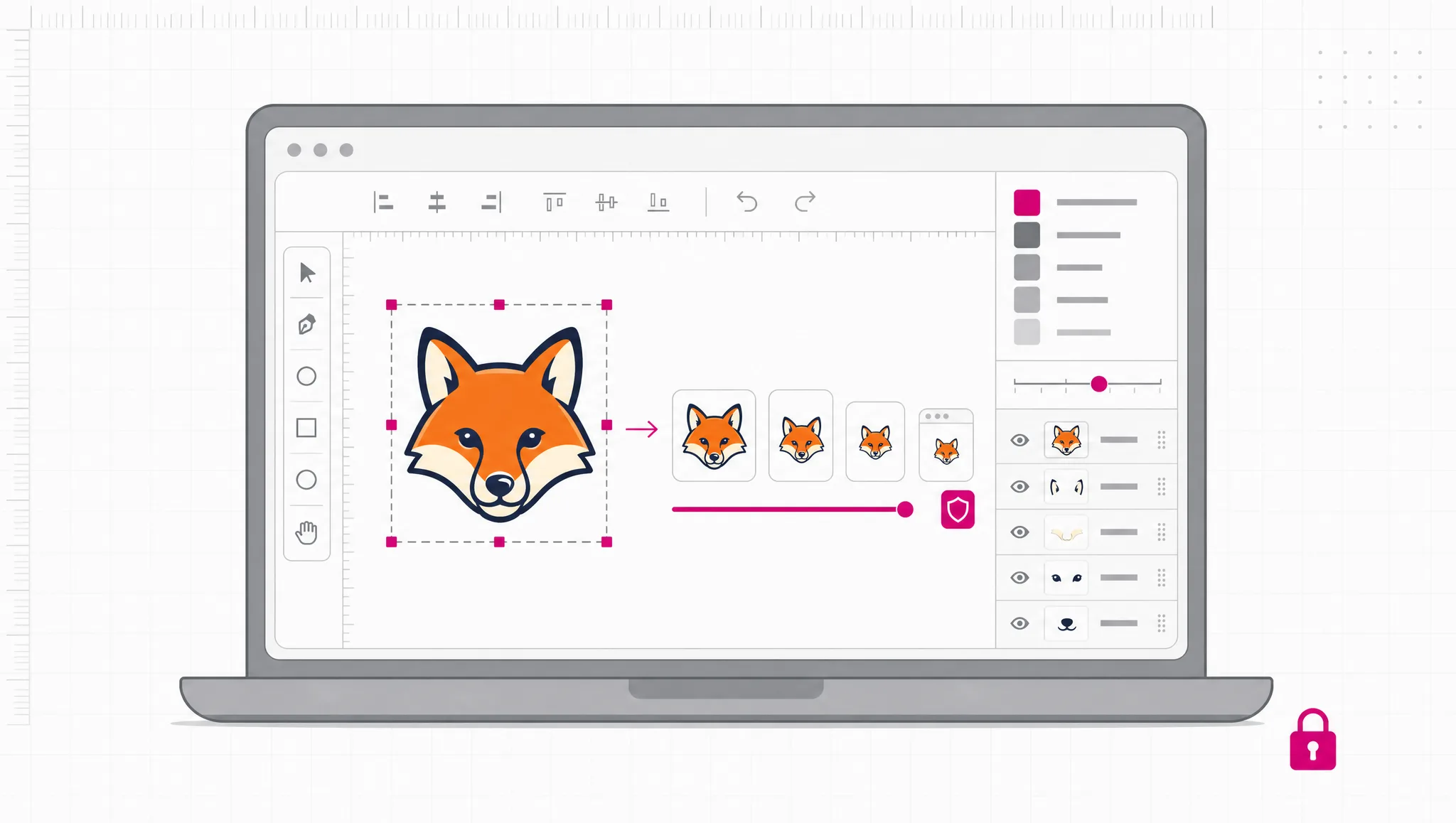
Why choose us
Drawing vectors by hand means pen-tool work in expensive software. As an online SVG maker, SVG Maker Free gets you to a usable file in one step — and because the output is genuinely vector, it stays sharp everywhere you put it.
Describe the mark you want and get vector paths back. A free SVG creator that writes the geometry for you means no pen tool, no node editing, and no subscription to a desktop suite.
Vector shapes are maths, not pixels. Output from SVG Maker Free works as a 16px favicon and as print artwork alike — no blur, no re-export.
Generate, convert and export in one place instead of stitching three sites together. One SVG maker online covers web, print, CAD and 3D formats in the same picker.
Format conversion runs on your device, so it costs nothing and needs no account. Credits apply only to AI work that genuinely costs money to run.
Every file is real SVG markup you can open, recolor, or paste straight into a component — and read end to end before you ship it.
Solid meshes for 3D printers and DXF for laser cutting and CNC are rare in browser tools. Both are here, produced from your vector geometry.
How it works
To create SVG online with this SVG maker online, at no charge: describe what you want or upload an image, pick the output format, then generate and download. Nothing to install — the whole SVG maker online runs in your browser, and the free conversion formats never send your file anywhere.

Type what you need — “a minimal fox head logo, two colors, flat” — and let the AI draw it. Already have artwork? Upload a PNG, JPG or WebP and the SVG creator traces it into vector paths instead. You can also start from an existing SVG when you only need a different file format.
Choose what you actually need from the format list: SVG for the web, PNG or JPG for a quick export, or a production format such as STL for 3D printers and DXF for laser cutting and CNC. The format you pick decides which engine runs, and the price is shown before you commit.
Free browser-side conversions finish on your own device. AI generation runs on our servers and needs a signed-in account with credits. Either way you get a real file back, not a screenshot.
Ways to create
Every job below is one page of this site, and each one is what the SVG maker online should actually cover. You can create SVG files from a prompt, a bitmap, a line of text or an SVG you already have — one SVG design tool instead of a folder full of single-purpose converters — and end with the exact file the next tool in your chain expects.
Convert any image to SVG and get scalable vector paths back. Best on logos, icons and flat artwork where the shapes are already clear.
Trace a PNG into vector shapes, transparency included. The usual reason: someone sent you a logo as a screenshot and you need it sharp.
Rasterize an SVG at whatever size you need, for places that will not take vector — email, marketplaces, older CMS uploaders.
Generate an original vector mark from a written description when you have nothing to start from and no time to draw. It doubles as an AI icon generator when what you need is a single, simple glyph.
Turn a word or short phrase into vector outlines, so the letterforms survive on machines that have never heard of your font.
Extrude a flat vector outline into a 3D mesh for printing. Set the height and get a solid your slicer will accept.
Send vector paths to a laser cutter, plotter or CNC machine in the format that shop software actually opens.
Get the raw markup to paste into a component or stylesheet, instead of shipping another image request.
The catch-all: pick any supported input and any supported output, and let the tool work out which engine runs.
Loved by creators
“I needed a favicon that still read as something at 16 pixels. Described the mark, got vector paths back, exported the icon set in one sitting — no pen tool involved.”
 Sofia R.Indie developer
FAQ
The free SVG maker here produces Scalable Vector Graphics — images built from mathematical paths instead of pixels, so they stay sharp at any size and can be edited as plain text. This one generates vectors from a prompt, converts images you already have, and exports to the formats other software expects.
SVG Maker Free runs format conversion entirely on your own machine — PNG, JPG, WebP, PDF and favicon, plus on-device tracing. Those cost nothing because they use your device, not our servers. AI generation uses credits, since each run costs us money at the model provider. Prices are shown before you commit.
Describe what you want or upload an image, choose your output format, then generate. Working with a free SVG maker means no install step: an online SVG generator runs in the browser tab you already have open — type a description and let the AI draw the paths, or upload a PNG, JPG or WebP and let the tracer turn it into vector shapes.
Not for the free browser-side conversions — those run on your device and need no login. AI generation does require an account, because it spends credits on our servers. Sign-in uses Google, and eligible Gmail or googlemail addresses get starting credits.
Yes — upload the image and the tracer converts it into vector paths. It works best on flat artwork with clear edges: logos, icons, screenshots, line drawings. Photographs hold more detail than tracing can honestly reduce, so when a file is too complex the tool says so and offers AI vectorization.
Everyday formats include SVG, PNG, JPG, WebP, PDF and favicon. Production formats include STL for 3D printing, DXF for laser cutting and CNC, plus EPS, PS and AI. Note that modern .ai files are PDF-compatible, so you receive a PDF-based file with the .ai extension — not a native Illustrator project.
Yes — the output is genuine SVG markup with paths, fills and groups, not a bitmap saved with an .svg extension. Open it in any vector editor, select individual shapes, recolor and scale without loss. You can also read the code directly to confirm what you got.
A paid plan includes a commercial use license — with an active subscription or a credit pack, the files you generate are yours to use in client work, products and merchandise, with no watermark and no attribution requirement. Free browser-side conversions are for personal use. If your organisation has a policy on AI-generated artwork, check it against your own legal guidance first.
Yes — favicon is one of the output formats, so the same tool works as an AI favicon generator. Because the source is vector, a favicon SVG comes from clean geometry rather than a shrunken photograph, so it stays legible at very small sizes. Start from a simple, high-contrast mark: fine detail disappears at 16 pixels whatever tool you use.
Yes — the converter extrudes your flat vector outline into a 3D mesh at the height you set, producing a solid your slicer will accept. Because it works from real vector geometry rather than guessing at a bitmap, holes and interior contours carry through to the model.
A PNG stores a fixed grid of pixels, so enlarging it blurs. An SVG stores instructions for drawing shapes, so it re-renders cleanly at any size and is usually far smaller for flat artwork. Use SVG for logos, icons and illustrations; use PNG for photographs or destinations that reject vector.
The free conversions never leave your device — nothing is uploaded, queued or stored, because the work happens in your browser. AI operations do send your input to our servers over an encrypted connection; those files stay tied to your account, are never public, and are removed automatically when no longer needed.
More tools
Describe the vector you need, or upload an image to convert, and make SVG files you can drop straight into the next tool. SVG Maker Free runs format conversion in your browser at no cost; AI generation uses credits and needs a signed-in account.
Open the SVG Maker


