An uploader rejects SVG
Marketplaces, older CMSes and most email builders accept PNG and nothing else, so you save SVG as PNG once and move on. Converting is faster than arguing with the uploader.

Turn SVG into PNG without leaving the page: drop in a vector file and the converter rasterizes it on your own device. Transparency survives, nothing is uploaded, and the download starts immediately.
Pick a file, then choose what to convert it to.
Vector formats keep every line sharp at any size. Bitmap conversions run right in your browser — nothing is uploaded.
This conversion is free and runs on your device — no account needed. AI generation elsewhere on the site uses credits.
Reviewed by SVGMaker TeamUpdated
What comes out
When you turn SVG into PNG the result is pixels, so the one thing that matters is how the vector was rasterized. These are the shapes people convert most often, and what to watch for in each.




How it works
To convert SVG to PNG online: add your .svg file, pick PNG as the output, then download. You can convert SVG to PNG online this way because the whole thing happens in this browser tab — the file is never sent anywhere, which is also why it is free.
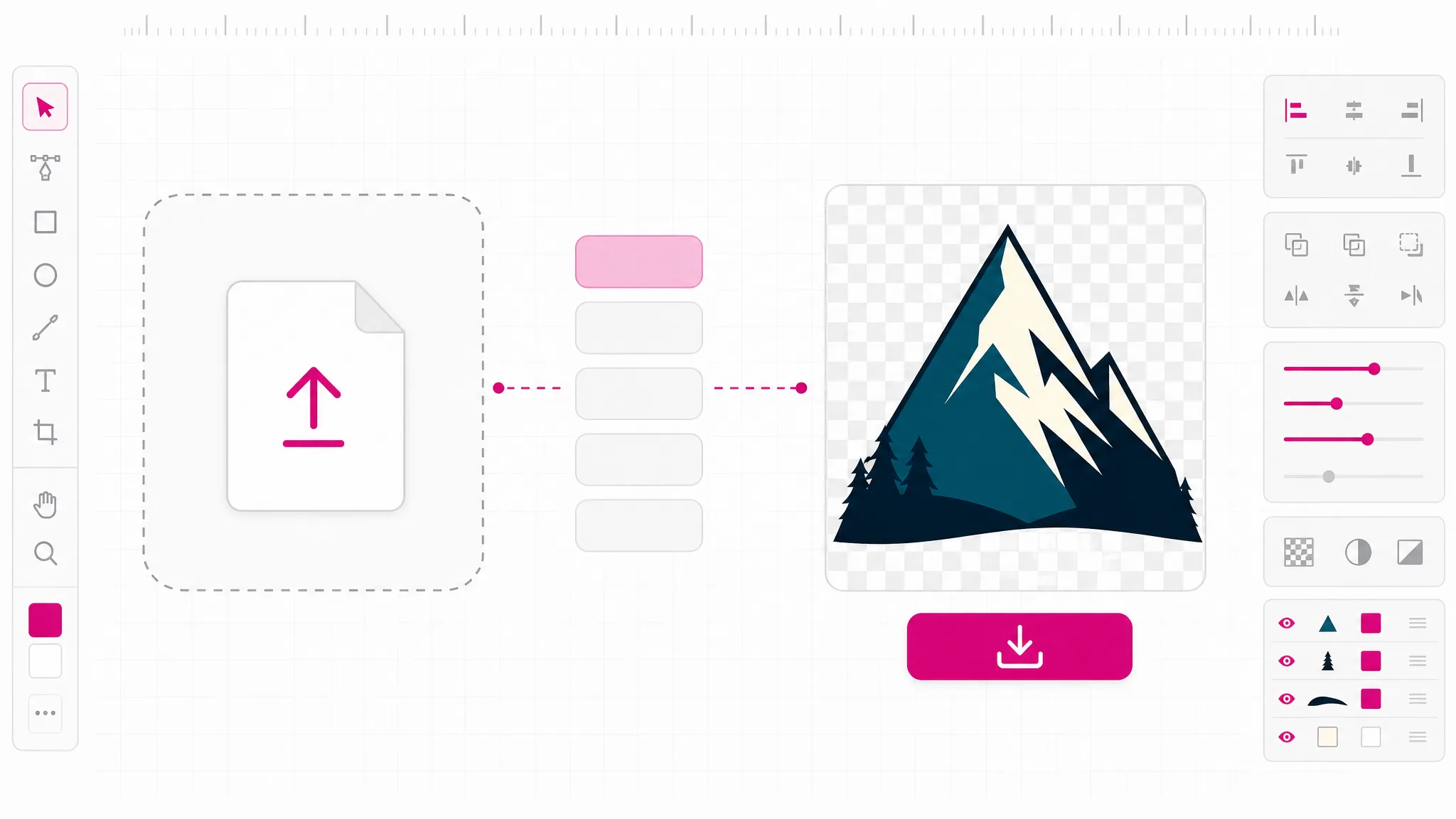
Drop the file in and the .svg to png conversion starts locally, or pick it from disk instead. Nothing uploads at this point — the browser reads the file locally, so even large vector files start instantly.
PNG is the default in this SVG to PNG file converter. The same picker also offers JPG, WebP, PDF and favicon if you decide you need a different raster format instead.
The converter rasterizes the vector and hands you the file. This is how you get SVG to PNG transparent background output: transparent areas stay transparent, so the PNG drops onto any background without a white rectangle behind it.
Why this converter
Most tools that convert SVG file to PNG formats upload your artwork to a server, convert it there, and hand back a link. This one does the work in the page you already have open. That is not a privacy slogan — it is why the conversion is free and why there is no queue: we are not paying for the compute, your device is.
Convert a file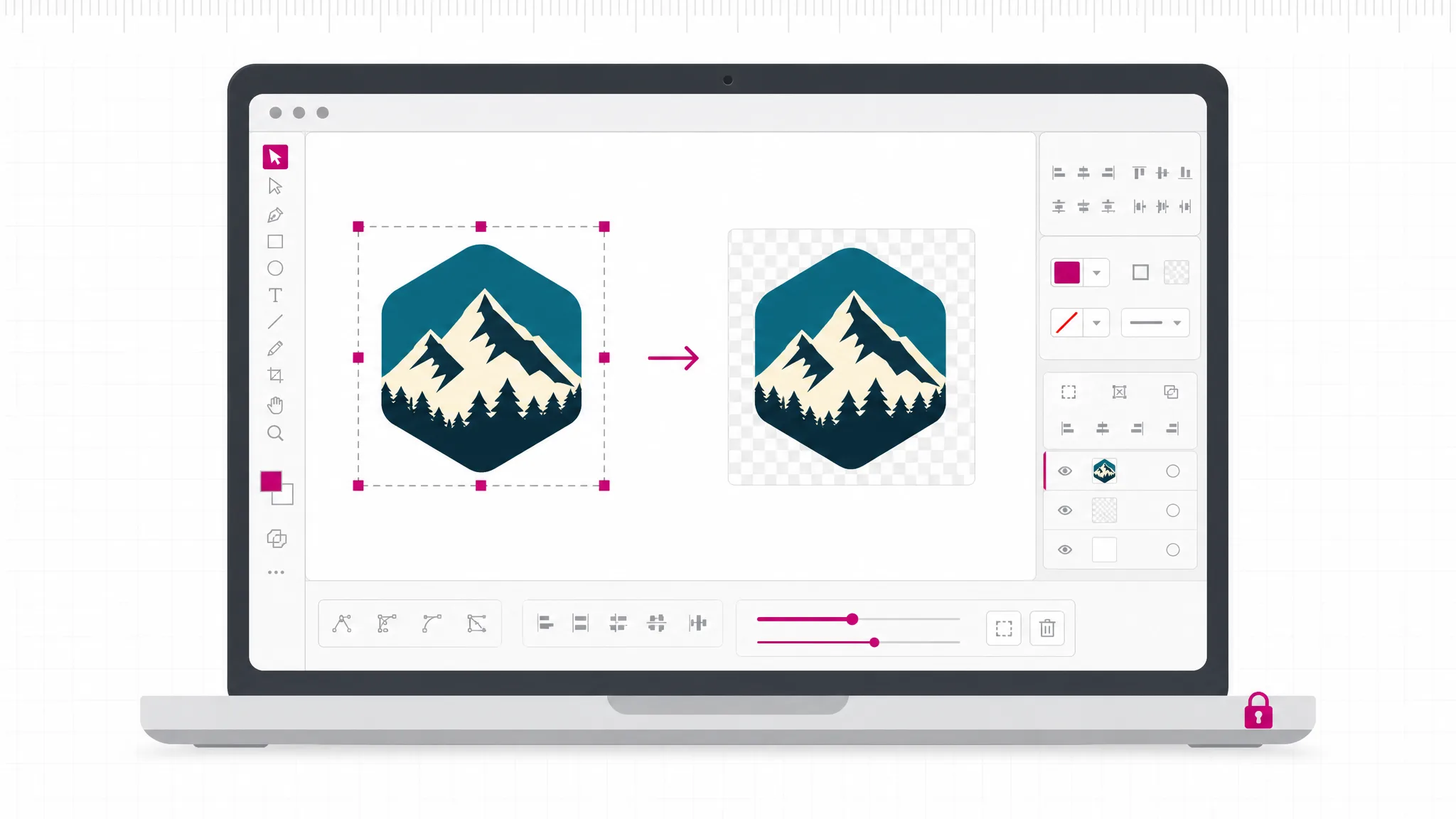
The most common complaint about converting SVG to PNG is a white box appearing behind the artwork. That happens when the converter flattens onto an opaque canvas. Here the transparent parts of the vector stay transparent in the PNG, so a logo still sits cleanly on a colored header.
Export SVG to PNG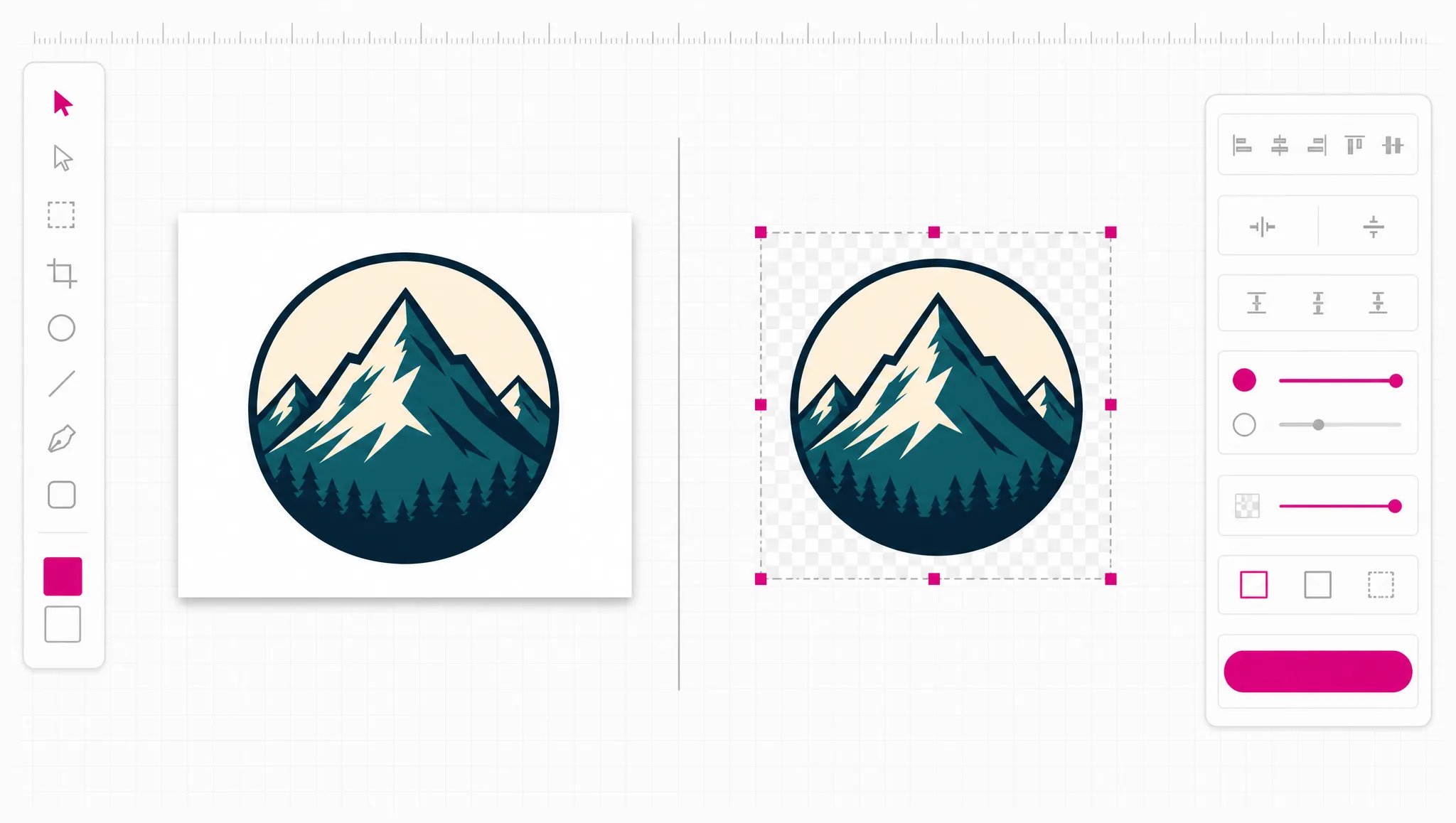
PNG is the right answer when you need transparency or crisp flat color. When you do not, the same tool exports JPG for photographs, WebP for smaller page weight, PDF for print handoff, and favicon for browser tabs — from the same file, without a second site.
See the formats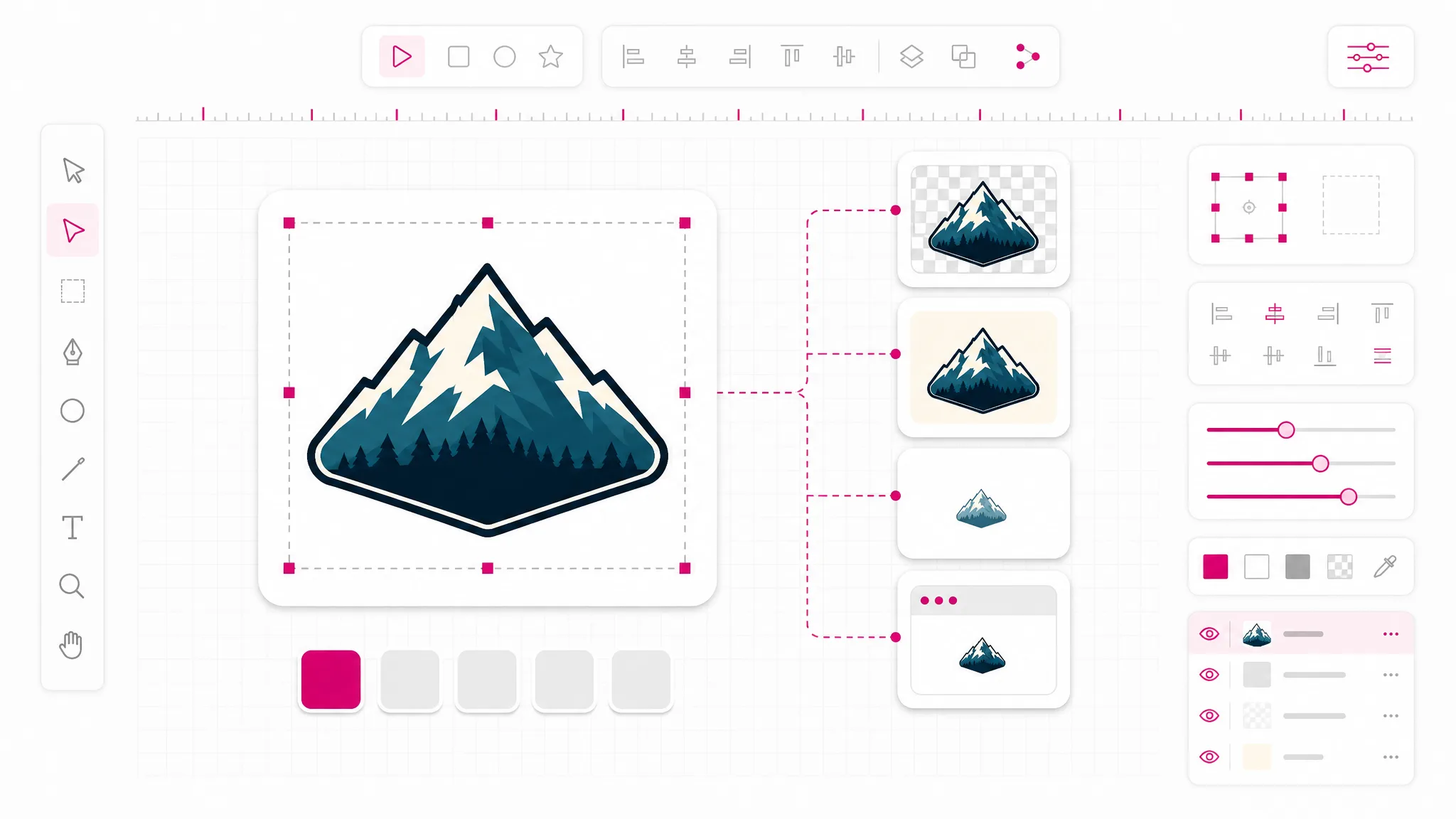
If what you actually have is a PNG and what you want is vector, the converter goes that way too: on-device tracing turns flat artwork back into editable shapes, and AI vectorisation handles the images tracing cannot honestly reduce.
Try the other direction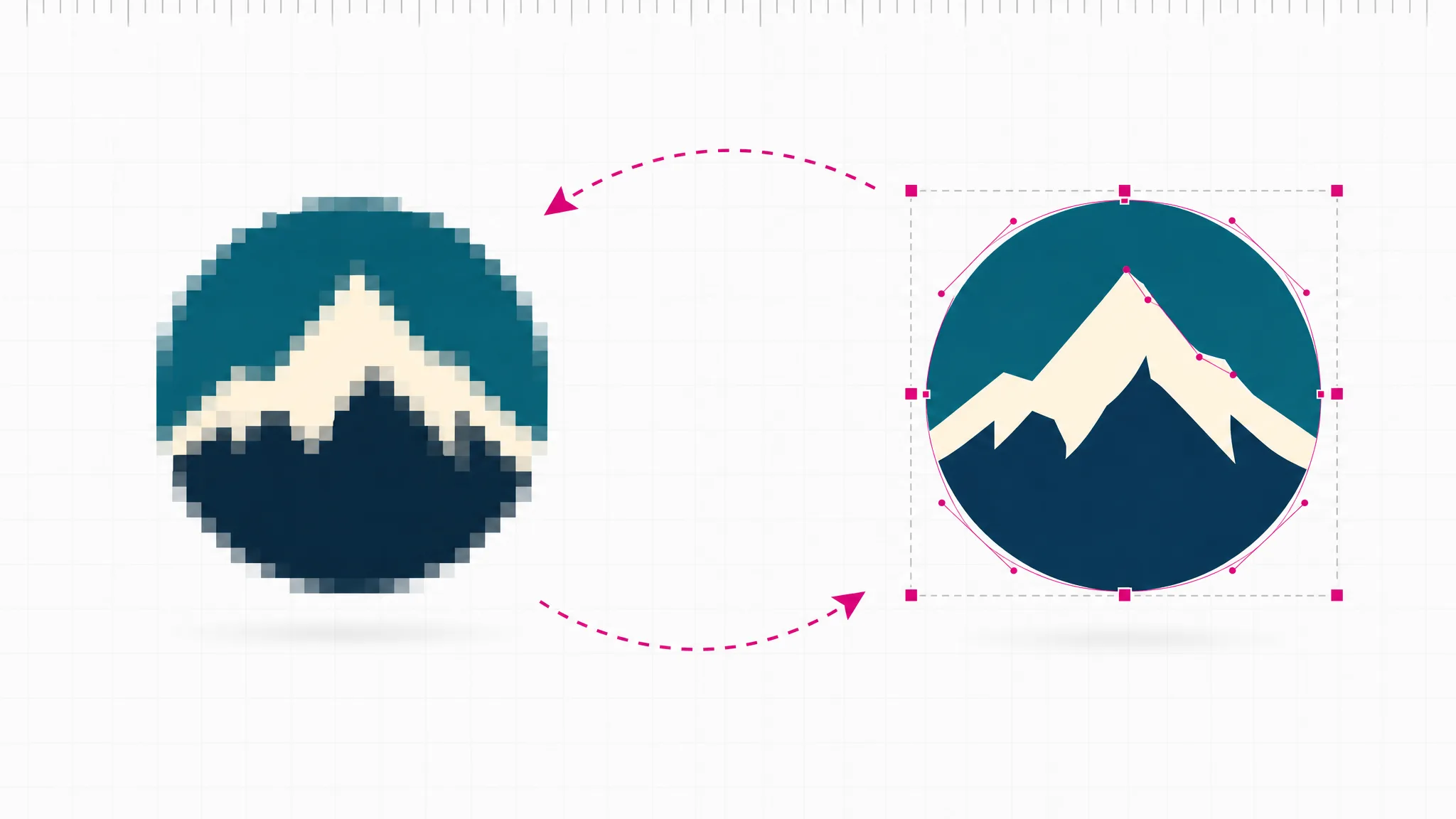
What you get
The whole SVG to PNG in browser conversion runs on your machine. No upload, no queue, no copy of your artwork sitting on someone else’s disk.
SVG to PNG transparent output is the default — alpha is preserved, so there is no white rectangle behind the artwork on a colored surface.
A browser is the whole requirement. No desktop editor, no extension, no command line — this SVG to PNG converter online stays that way.
Groups, paths, gradients and embedded styling are rasterized the way a browser renders them, because a browser is exactly what is doing the rendering.
Every converted SVG to PNG file comes out at the size declared inside the SVG. No silent upscaling, no guessing — what the file says is what you get.
The same workspace converts from svg to png, back from png to svg, and out to the professional formats that cutting and 3D software expect.
When you need it
SVG to PNG free conversion matters because vector is the better format almost everywhere — until something in your chain refuses to take it, and you have to turn SVG into PNG to move on. These are the moments people go looking for an online SVG to PNG converter.
Marketplaces, older CMSes and most email builders accept PNG and nothing else, so you save SVG as PNG once and move on. Converting is faster than arguing with the uploader.
Email clients do not render SVG reliably. A PNG with transparency is the format that actually shows up in every inbox.
Ad managers and social profiles want raster uploads at fixed sizes. Export from svg to png once and reuse it across placements.
A PNG opens anywhere — in a chat window, a slide, a phone. It is an online SVG rasterizer result you can send without explaining the format. It is the format you send when the other person just needs to see the thing.
Word processors and slide tools handle PNG predictably, while SVG support ranges from partial to absent depending on the version.
Sometimes the person receiving the file has no vector editor. A PNG next to the source SVG saves a round trip.
FAQ
Turning SVG into PNG rasterizes the vector: it is what people mean when they say rasterize SVG to PNG — the shapes described in the SVG file are drawn onto a pixel grid and saved as a PNG. The SVG stores instructions — paths, fills, strokes — while the PNG stores the finished pixels. That is why an SVG can be scaled to any size without blurring and a PNG cannot.
Yes — SVG to PNG free online, with no account. You can convert SVG to PNG online here at no cost. The conversion runs on your own device rather than our servers, so it costs us nothing to offer and there is no usage limit to enforce. This is SVG to PNG online free in the plainest sense; credits on this site apply only to AI generation, which is a different tool.
No — nothing is uploaded. The browser reads the .svg from disk, renders it, and saves the PNG locally. Nothing is transmitted, which is the honest reason this SVG to PNG tool online can be free — and also why it works with a flaky connection.
Yes — transparency is preserved: areas with no fill in the SVG stay transparent in the PNG. If your export looks like it has a white background, check the SVG itself — a full-size white rectangle behind the artwork is common in files exported from design tools, and it converts faithfully because it is really there.
It matches the dimensions declared inside the SVG file. There is no resolution picker here yet, so if you need a specific pixel size, set the width and height in the source SVG before converting. We would rather tell you that than silently upscale and hand back a soft image.
Yes, though it is a different operation. Going from svg to png throws information away, so the reverse has to reconstruct shapes by tracing. On-device tracing handles logos, icons and flat artwork well; photographs need AI vectorisation, and even then the result is an interpretation rather than the original file.
From the same file: JPG when transparency does not matter and size does, WebP for lighter web pages, PDF for print handoff, and favicon for browser tabs. Professional formats — STL for 3D printing, DXF for cutting machines, EPS and AI for print — are also available from the format picker.
It is a faithful snapshot at one size, not an equal. Zoom into a PNG and you will find pixels; zoom into an SVG and the shapes stay sharp. Keep the SVG as your master file and treat each PNG as an export for one specific destination.
More tools
Turn SVG into PNG in three clicks: add a vector file, pick PNG, download. It runs in this browser tab, it costs nothing, and your file stays on your device.
Open the converter