Matching a new brand palette
The company accent changed, and dozens of icons still use the old hex value. Replace it once per file instead of redrawing each one.

Open or paste an SVG and this SVG color changer lists supported hex fill, stroke and gradient-stop colors. Pick replacements, preview the sanitized result and save the new vector.
No SVG handy?
Free, no sign up. Your SVG is read and recolored in this browser tab and never uploaded.
Reviewed by SVGMaker TeamUpdated
More tools
Changed your SVG colors? Compress, edit or convert the file next with these free online SVG tools.
What you can recolor
Any SVG whose colors are written as hex values in fill, stroke or stop-color attributes works in this SVG color changer online. These are the files that come through most often.






How it works
To change SVG color online: load the file, choose a replacement for each detected color, then download. Every supported attribute with that color changes together, so a palette update takes seconds.
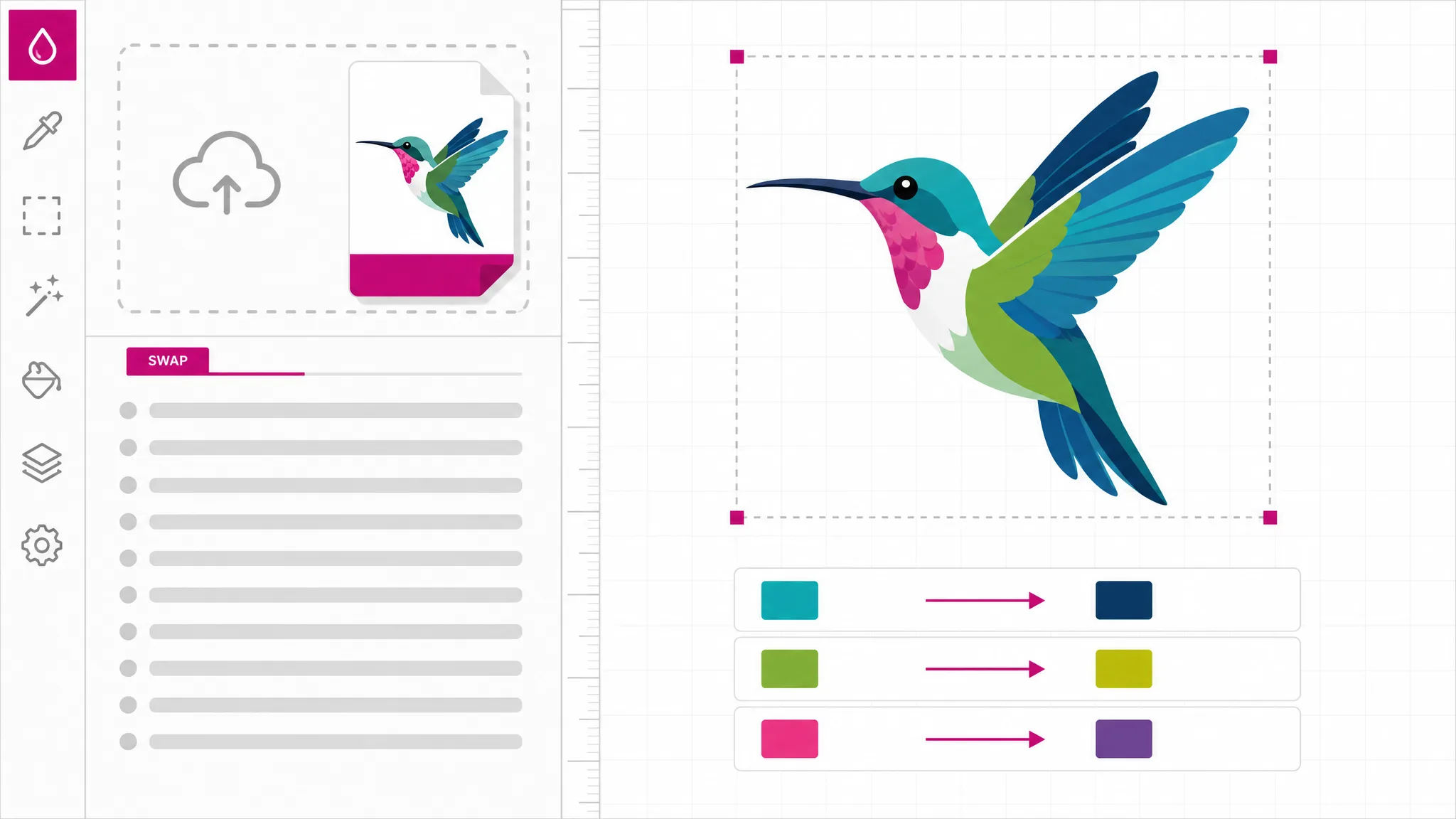
Drop an .svg file up to 2 MB onto the tool or choose it from disk, and its colors appear at once. Pasted markup is read when you press Change colors.
Each detected hex color gets a row with a swatch, a color picker and a hex field. Change one, or use All black and All white for a quick monochrome version.
Flip between Result and Before (sanitized) to check the change, then download the recolored SVG or copy its code into your project.
Why this color changer
Change SVG color online without a design app: supported hex colors are listed, and one change updates matching direct attributes.
Hunting for hex codes in markup is slow and easy to get wrong. The tool reads three- and six-digit hex values in direct fill, stroke and stop-color attributes, merges equivalent values such as #f00 and #ff0000, and shows them as swatches. Named colors, RGB values and colors in CSS are not included. Supported gradient-stop colors are included.
Open an SVG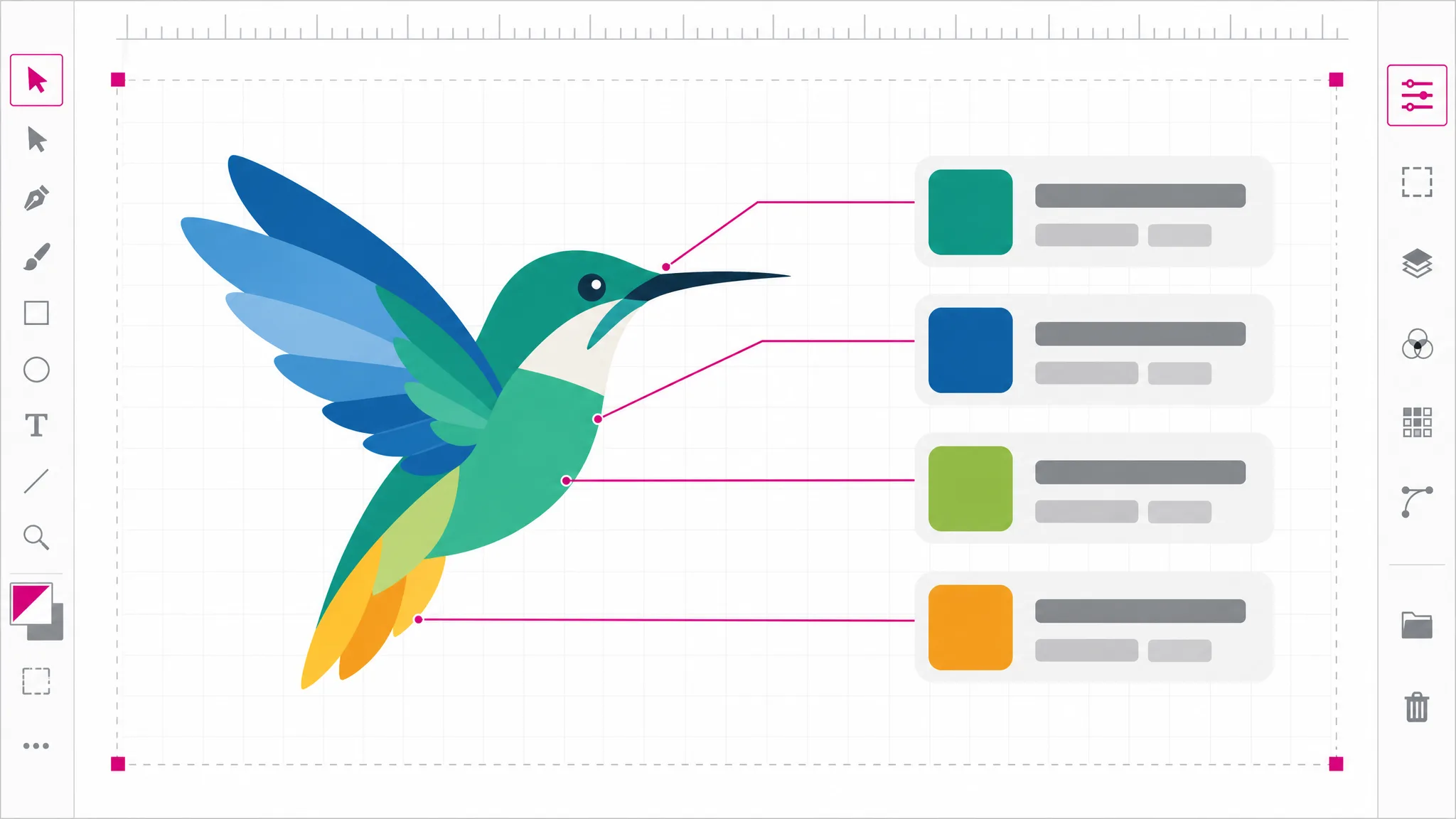
Replacing a color applies to matching direct fill, stroke and stop-color attributes, so ten shapes sharing one brand red all move to the new value together. That is exactly what a palette swap needs and why it is faster than selecting objects one by one in an editor. When a single shape should change on its own, the SVG editor is the better fit, and it is one click away.
Try a palette swap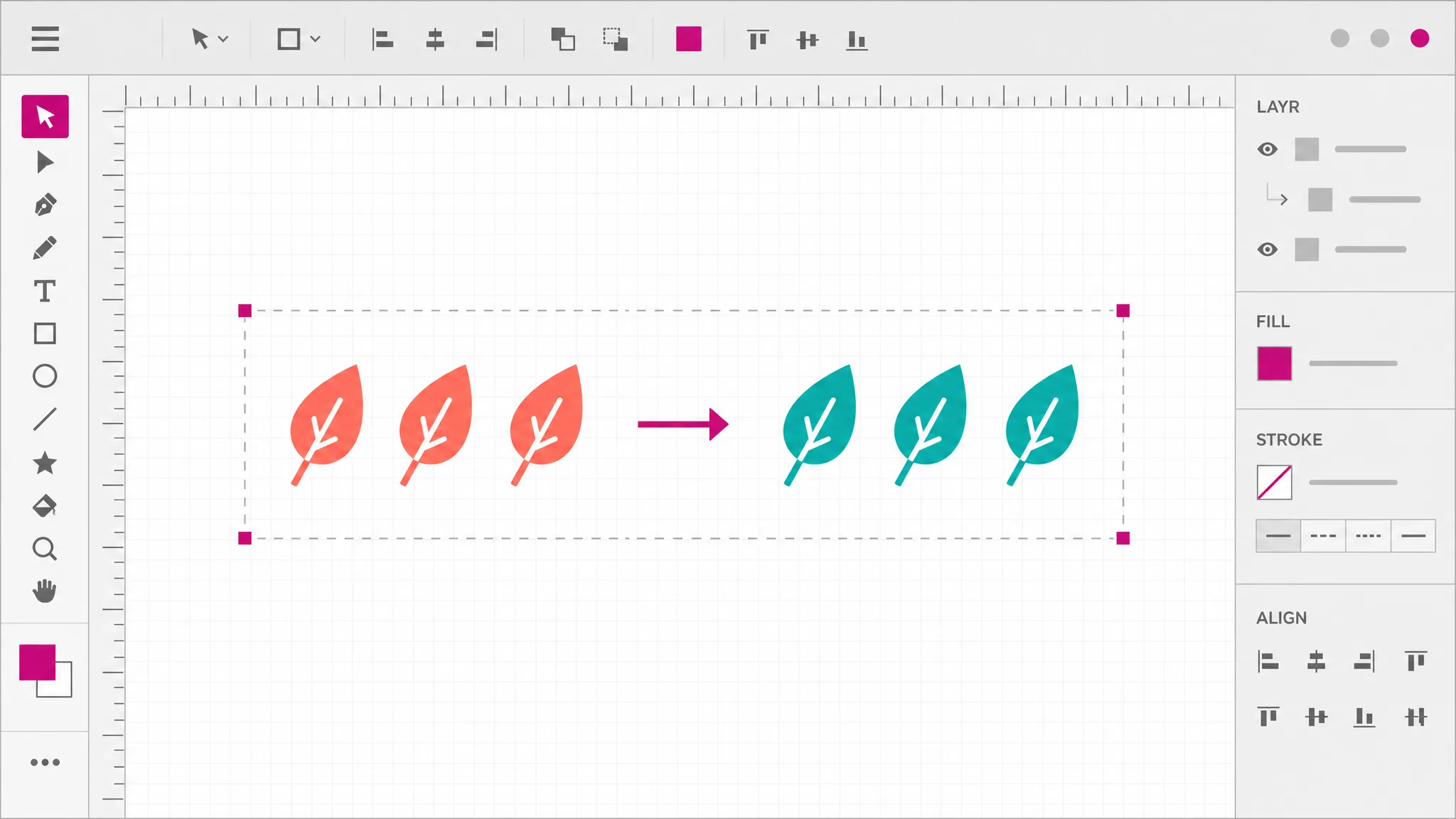
A frequent request is turning a black icon white for a dark background, or the reverse for print. The All black and All white buttons set every detected color at once, and the sanitized before view lets you compare the shapes. Swapping only the black and white parts of a two-tone icon works too: change those two rows and leave the rest.
Make it monochrome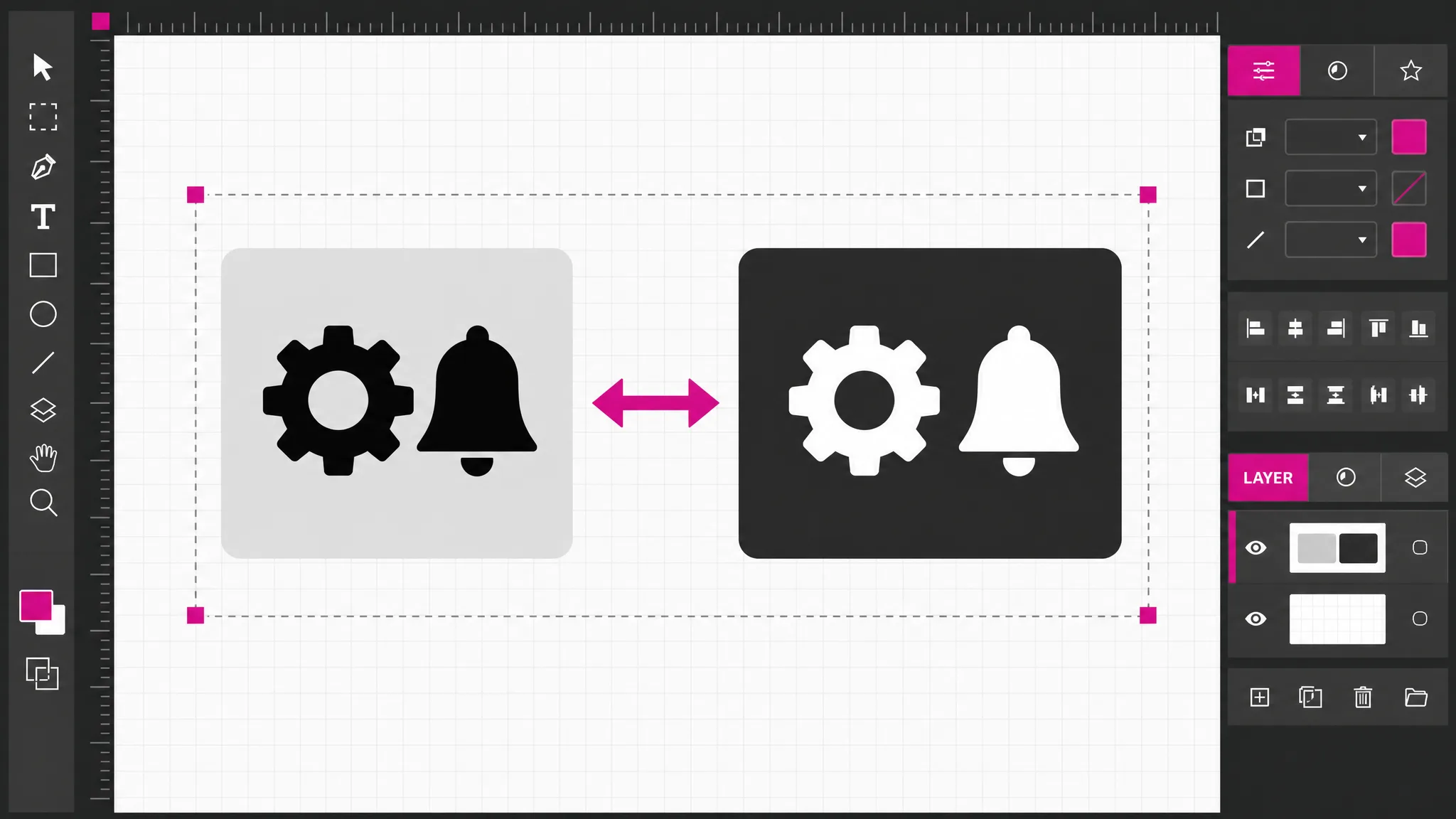
The file never leaves your browser tab, which matters when it is unreleased client artwork. Before preview and download the markup is sanitized, so scripts, event handlers and external references are removed. The result is still editable SVG markup rather than a flattened image, so you can keep recoloring, compress it or convert it to PNG afterwards.
Recolor privately
What you get
A lightweight SVG color editor for jobs that do not need a full design app: recolor SVG icons, adjust an SVG fill color or swap a whole palette in seconds.
Three- and six-digit hex values in fill, stroke and stop-color are found and grouped, so nothing is missed.
Use the native color picker for exploring, or type an exact brand hex code when the value is already decided.
Toggle between the recolored result and the sanitized before preview to check changes before you download anything.
Every change redraws immediately. There is no apply button to forget and no render queue to wait for.
Reading, recoloring and downloading all happen locally, so confidential artwork stays on your device.
Scripts, event handlers and external references are stripped, so the downloaded SVG is safe to embed.
When you need it
Most color changes are small, specific jobs. An SVG color changer online handles them without installing a full design suite, which is why it is the tool people reach for in these moments.
The company accent changed, and dozens of icons still use the old hex value. Replace it once per file instead of redrawing each one.
Dark interfaces need light icons. Turn black glyphs white, check the result on the intended background, and export the variant.
A pitch deck needs the same illustration in the prospect’s colors. Swap the palette in minutes and keep the source untouched.
Cutters and printers often expect pure black shapes. Set detected colors to #000000 and check the output before sending the file to the machine.
A pale outline disappears on a light page. Darken that one stroke color and confirm it reads before publishing.
A logo SVG arrives in its original colors, but a slide needs white. Change the fill here rather than tracing a PNG.
Which tool
All of these are free, need no account and run in your browser. Choose by how precisely you need to target the change.
| Tool | Best for | What it changes | Cost |
|---|---|---|---|
| SVG Color Changer | Swapping a palette across the whole file. | Every match of a hex color | Free, no account |
| SVG Editor | Recoloring one shape and leaving the rest. | Individual objects on a canvas | Free, no account |
| SVG Code Editor | Colors set in style attributes or CSS. | The XML source itself | Free, no account |
| Compress SVG File | Shrinking the recolored file before shipping. | Markup size, not colors | Free, no account |
Need an SVG to practice on?Download the Claude Code logo SVG
FAQ
Answers about changing SVG colors: turning icons white, single shapes, gradients, privacy and download differences.
Open the SVG, or paste its code and press Change colors, then pick a new value next to any detected color. The preview updates instantly, and every supported attribute using that color changes with it. When it looks right, download the recolored SVG or copy the updated markup into your project.
It changes three- and six-digit hex colors written in fill, stroke and stop-color attributes. Named colors such as red, rgb() values, inline style attributes and CSS rules are left as they are. If a color you expect is missing from the list, it is probably defined in one of those forms instead.
Yes — press All white to set every detected color to #ffffff, or change only the black row to keep other colors. Use the sanitized before view to compare, and remember a white icon is hard to see on a white page, so check it on the background where it will appear.
Not with this tool, because it replaces matching supported color attributes across the file. That makes palette swaps fast, but two shapes sharing one hex value always change together. To recolor a single object, open the file in the SVG editor and select that shape directly on the canvas.
It works with gradient stops whose stop-color is a hex value. Each stop appears as its own color row, so you can shift one end of a gradient or both. Gradients whose colors are set in CSS or through a style attribute are not detected. Style blocks can also be removed by sanitization.
No — this SVG color changer runs entirely in your browser tab. The file is read from your device, recolored locally and saved straight back to your downloads folder. Nothing is sent to a server and nothing is stored, so it is suitable for unreleased or confidential artwork.
The SVG is sanitized before preview and download, which removes scripts, event handlers, style blocks and external references. Artwork that relies on a style block for its colors can therefore change. Keep your original file, and use the SVG code editor if the colors live in CSS.
Describe the icon or illustration you want and the SVG maker draws it as a clean, editable vector.
Create an SVG