Recoloring an icon
One fill attribute stands between the icon and your palette. Changing it in the markup is faster than reopening a design tool.

Change the markup and watch the drawing keep up. This SVG code editor highlights the syntax, formats or minifies on one click, and points at the exact line when the XML will not parse.
Live preview
Edit SVG code online free of charge — no account. The markup is parsed and drawn in this browser tab and is never uploaded.
Reviewed by SVGMaker TeamUpdated
What you can edit
Anything that arrives as markup rather than as a picture. These are the files people open here, and the change they usually came to make.






How it works
To edit SVG code online: put the markup in the editor, change it, and read the result beside it. Nothing is uploaded — the parsing and the drawing both happen in this browser tab.
Paste it in, or open a file from disk. Either route lands in the same editor, with the syntax colored so tags, attributes and values are told apart at a glance.
An svg code preview online sits beside the editor and redraws as you type. Break the XML and the editor marks the line instead of going blank, which is the part that usually saves the time.
Format to make it readable, minify to make it small, then copy the markup or download the file. Both buttons work on your code, not on a copy of it.
What it does
SVG is XML, and unhighlighted XML is a wall. Tag names, attribute names and values each get their own color here, which is what makes it possible to scan a long path element and find the one attribute you came for. Bracket matching and folding come with it, so a deeply nested group can be collapsed out of the way while you work on its neighbor.
Open the editor
Format re-indents the document one element per line so the structure is readable. Minify runs the same compressor our download pipeline uses: comments and metadata go, coordinates are rounded only as far as the viewBox allows, and whitespace between elements collapses. Neither one touches text content or alters what the file draws — the preview beside the editor is how you confirm that.
Try both
A browser rendering broken SVG shows nothing at all, which tells you nothing at all. Here the markup goes through the same parser our upload path uses, so an unclosed tag, a duplicate attribute or a stray character comes back as a message with a line and a column. Click it and the cursor lands there.
See it in action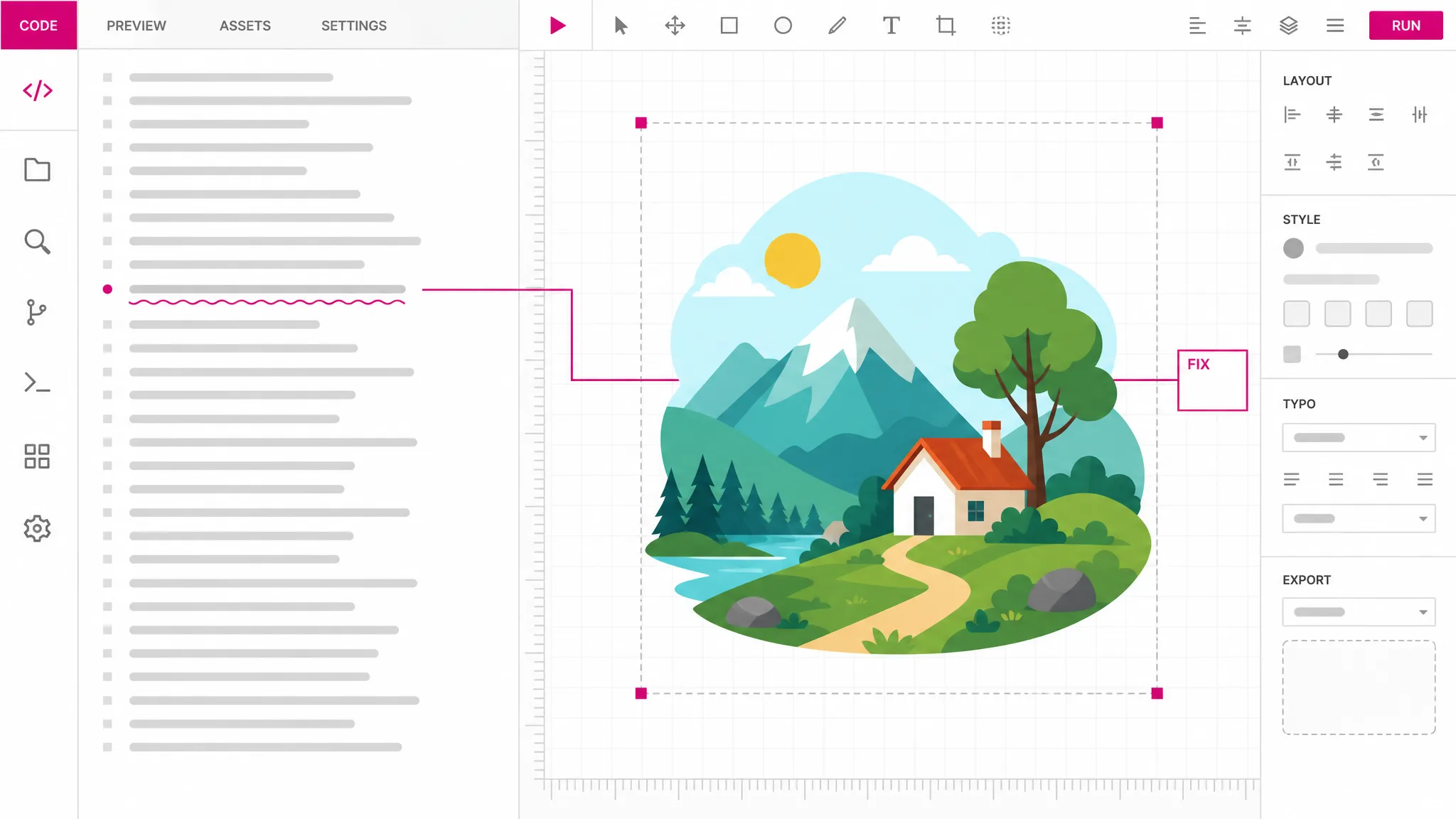
SVG is an executable document: it can carry scripts, event handlers and references to anything outside the file. Those are stripped before the preview draws, along with style blocks and link containers, so opening a file from a source you do not control cannot run anything here. Your code is left exactly as you wrote it — only the picture is cleaned, and the editor says so when the two differ.
How it stays safe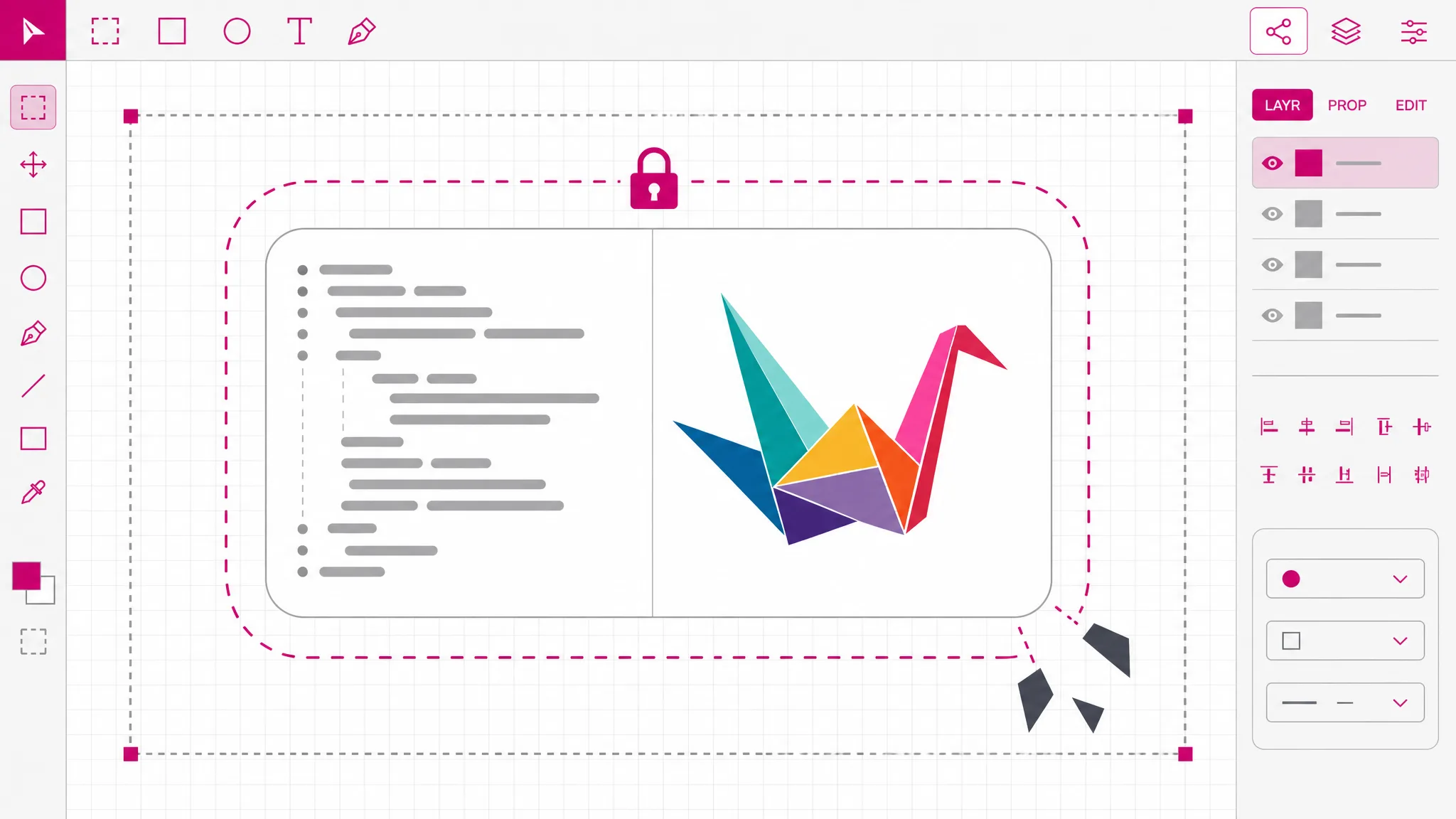
What you get
Tags, attributes and values in different colors, with bracket matching and folding for long documents.
The drawing redraws as you type, so you never have to guess which line owns which shape.
Re-indent a minified one-liner into something readable without pasting it through another tool.
Strip the parts that never render and shrink the file, with the byte count before and after.
Broken markup gets a line and a column instead of an empty box, so fixing it is a jump, not a hunt.
The markup stays in this tab. Nothing is stored, and there is no link to expire afterwards.
When you need it
Most SVG work is a small change to a file somebody else produced. These are the moments the code is the fastest way in.
One fill attribute stands between the icon and your palette. Changing it in the markup is faster than reopening a design tool.
A file that renders as nothing usually has one malformed tag. The error message names the line, so the fix is a jump.
Exported SVG carries editor metadata and long decimals. Minifying strips both without changing a pixel of the drawing.
SVG that will live inside HTML has to be small and tidy, because it ships with every page that uses it.
Cropping or re-centering means changing four numbers. Seeing the result immediately is what makes that practical.
A free svg code editor in the browser lets you edit svg online when the change takes thirty seconds and installing anything does not.
Which tool
Every one of them is free, needs no account, and runs locally. What separates them is depth: how far into the file each reaches.
| Tool | Best for | What it changes | Cost |
|---|---|---|---|
| SVG Editor | Moving, recolouring and reshaping artwork on a canvas. | Objects on a canvas | Free, no account |
| SVG Path Editor | Pulling one curve into shape, anchor by anchor. | Anchors and handles | Free, no account |
| SVG Code Editor | Reading and fixing the markup itself. | The XML source | Free, no account |
| SVG Viewer | Seeing what a file draws, without changing it. | Nothing — read only | Free, no account |
FAQ
It is a text editor that understands SVG markup and draws it while you work. SVG is XML, so editing it is editing text; what an editor adds is syntax coloring, a live preview and a parser that tells you where the document broke instead of failing silently.
Yes — you can edit SVG code online free of charge here, with no account. Everything runs in this browser tab: the markup is parsed, drawn and minified locally, nothing is transmitted, and nothing is stored on our side.
It shows the drawing your markup produces, with executable content removed first. Scripts, event handlers, animation elements, style blocks, link containers and external references all go before anything renders, because SVG from an unknown source can carry any of them. Your code in the editor is untouched, and a notice appears whenever the cleaning changed what you see — so a file whose colors live in a style block will look different here, and you will be told.
You get a line, a column and a description of what the parser objected to. That is the same parser the rest of the site uses on uploads, so an SVG this editor accepts is one the converters will accept too. Clicking the message moves the cursor to the spot.
Comments, XML declarations, metadata elements and attributes that already hold their default value, plus excess decimal places and whitespace between elements. It deliberately does not merge paths or reorder elements, because both can change what overlapping shapes look like. Text content is never touched.
Yes — svg code to png and svg code to image are both one page away, and they take the markup exactly as you leave it here. The usual sequence is to fix the code here first, then convert, because converting a broken file just produces a broken image.
Not this page. This is an online svg editor that works on the markup, which suits changing an attribute, fixing an export or trimming a file. Dragging anchor points on a canvas is a different tool, and this page does not pretend to be it.
An svg code viewer is the lighter option when the question is only what a snippet draws. It renders the markup beside its source with no editing surface at all, which is less to think about when you are not changing anything. If what you have is a file rather than markup, svg to code pulls the source out of it first.
More tools
Paste the markup or open a file, and edit it with the drawing beside you. It runs in this browser tab, costs nothing, and nothing is uploaded.
Open the editor