Before shipping a website
Inline SVG adds to every page’s HTML. Compressing icons and illustrations first keeps the markup lean.

Compress SVG file size in your browser. Open or paste an SVG, see how many bytes the optimizer saves, compare the preview with the original and download the smaller vector. Free, no sign up.
No SVG handy?
Free, no sign up. Your SVG is compressed in this browser tab and never uploaded.
Reviewed by SVGMaker TeamUpdated
More tools
Compressed your SVG file? Recolor, edit or convert it next with these free online SVG tools.
What compresses well
Savings depend on what the file carries besides its shapes. When you compress SVG file exports of these types, the optimizer usually finds the most to remove.




How it works
Load the SVG, read the size comparison, then download. To compress SVG file size there is nothing to configure: the safe optimizations run on their own.
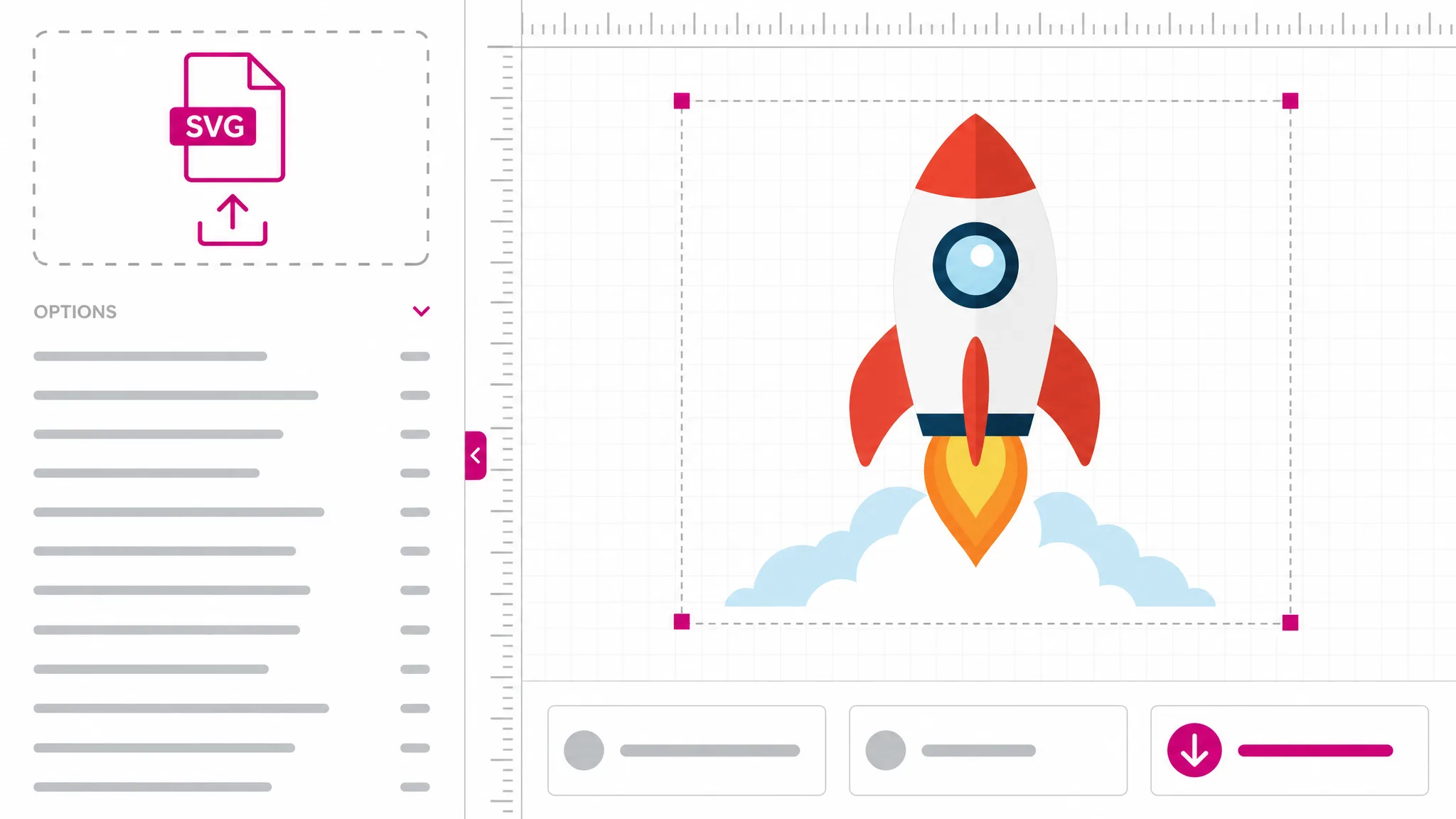
Drop an .svg file up to 2 MB or choose it from disk and it is compressed at once. For pasted markup, press Compress SVG.
The panel shows the original size, the compressed size and the percentage saved. Switch between Result and Before (sanitized) to compare the optimization.
Save the compressed SVG as a new file or copy the markup to paste straight into HTML, a component or a stylesheet.
Why this compressor
Reduce SVG file size without changing the drawing: the SVG compressor strips what never renders and reports the real savings.
Editor comments, XML declarations and metadata blocks travel with many exported files, yet none of them change a single pixel. The optimizer deletes them first, then drops opacity values that only restate the default. The savings vary by file. Sanitization also removes unsupported content, so inspect the download against the source.
Compress a file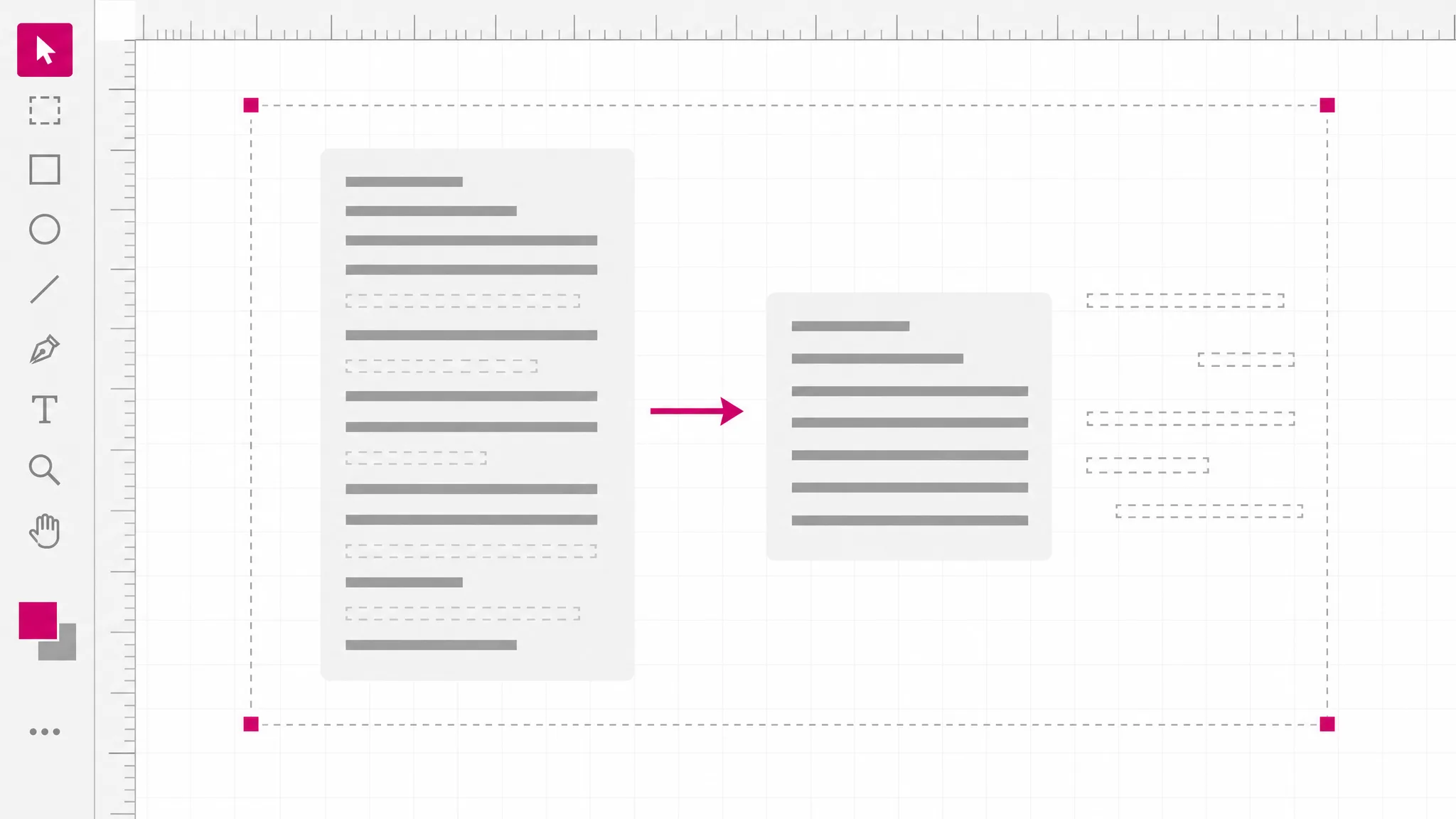
Coordinates like 120.000000 or 84.250031 are common after export. The optimizer shortens eligible decimal values while retaining at least five significant digits within its rounding rules, and strips trailing zeros. Small numerical changes can affect some artwork, especially when magnified or used in precision workflows; inspect the result at the intended size.
Try the sample
Each time you compress SVG file markup here, the panel compares the bytes you supplied with the bytes you will download, so the figure reflects your actual file rather than a marketing average. An already compact SVG may save very little, and safe re-serialization can occasionally add a few bytes. When that happens the tool says so instead of claiming a saving that did not happen.
Check my SVG
Before optimization the markup passes the site’s sanitizer, which removes scripts, event handlers, style blocks and other unsupported content. Inputs with external references are rejected. Everything happens on your own device, so client artwork and unreleased designs are compressed without being uploaded to anyone, and there is no queue, account or file limit beyond the 2 MB input size.
Compress privately
What you get
Everything you need to reduce SVG size safely, with nothing to configure and nothing to install.
Original bytes, compressed bytes and the percentage saved appear the moment the file is processed.
Compare the compressed result with the sanitized input preview. Open your original in a trusted application to check changes caused by sanitization.
Only optimizations that keep the rendering intact run, so there are no risky toggles to get wrong.
Title and description elements are preserved, so screen-reader labels survive the compression.
Copy the compressed code straight into HTML, React, Vue or a CSS background without saving a file.
The SVG optimizer works on your own device, so files never leave it and nothing is stored.
When you need it
A lighter SVG matters most where the file is copied, embedded or sent many times. These are the moments it pays to compress SVG file markup before it ships, and the reasons people reach for an SVG compressor.
Inline SVG adds to every page’s HTML. Compressing icons and illustrations first keeps the markup lean.
React and Vue icon components carry their SVG in the bundle. Smaller source means a smaller bundle.
Exports arrive with comments and metadata from the editor. Strip them before the file goes into a repository.
Some platforms cap SVG size for profile images, themes or listings. Reduce SVG file size to get under the limit.
Heavy vector files slow down documents and templates. A compressed copy behaves the same and loads faster.
Vectorized photos produce long coordinate lists. Rounding excess decimals often cuts their size noticeably.
Which tool
All of these are free, need no account and run locally. Pick the one that matches how much control you want over the markup.
| Tool | Best for | What it changes | Cost |
|---|---|---|---|
| Compress SVG File | A smaller file in one step, with a size report. | Redundant markup and precision | Free, no account |
| SVG Code Editor | Minifying while you also edit the code by hand. | The XML source itself | Free, no account |
| SVG Viewer | Checking dimensions and source before compressing. | Nothing — read only | Free, no account |
| SVG Color Changer | Recoloring the file before you compress it. | Hex fill and stroke colors | Free, no account |
FAQ
Answers about compressing SVG files: what gets removed, visual changes, small savings, editability and privacy.
Open the SVG file, or paste its markup and press Compress SVG. The panel shows the original size, the compressed size and the percentage saved, with a preview to confirm the drawing. Download the compressed SVG or copy the code when you are happy with the result.
It removes comments, XML declarations, metadata elements, opacity values that equal the default, excess decimal places and whitespace between tags. It does not merge paths, reorder elements or touch text content, because those changes can alter how overlapping shapes and labels look.
Optimization may round numbers, and sanitization can remove scripts, style blocks and external references, so artwork may differ. The before preview is also sanitized; compare the download with your original in a trusted application.
Some SVGs are already compact, with no comments, metadata or long decimals left to remove. Safe re-serialization can even add a few bytes. The tool reports the real numbers either way, so a small saving simply means the file was already well optimized.
Yes — the output is ordinary SVG markup that any vector editor, code editor or browser can open. Keep your layered source file for major revisions, because metadata and editor-specific comments are gone, but small edits to the compressed file work as normal.
No — this tool only optimizes existing SVG markup and always returns an SVG. To turn a PNG or JPG into vector shapes, use the PNG to SVG converter first, then come back here to compress SVG file output from the trace.
No — compression happens entirely in your browser tab. The file is read from your device, optimized locally and saved back to your downloads folder. Nothing is transmitted or stored, so it is safe for confidential designs.
Describe what you need and the SVG maker generates a clean vector you can recolor and compress here.
Create an SVG