The print shop said no
Print vendors ask for vector so they can place the artwork at any size. A vectorized file answers every size at once.

Vectorize image files and you get shapes instead of pixels, which is why the result stays sharp at any size and can be recolored in one edit. Convert PNG to vector free here and get geometry back, not a bigger picture.
Pick a file, then choose what to convert it to.
Vector formats keep every line sharp at any size. Bitmap conversions run right in your browser — nothing is uploaded.
A free PNG to vector converter in the literal sense: the on-device route needs no account and has no cap. AI vectorization for photographic sources uses credits, priced before you commit.
Reviewed by SVGMaker TeamUpdated
What comes out
A vector is not a sharper picture — it is a different kind of file. These are the artwork types that vectorize well, and what having them as shapes actually lets you do.


How it works
To convert PNG to vector: upload the image, let it be traced into shapes, then download. The tracing route runs entirely in this browser tab, which is why it is instant and costs nothing.
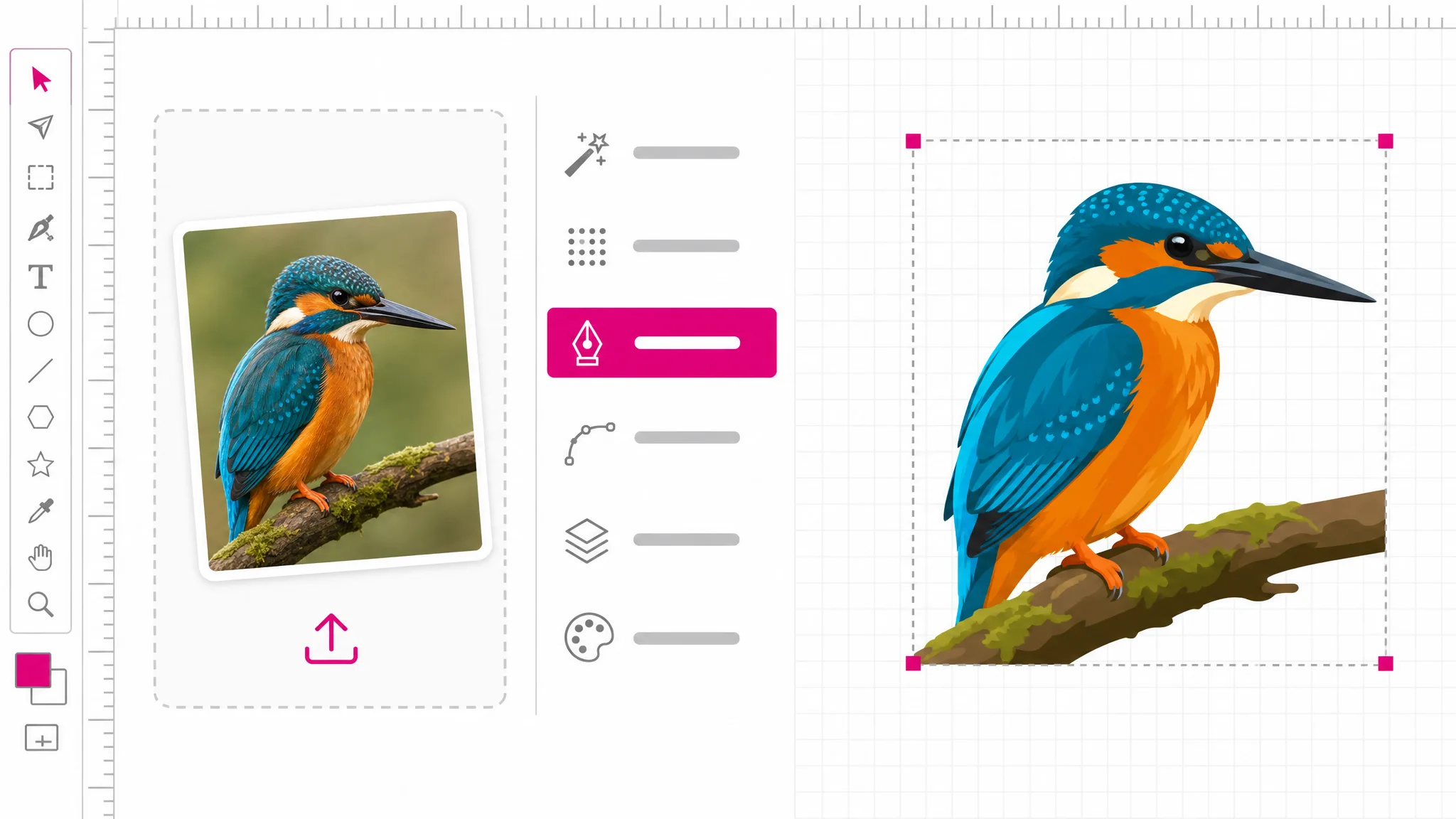
Drop the file in or pick it from disk to convert to svg. Nothing is transmitted on the tracing route — the browser reads the image locally, so even a large file starts immediately.
The tracer finds the boundaries between color regions and writes them out as paths. Flat artwork with clear edges is where this works best; photographic sources go to the AI route instead.
You get an SVG: real geometry that opens in any vector editor. From there the same workspace can export it onward to the formats a cutter, printer or 3D slicer expects.
Why vector at all
A raster image has one resolution and every other size is either wasted data or visible softness. A vector describes the shape, so the same file prints on a sticker and on a wall. That is the practical reason print vendors ask for vector before they know how large the job will be.
Vectorize a PNG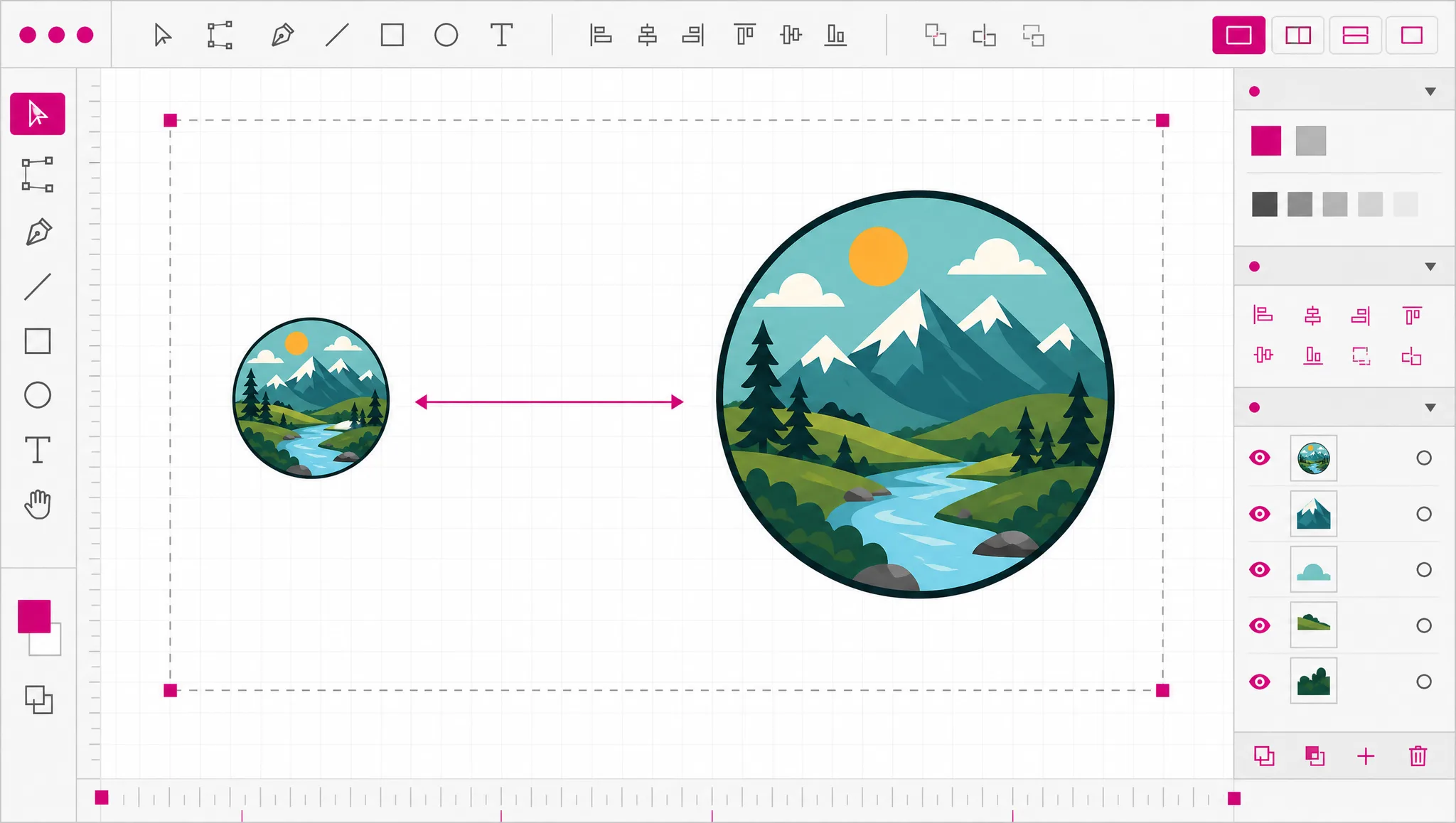
Changing a color in a PNG means selecting pixels and hoping the anti-aliased edges cooperate. In a vector each region is a shape with a fill value, so a new brand color is one change. This is why every brand kit ships vector originals and raster exports rather than the other way round.
See what you get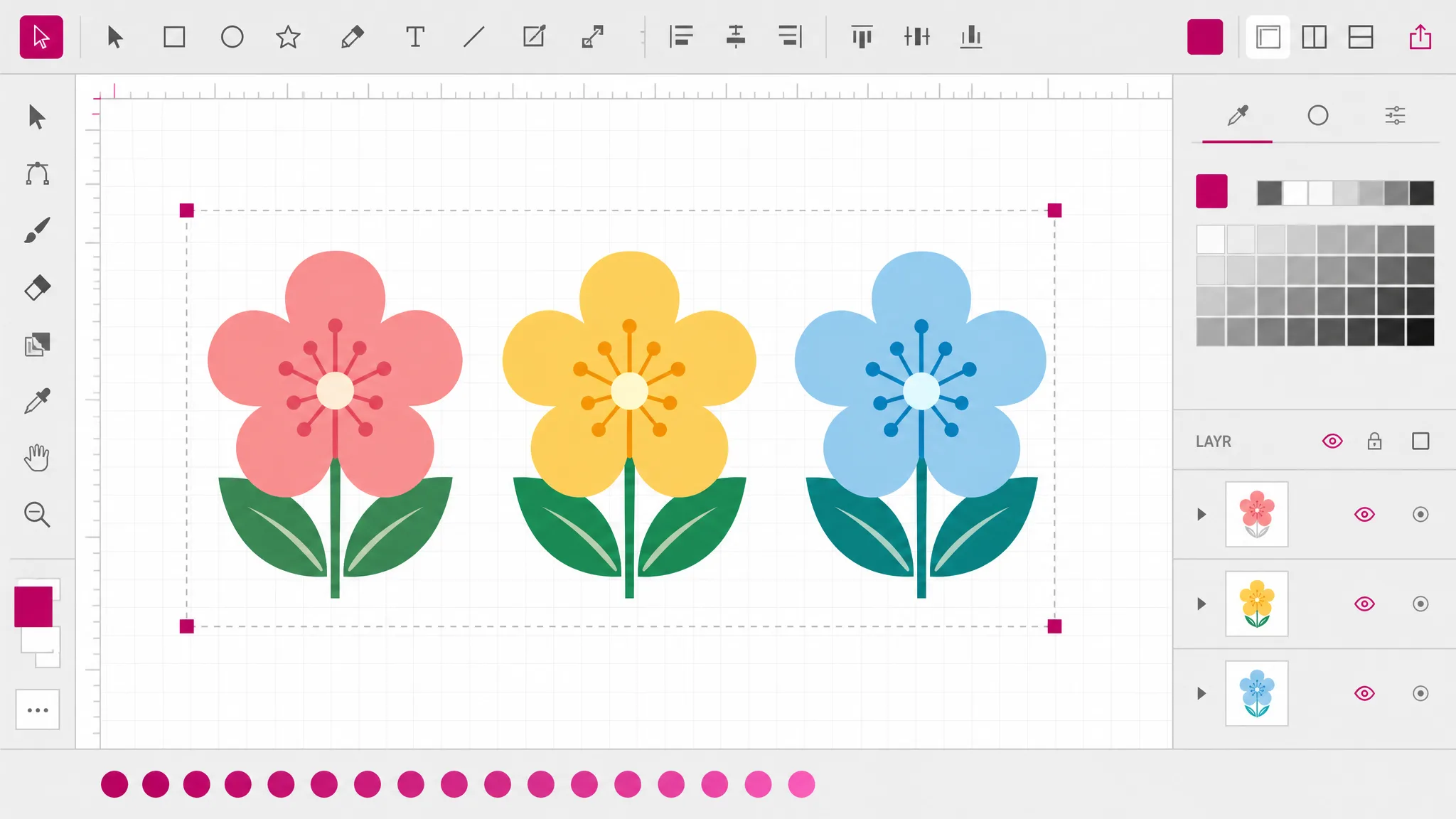
Cutting plotters, laser cutters and CNC routers follow paths. They cannot use a picture at all — not a low-quality version of it, none of it. Converting PNG to vector is the step that makes the artwork loadable, which is why so many people arrive here from a machine that rejected their file.
See cutting formats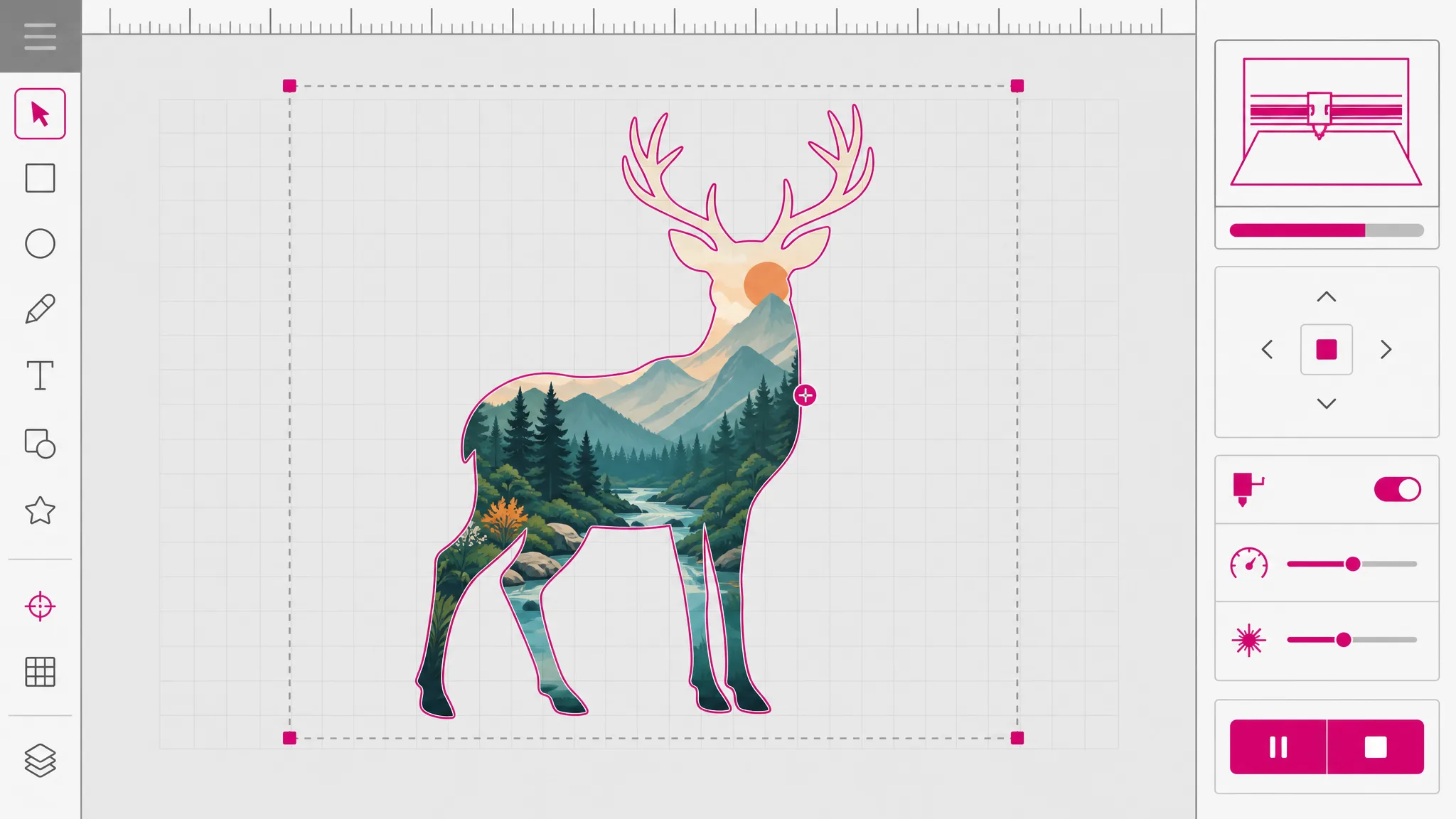
Tracing runs on your own device, so there is no cost to recover and no cap to enforce. AI vectorization runs on a provider we pay per image, so it uses credits. Professional export formats such as EPS and DXF are paid too — the page shows which is which before you commit rather than after.
Check the pricing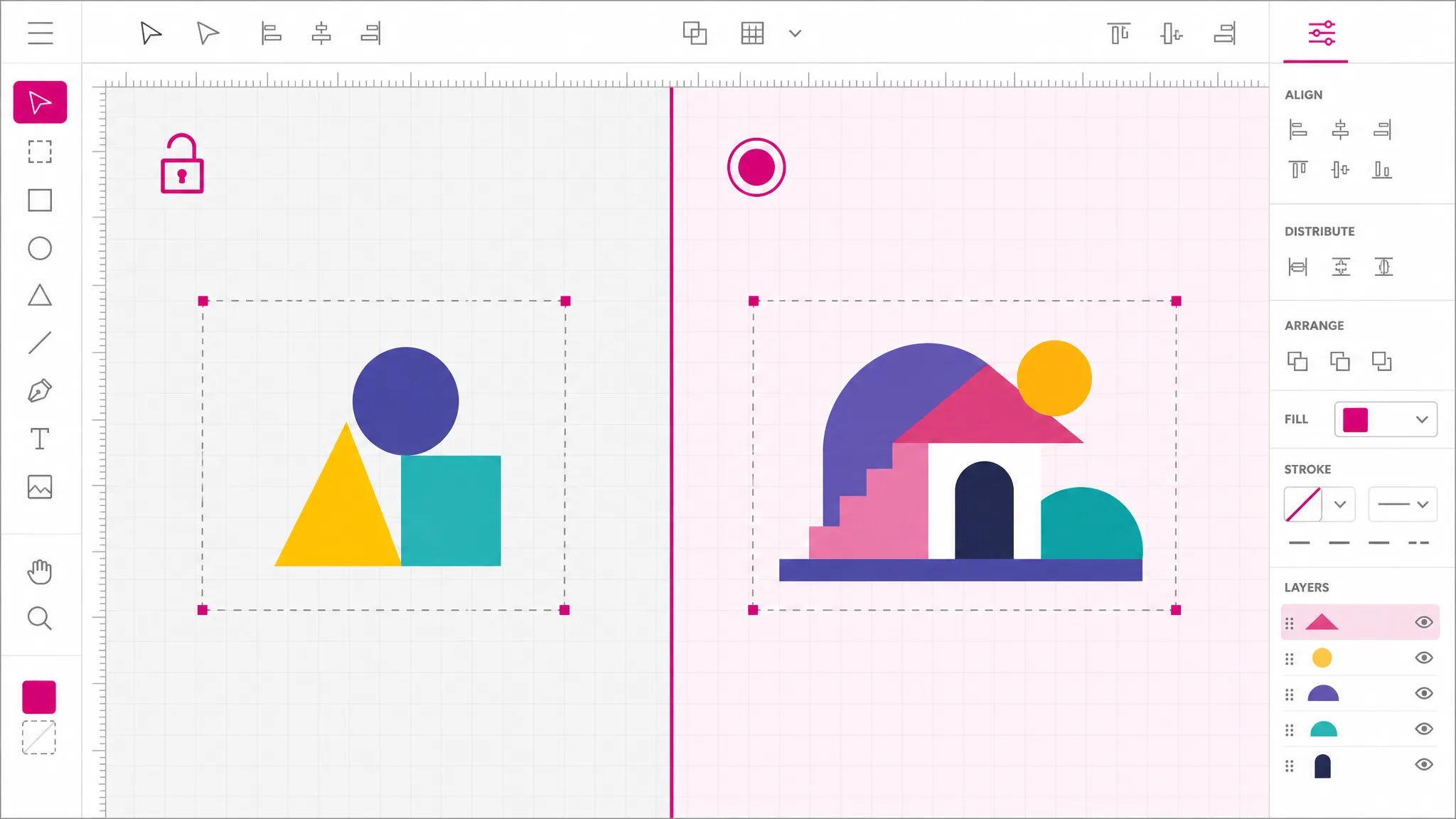
What you get
Scale the result to a thumbnail or a banner with identical sharpness. There is no resolution baked in to run out of.
Every region is a shape with a fill. Swapping a brand color is a value change, not a repaint of the artwork.
Paths are what cutting hardware reads. Export onward to DXF when the machine asks for it specifically.
The free route never uploads. Your artwork is read and converted in the browser tab you already have open.
Paths and fills you can open and edit — not the original bitmap hidden inside an SVG wrapper.
A free PNG to vector converter that brands your output is not free. This one is unlimited and unbranded.
When you need it
Almost nobody wants a vector for its own sake. They want it because something ahead of them refuses to accept pixels, or because a size or color has to change. These are those moments.
Print vendors ask for vector so they can place the artwork at any size. A vectorized file answers every size at once.
Vinyl and laser cutters read paths. A PNG cannot be loaded at all, which is usually how people discover they need this.
A mark that only exists as a small PNG cannot be enlarged. Vectorizing beats redrawing it from scratch.
A rebrand means every asset needs new colors. In vector form that is an edit; in raster form it is a redraw.
Embroidery and screen printing both work from shapes and flat color, which is exactly what vectorizing produces.
Vector icons stay sharp on every display and usually weigh less than the raster versions they replace.
FAQ
It is a file that stores shapes instead of dots. A PNG records the color of every pixel in a grid; a vector records instructions — draw this curve, fill it with this color. Because the shapes are described rather than sampled, the same file can be drawn at any size without ever becoming soft or blocky.
Yes on the on-device route, with no account and no daily cap. It runs in your browser using your own machine, so there is no server cost for us to recover. AI vectorization for photographic sources is the paid route, and professional export formats such as EPS and DXF are paid as well — the interface shows which is which before you commit.
It makes it resolution-independent, which is not the same thing. Vectorizing cannot add detail that was never captured. What it does is replace a fixed grid of pixels with shapes that can be drawn at any size, so the artwork stops degrading when enlarged.
Flat artwork with a small number of distinct colors: logos, icons, silhouettes, line drawings. Those have clear boundaries for the tracer to find. Photographs have continuous tone and no clean boundaries, which is why they go to AI vectorization instead.
For flat artwork, usually indistinguishable. Vectorizing simplifies by nature — gradients become bands and soft edges become hard ones — so on a photograph you should expect a stylized interpretation rather than a copy.
An SVG, which is the standard vector format that every editor and browser understands. From the same workspace you can export it onward to DXF for cutting machines, STL for 3D printing, or EPS and AI for print workflows.
Yes — that is the point. The output is real paths and fills, so it opens in Illustrator, Inkscape, Figma or any other vector editor as editable geometry you can reshape, recolor and reuse.
Not yet — one file at a time. For a whole folder, a desktop tool or a command-line tracer will be quicker than any browser-based converter, this one included.
More tools
Upload flat artwork and get scalable shapes back. The on-device route is free, unlimited and never sends your file anywhere.
Open the vectorizer