A specific icon that does not exist
Icon libraries cover the common objects. When yours is not one of them, describing it is faster than drawing it.

Type what you want and get a vector file. This AI text to SVG converter reads a written description and returns paths, fills and groups — the same thing a designer would hand you, arrived at differently.
Each run uses credits and needs an account. Sign-up includes credits, and the cost per model is shown before you generate.
Reviewed by SVGMaker TeamUpdated
What comes out
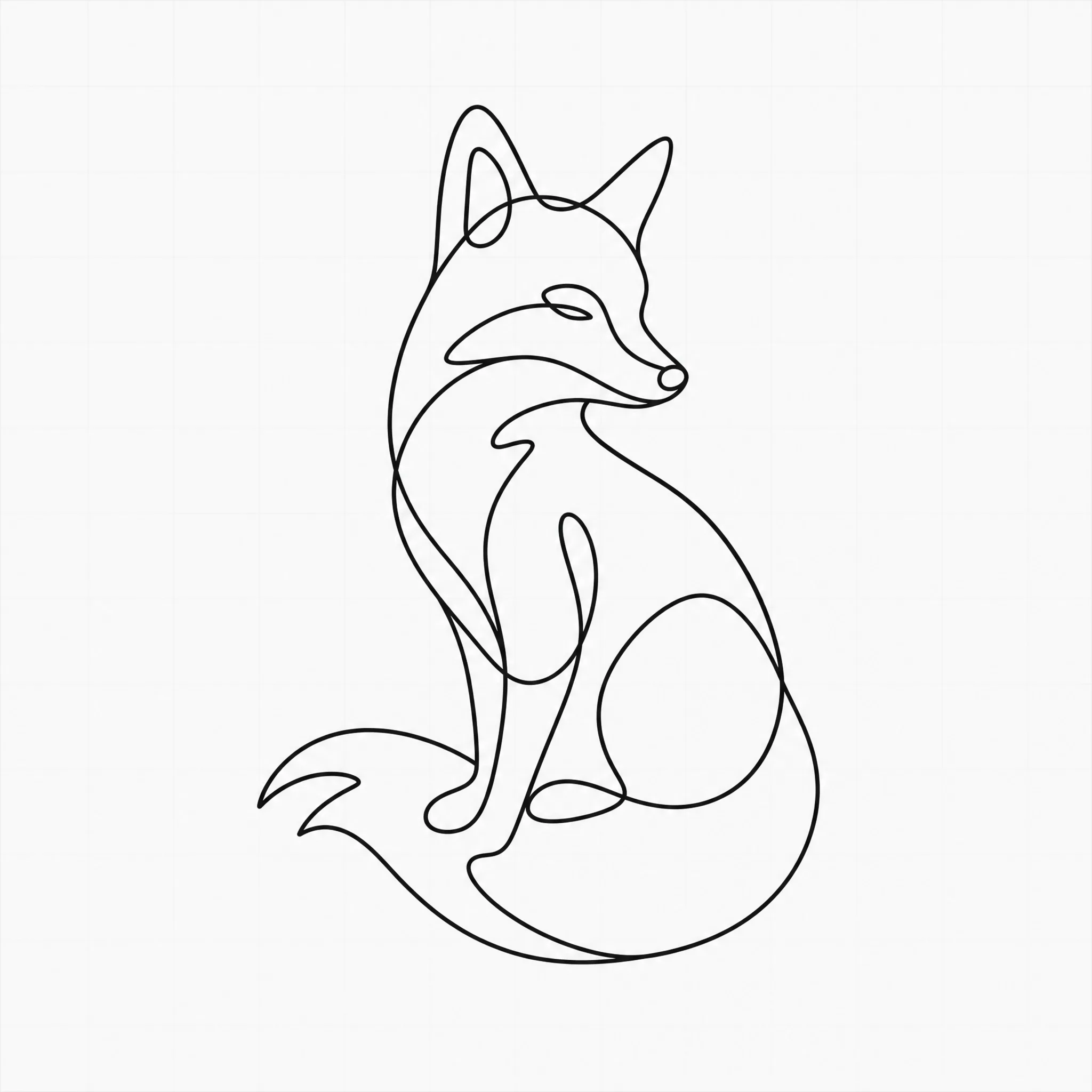
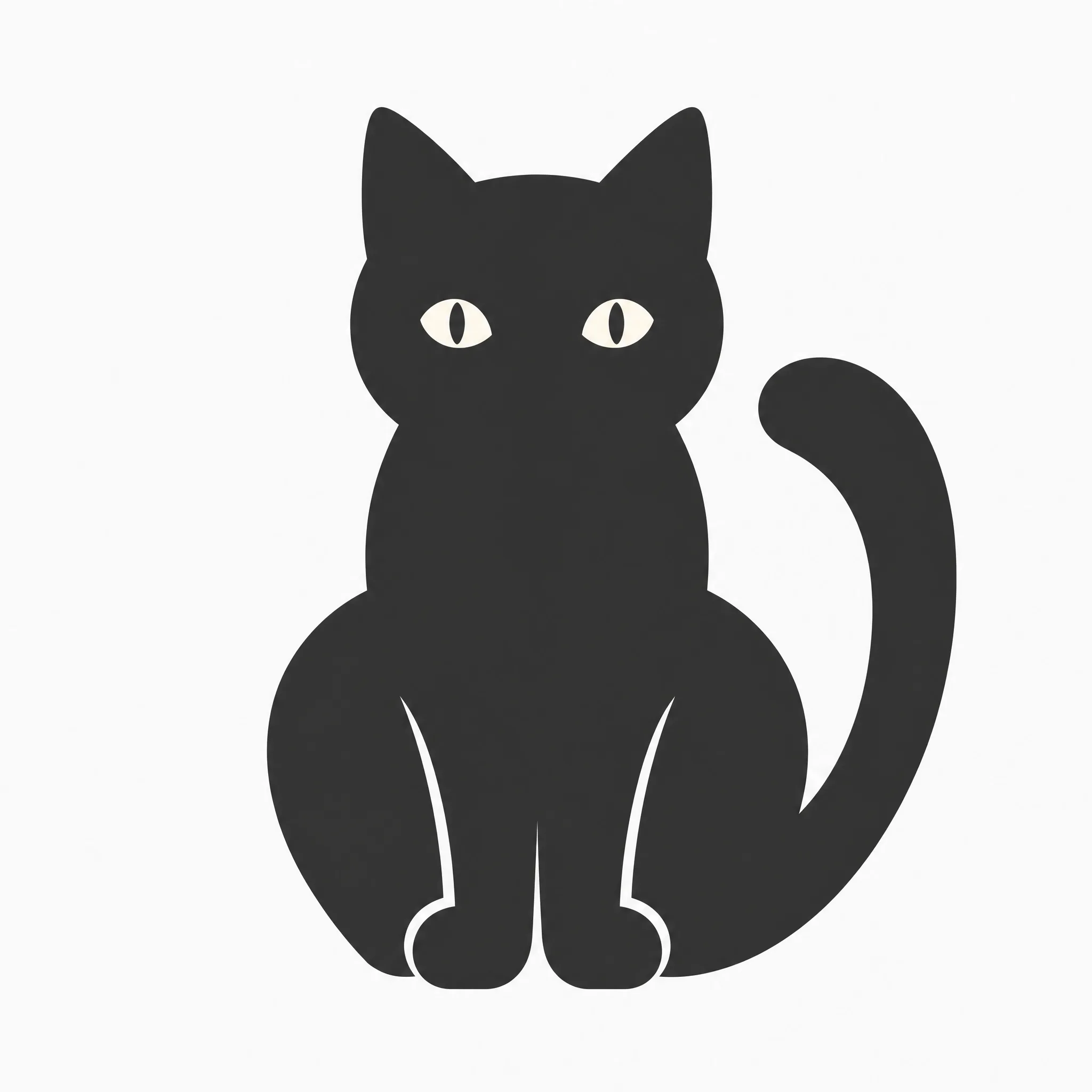
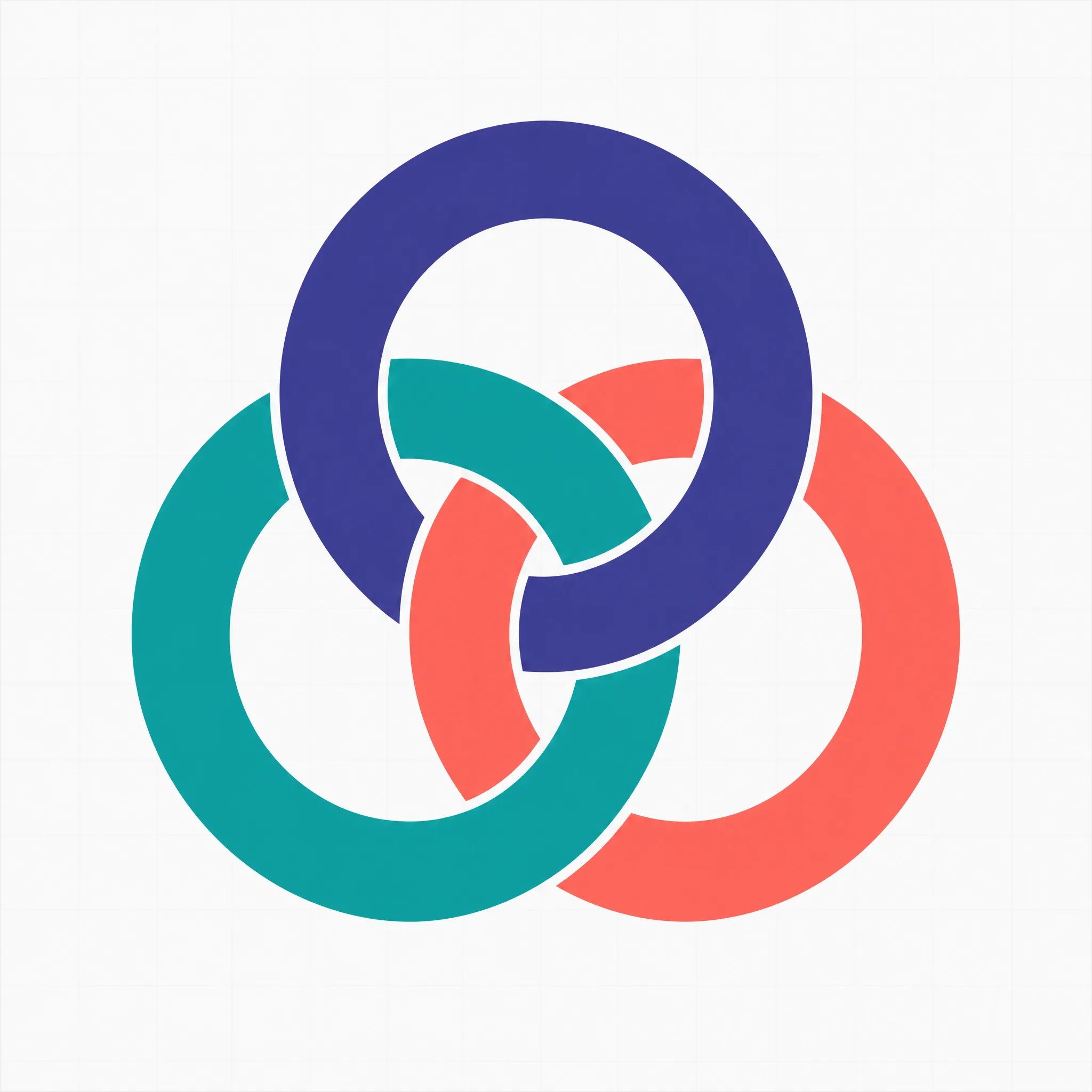
The clearer the object in your sentence, the closer the result. These are the kinds of descriptions that convert well, and roughly what each produces.



How it works
To use the text to SVG converter: write a description, choose a model, then generate and download. What you type is the entire input — there is no file to upload and nothing to trace.
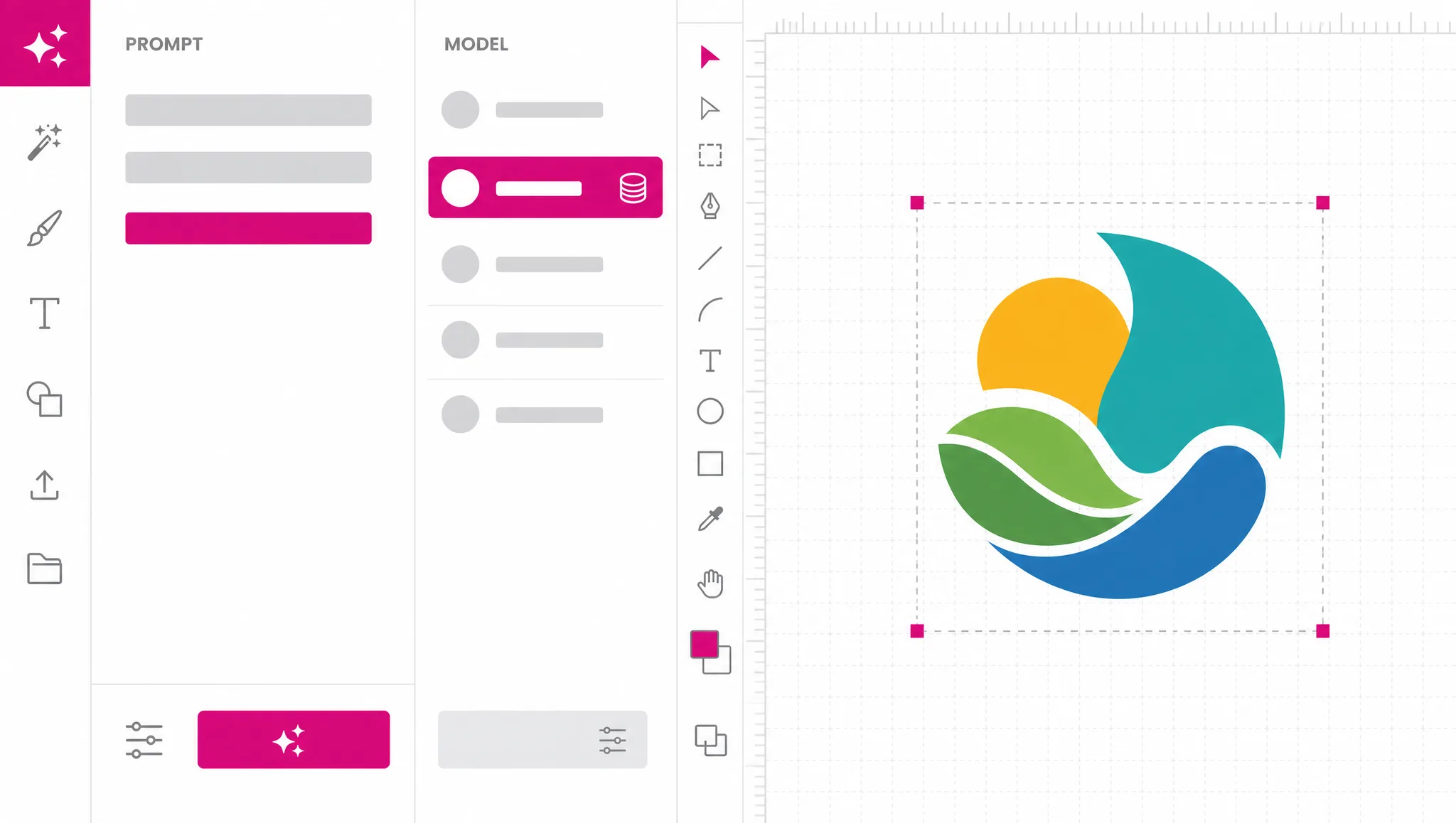
Name the object first, then how it should be drawn: stroke weight, number of colors, filled or outlined. Concrete construction details reach the output; adjectives about feeling mostly do not.
The fast route generates a bitmap and vectorizes it, which is cheap and good for exploring. The native vector route costs more and produces cleaner geometry. Both show their credit cost first.
Download the SVG, or change one thing in the description and run it again. Iterating on a single detail works far better than rewriting the whole prompt.
Writing the prompt
A model can draw a fox, a hexagon or a coffee cup. It cannot draw "premium" or "clean" — those words describe how you want to feel about the result, not what should be on the canvas. The single biggest improvement most people can make to a prompt is replacing an adjective with the shape they actually pictured.
Try a prompt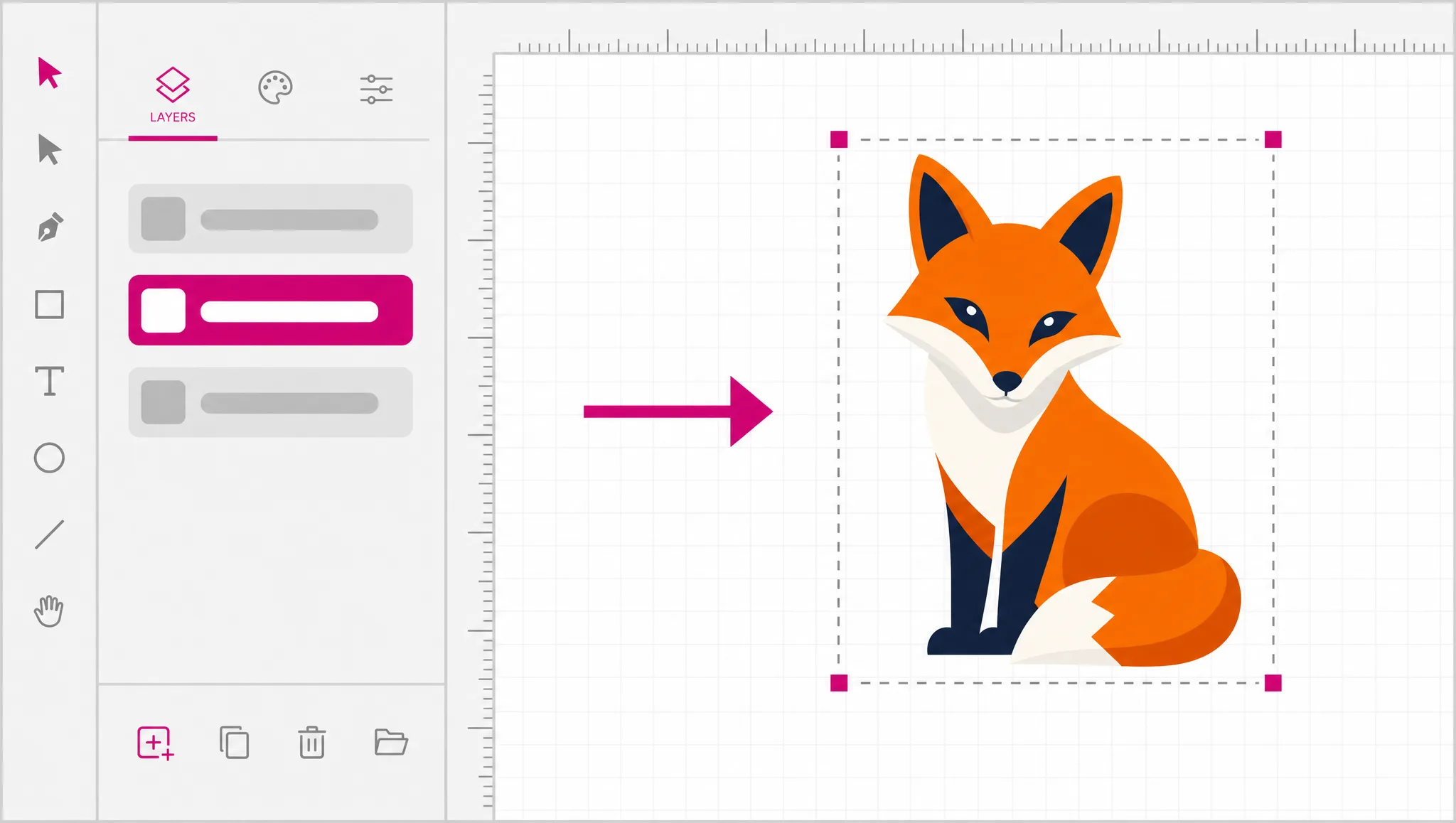
Stroke weight, fill versus outline, number of colors, whether shapes overlap — all of these change the geometry that comes back. "One continuous line, no fill, single color" produces something specific. That is also why the same instructions produce a consistent set when you need several matching marks.
See what comes out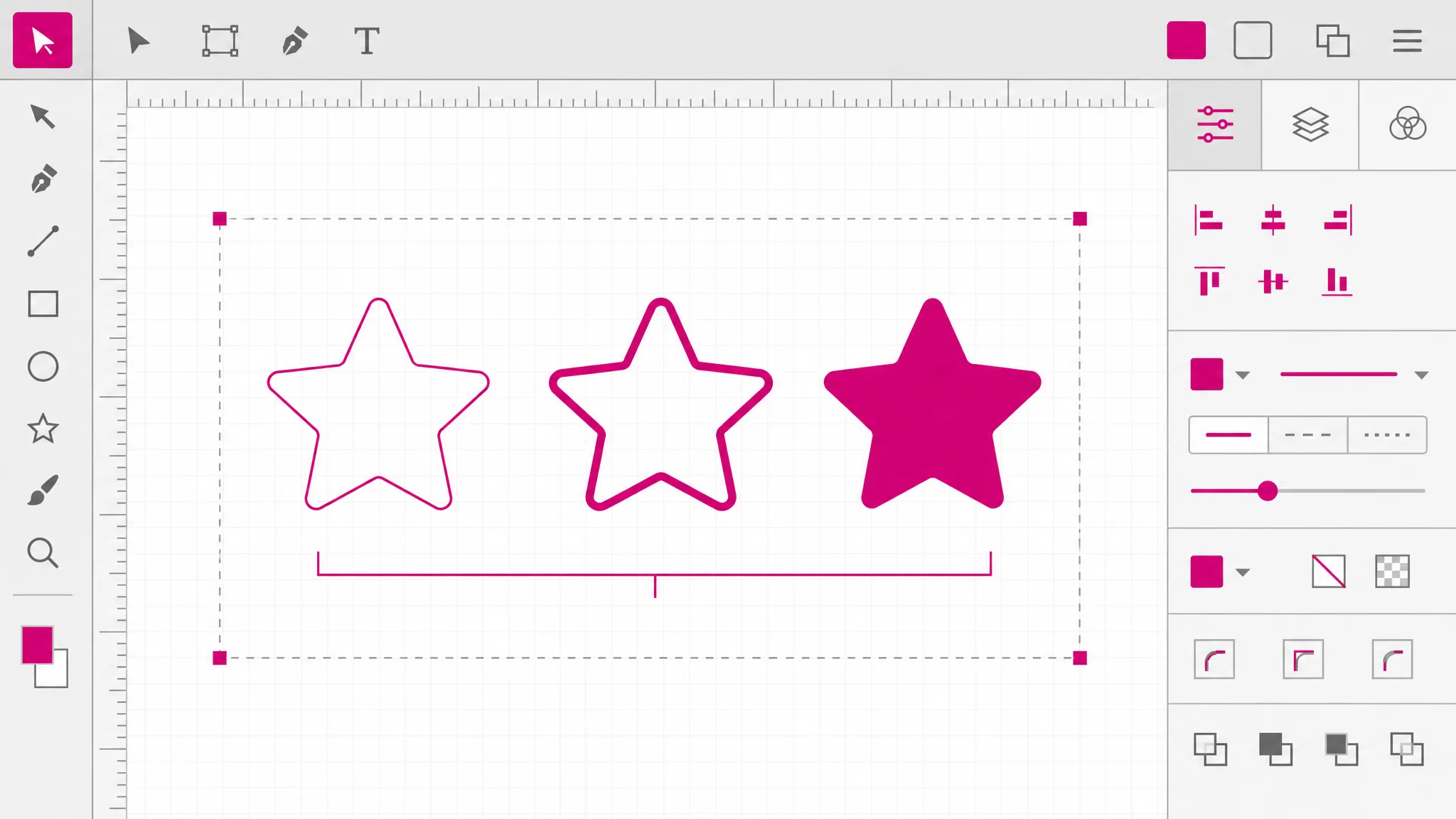
When a result is close but wrong, rewriting the entire description starts over from a different place. Changing a single clause keeps what was working. This is why the cheap model exists: iterating one detail at a time should not be an expensive way to work.
Compare the models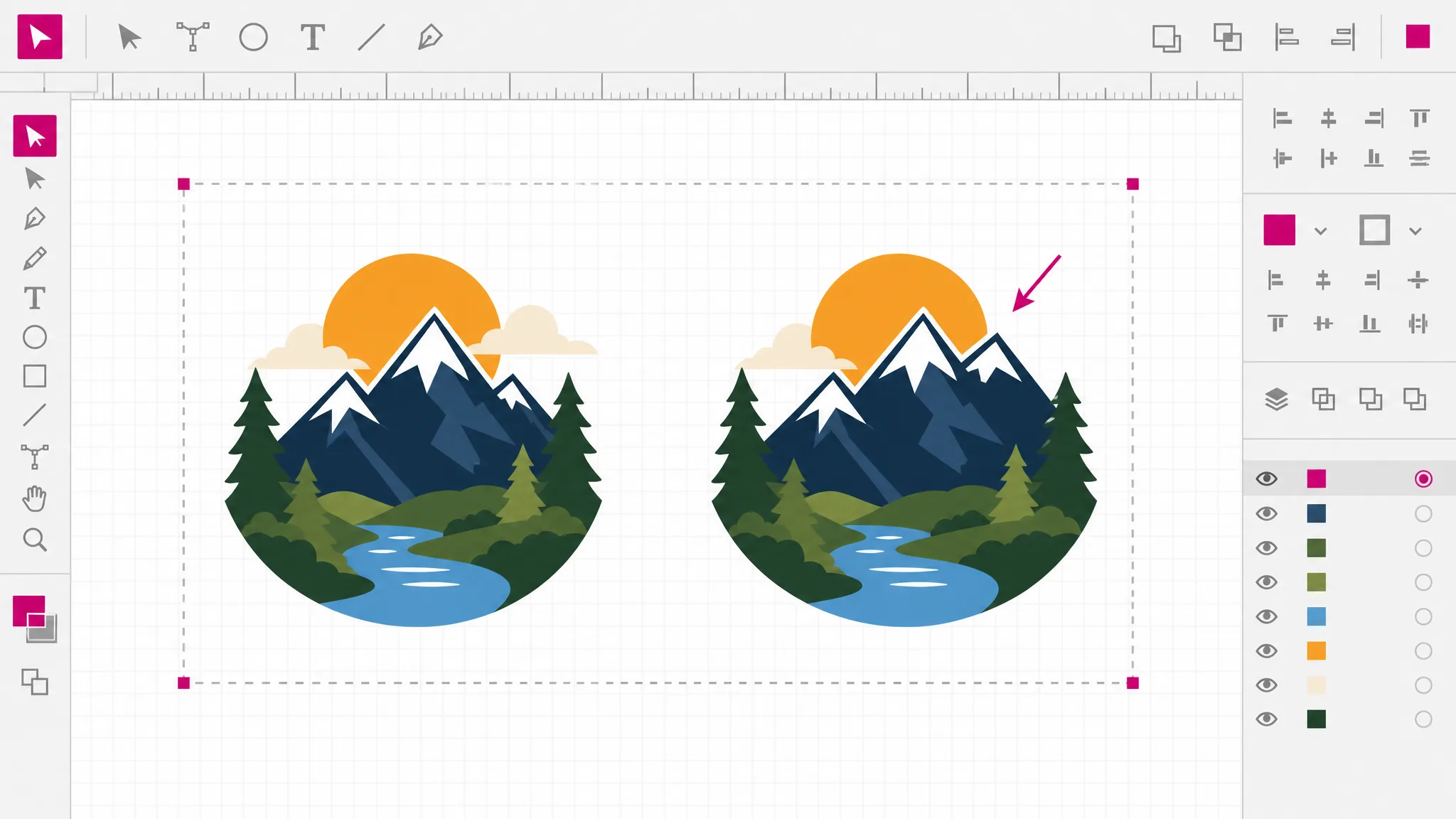
You get paths, fills and groups that open in any vector editor. That matters most right after generating, when the result is nearly right and one shape needs moving — a bitmap would mean starting over, while a vector means dragging a node.
See the output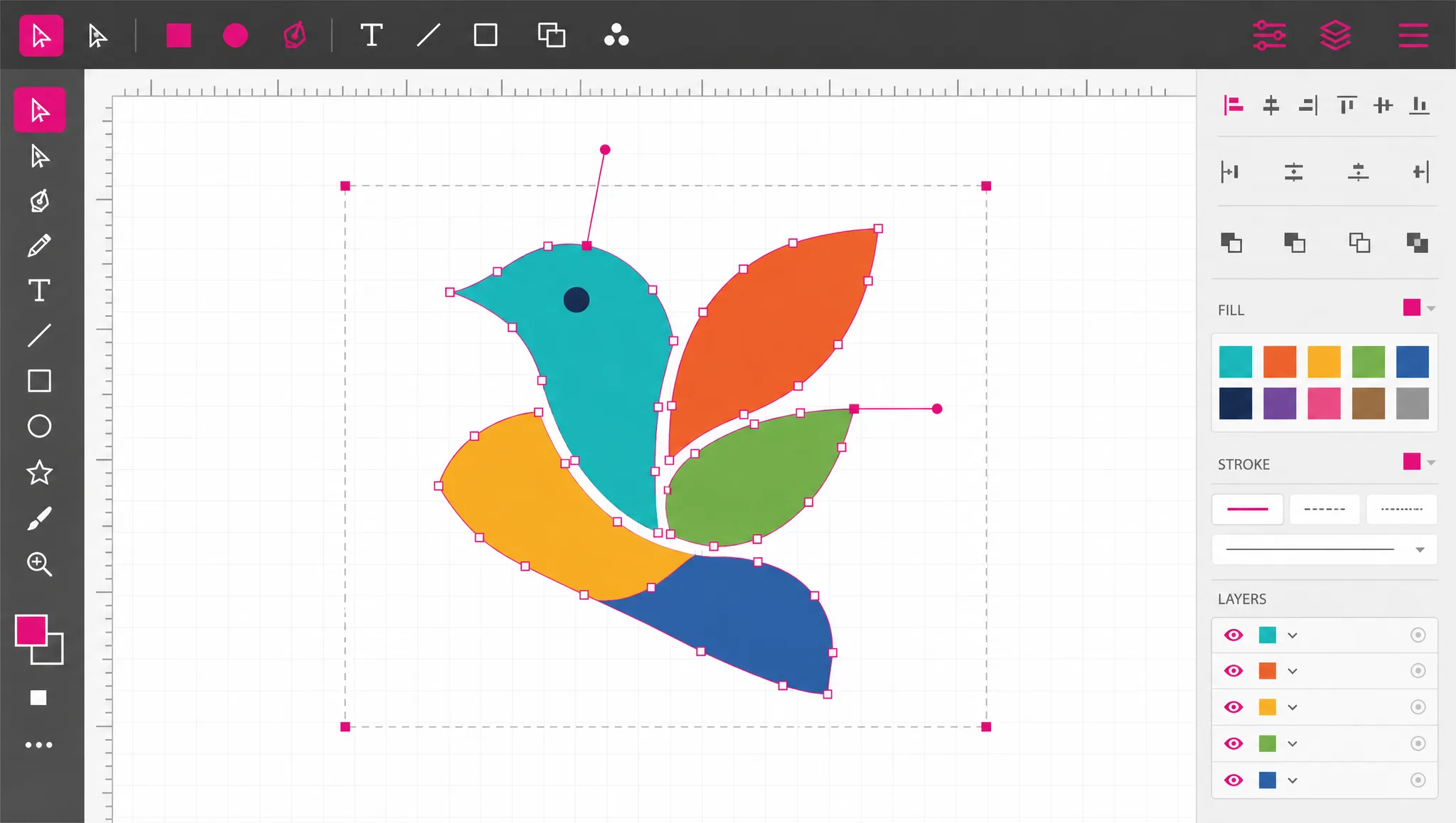
What you get
AI text to SVG needs no file, no tracing pass and no drawing tool. Describing the artwork is the whole interaction.
Editable paths rather than a bitmap with an .svg extension — which is the only reason to want SVG at all.
The page tells you which words change the output, so you are not guessing at what the model responds to.
The fast model is priced for exploring. Changing one clause and running again is the normal way to use this.
Open the result and move a node or change a fill. The generated file is a draft you own, not a locked export.
Every model in this text to SVG converter displays its credit price before you run it.
When you need it
Describing artwork beats searching for it when the thing you need is specific, and beats drawing it when you do not have the time or the skill. These are the moments that applies.
Icon libraries cover the common objects. When yours is not one of them, describing it is faster than drawing it.
Repeating the same style instructions across several prompts gives you marks that look like family members.
Before committing to a logo direction, generating a dozen interpretations of the same idea is an afternoon, not a week.
Screen printing, vinyl cutting and engraving all need vector. Generating straight to vector skips a conversion step.
A flat vector illustration sized to the section, which stays sharp at every breakpoint without shipping three raster sizes.
A quick generated mark communicates a concept in a deck or a doc faster than describing it again in words.
FAQ
It means turning a written description into a vector drawing. You type what the artwork should be, and an AI model produces an SVG containing real paths and fills. The "text" is your prompt, not letters to be rendered — that distinction matters, and the next question covers the other meaning.
No — that is a different feature and this site does not have it. Converting typed characters into path outlines requires uploading a font and rendering glyphs to shapes, which is what people cutting vinyl lettering usually want. There is no font upload here. If that is what you came for, a desktop vector editor will do it in one menu command, and we would rather say so than waste your time.
Not in the typography sense — effects applied to live text — curved baselines, extrusions, animated type — are a typography feature, and this tool generates artwork from descriptions instead. You can ask for a design that contains lettering and often get something usable, but it will be drawn shapes rather than editable type.
Each run uses credits and needs an account, because generation happens on AI providers we pay per request. A new account arrives with credits already on it, so you can see the output quality before deciding. The format converters elsewhere on this site are genuinely free — those run in your browser, which generation cannot.
One or two sentences is usually the sweet spot. Name the object, then say how it should be drawn. Very short prompts leave too much undecided; very long ones tend to contain conflicting instructions the model resolves in ways you did not intend.
Usually because the prompt described a feeling rather than a shape. Words such as modern, premium and clean have no geometric meaning. Replace them with what you actually saw in your head — the number of colors, whether it is outlined, how many shapes it has — and the result moves toward it noticeably.
Yes — the output is real geometry, so it opens in Illustrator, Inkscape or Figma with every path editable. Generating a near-miss and fixing one shape by hand is often faster than prompting until it is perfect.
SVG directly, and from the same workspace PNG, JPG, WebP, PDF and favicon for everyday use, plus DXF for cutting machines, STL for 3D printing, and EPS or AI for print workflows.
More tools
Write a description, pick a model, get editable vector paths back. Sign-up includes credits, and every model shows its cost first.
Open the generator