Printing a cookie cutter
The most common SVG to STL for 3D printing job: an outline extruded to a wall becomes a cutter. It is the most common reason this conversion gets searched for.

A slicer needs a solid, and an SVG is a flat drawing. This is the SVG to 3D step: This conversion gives your artwork thickness and writes it out as a watertight mesh — with the holes still holes.
Pick a file, then choose what to convert it to.
Vector formats keep every line sharp at any size. Bitmap conversions run right in your browser — nothing is uploaded.
STL is a professional export and uses credits, shown before you convert. It also needs an account, because the conversion runs on our servers rather than in your browser.
Reviewed by SVGMaker TeamUpdated
What comes out
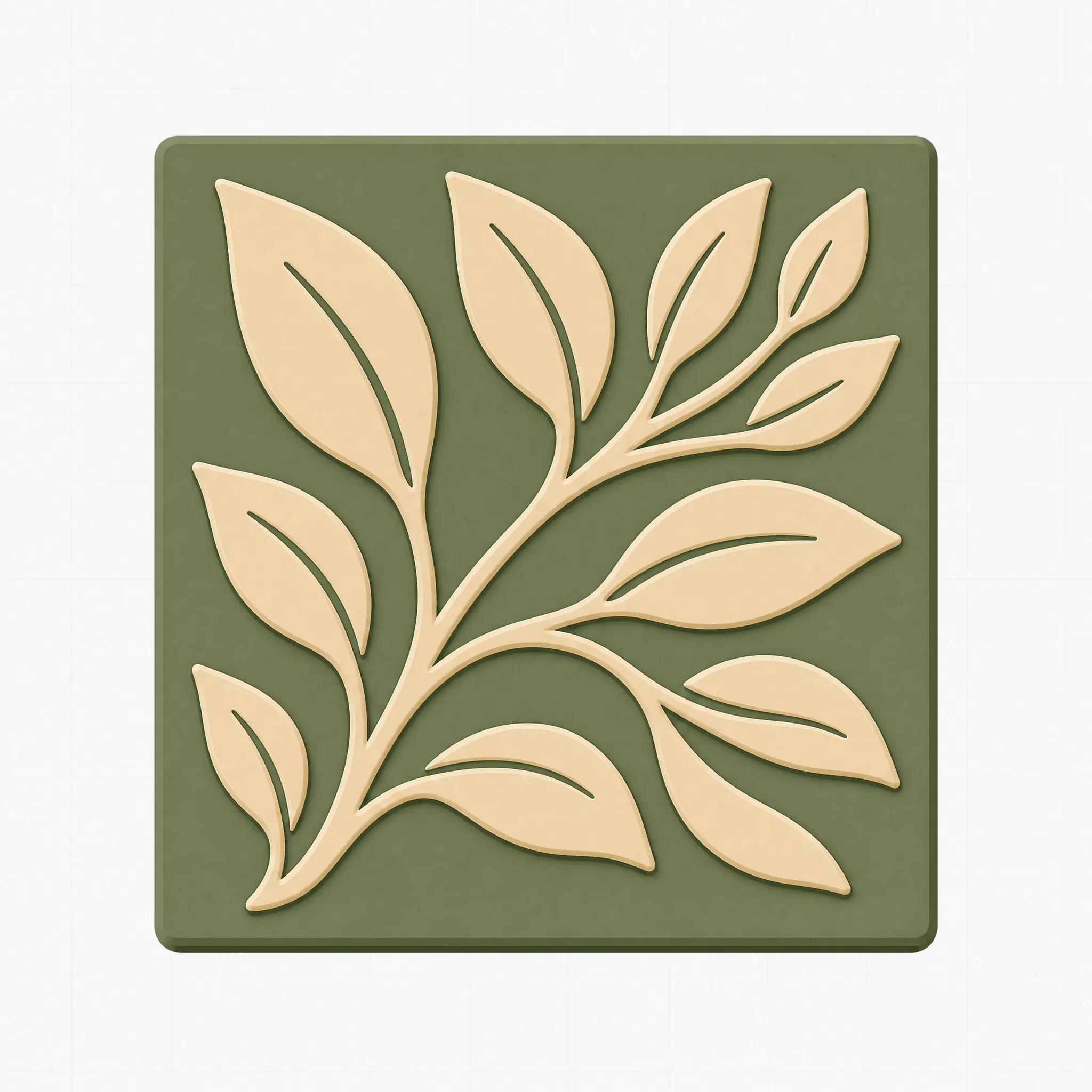
Every result is your flat artwork extruded to a thickness — a solid you can slice and print. These are the shapes that suit that treatment best.





How it works
To convert SVG to STL for 3D printing: upload the vector file, choose STL as the output, then download the mesh. That SVG to 3D step is what a slicer needs. The conversion gives your flat shapes a thickness and writes a solid a slicer can read.
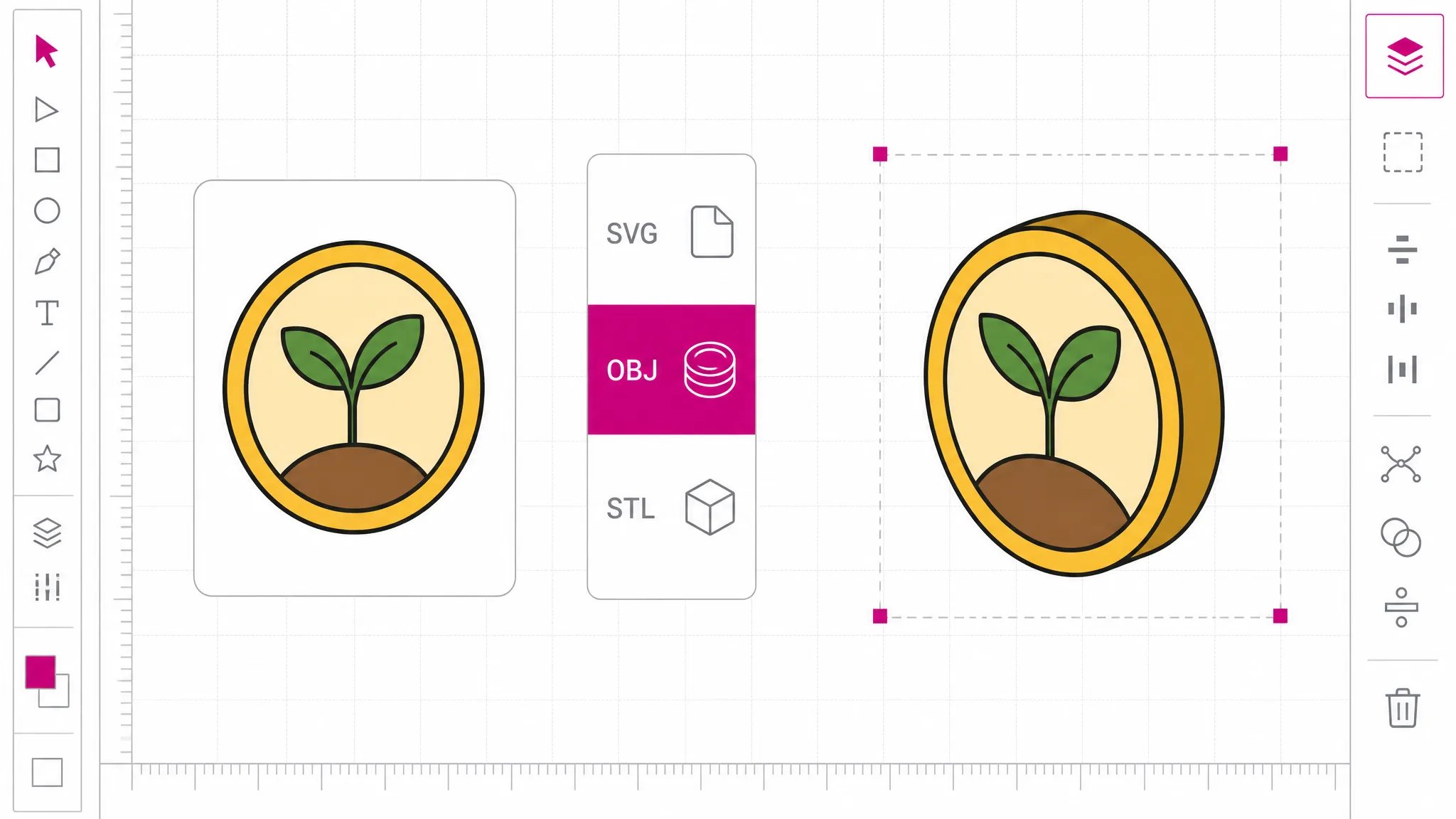
Bring flat vector artwork. Shapes should be closed outlines — an open path has no inside, so there is nothing for the converter to give thickness to.
STL sits with the professional exports in the same SVG converter, next to DXF, EPS and AI. The credit cost appears here, before anything is converted.
The result is a mesh file your slicer opens directly. Set the scale on import — the drawing has no physical units of its own, so millimetres are yours to decide.
Why this conversion
This gives your flat drawing a thickness and closes it into a solid. It does not infer depth, guess at a shape, or turn a drawing of an object into a model of that object — no tool can do that from a 2D outline. Knowing which one you are getting saves a lot of disappointment: what comes out is your artwork, made thick.
Convert to STL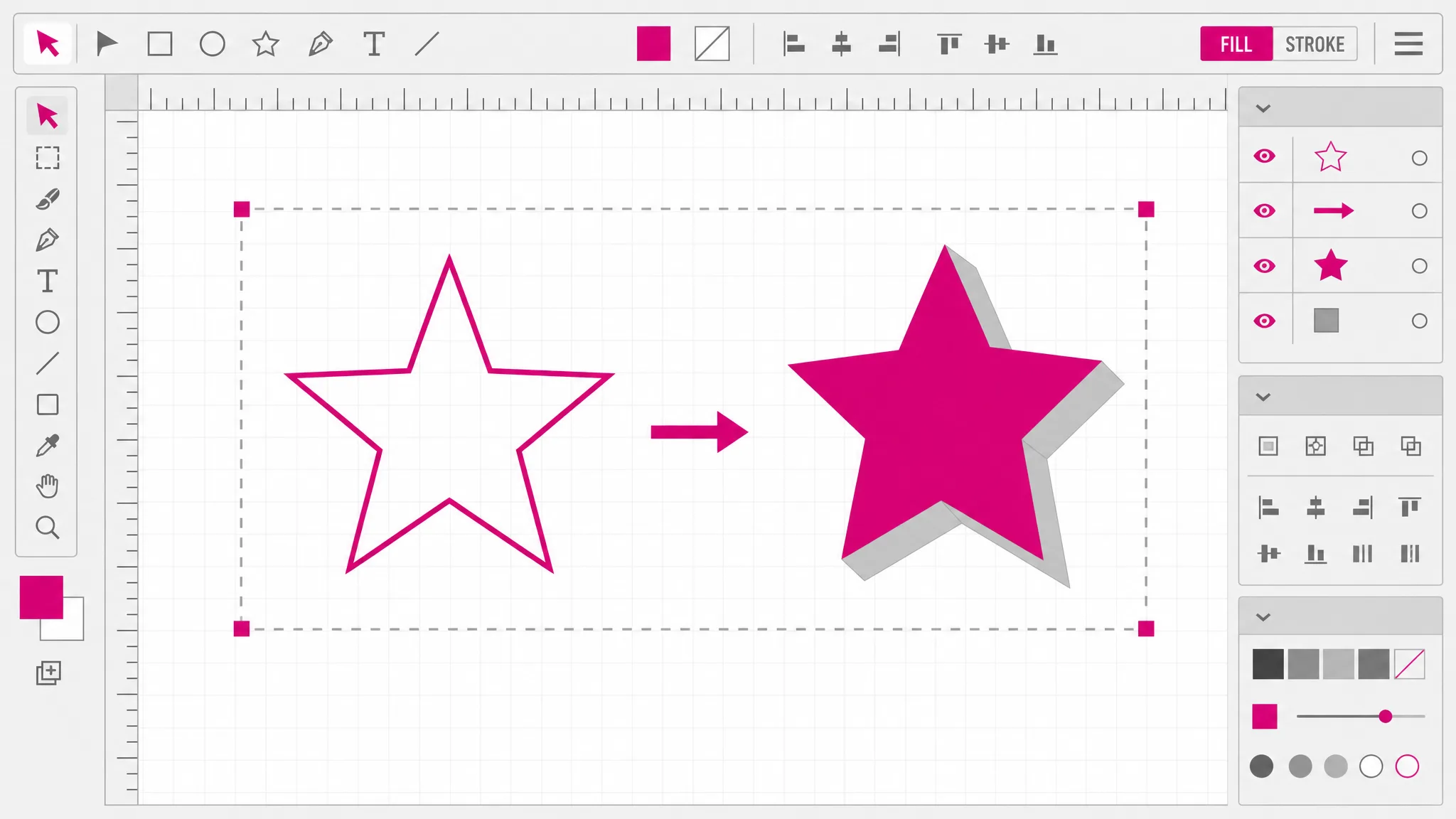
The letter O has an inside that must stay empty; a stencil is holes almost by definition. Deciding which contours are holes follows the fill rule declared in the SVG, and nesting can go several levels deep — a hole inside an island inside a hole. Getting that wrong produces a mesh that looks right in a preview and prints as a solid blob.
See what you get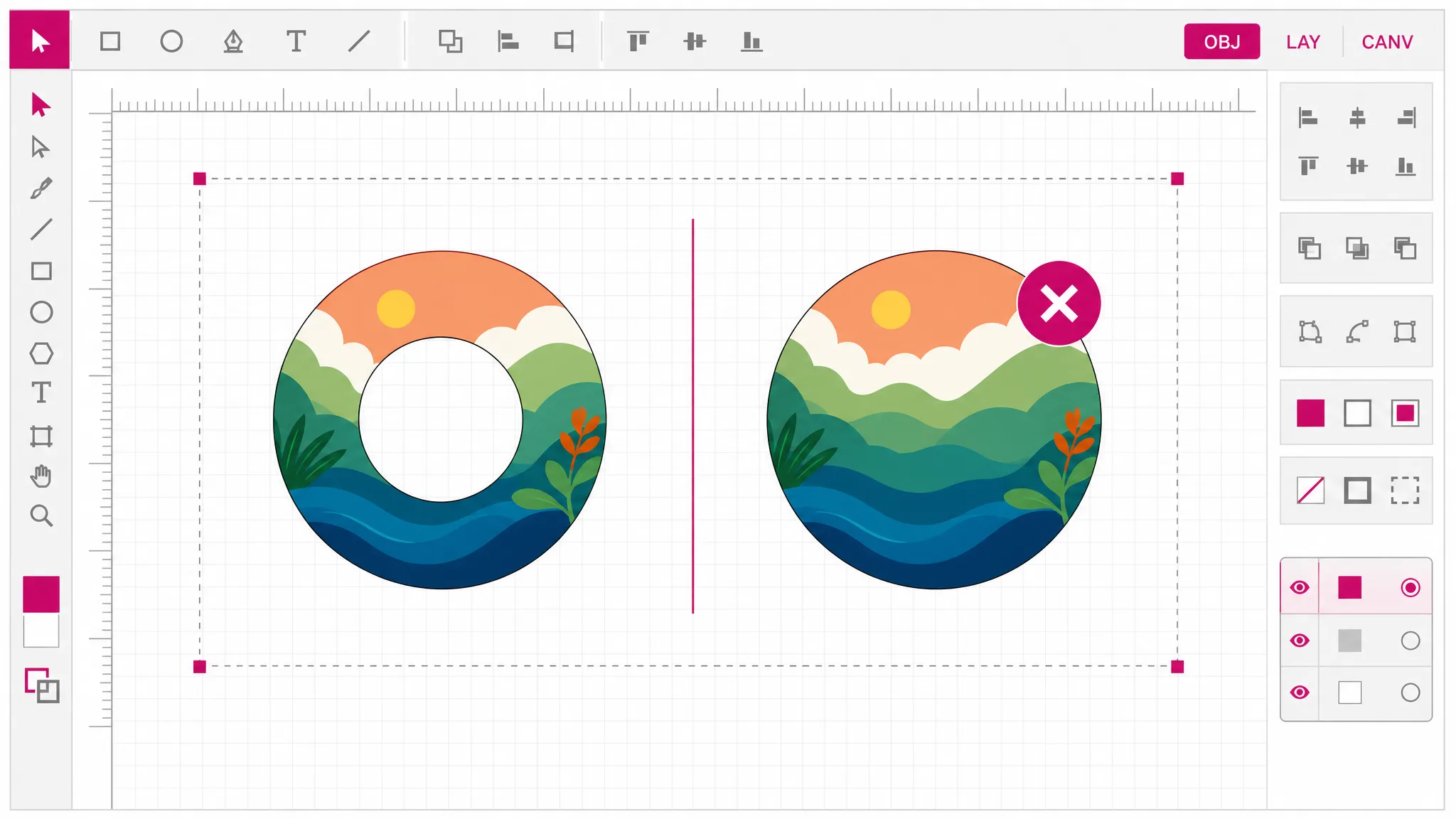
When a shape has contours that genuinely cross themselves, there is no correct answer for what is solid and what is empty. This converter stops and tells you, instead of producing a mesh that slices into something unpredictable. Overlapping between separate shapes is fine and passes through — it is self-crossing inside one shape that gets refused.
Read the limits
STL is a professional export and uses credits, and it needs an account because the conversion runs on our servers. That is a real difference from the raster formats on this site, which run in your browser and are free — we would rather draw that line clearly than blur it.
Check the cost
What you get
A closed solid mesh that loads directly into Cura, PrusaSlicer or whatever you print with — no repair step first.
Interior contours follow the SVG fill rule, so counters in letters and cut-outs in stencils survive into the mesh.
A hole inside an island inside a hole is resolved correctly rather than collapsing at the second level.
Self-crossing contours are refused with an explanation instead of silently producing a mesh that prints wrong.
SVG to 3D here means extruding your artwork exactly as drawn. No smoothing pass, no simplification you did not ask for.
The credit price appears in the picker, not at the download step. No watermark on the mesh.
When you need it
The conversion always sits between a drawing and a printer. Someone has artwork, someone has a 3D printer, and the two do not speak the same language yet.
The most common SVG to STL for 3D printing job: an outline extruded to a wall becomes a cutter. It is the most common reason this conversion gets searched for.
A physical stencil is a plate with holes. This is exactly the case where hole handling decides whether the print is usable.
SVG to 3D on a brand mark makes it a badge, a keychain or a desk piece — printed at whatever size you set on import.
Outlined type extruded into individual letters for signage, props or wall mounting.
A raised design on a base plate, printed to press a pattern into clay, leather, paper or icing.
A drawn profile given thickness becomes a physical part — a tray insert, a spacer, an alignment jig.
FAQ
It gives your flat drawing a thickness and closes it into a solid. An SVG describes outlines on a plane; an STL describes the surface of a three-dimensional object as triangles. The conversion walks your shapes, works out what is solid and what is a hole, and builds a closed mesh from that.
No — it extrudes. If you upload a drawing of a car, you get a flat car silhouette with thickness, not a model of a car. Inferring genuine three-dimensional form from a single flat outline is not something any tool can do, and a page that implies otherwise is setting you up to be disappointed at the printer.
No — STL is a professional export: it uses credits, and it needs an account because the conversion runs on our servers rather than in your browser. The raster formats on this site — PNG, JPG, WebP, PDF and favicon — are genuinely free and account-free, because those really do run locally.
Yes — interior contours are resolved using the fill rule declared in the SVG, and nesting deeper than two levels is handled — a hole inside an island inside a hole comes out correctly. This is the part that most commonly goes wrong in other converters, where the letter O prints as a solid disc.
Almost always because a shape has contours that cross themselves. When that happens there is no correct answer for which region is solid, so the conversion stops rather than guessing and handing you a mesh that slices unpredictably. Fixing it means cleaning the path in your vector editor — usually a self-intersecting outline or a stray doubled-back segment.
That is fine and passes through. Two separate shapes sitting on top of one another are unambiguous — both are solid. The refusal only applies to a single shape whose own contours cross, which is the genuinely undecidable case.
The mesh carries geometry rather than physical units, so scale and thickness are set when you bring it into your slicer. Most people size it there against the actual object they are printing, which is easier than trying to predict millimetres in a drawing.
Yes — live text depends on a font file, and the converter works with shapes. Converting type to outlines in your vector editor turns each letter into a path with proper interior counters, which is what the mesh builder needs.
More tools
Convert SVG to STL for 3D printing in one pass: upload flat vector artwork, get a closed printable mesh with the holes intact. The credit cost is shown before you convert.
Open the converter