An object no library has
Domain-specific things — a piece of equipment, an industry concept — rarely appear in general icon sets.

An artificial intelligence icon generator that gives you a vector back — one that matches the rest of your set. Icons have rules that general artwork does not, and this page is set up around them.
Generating uses credits and needs an account; new accounts start with free credits. Exporting the finished icon to favicon format is free and runs on your device.
Reviewed by SVGMaker TeamUpdated
What comes out
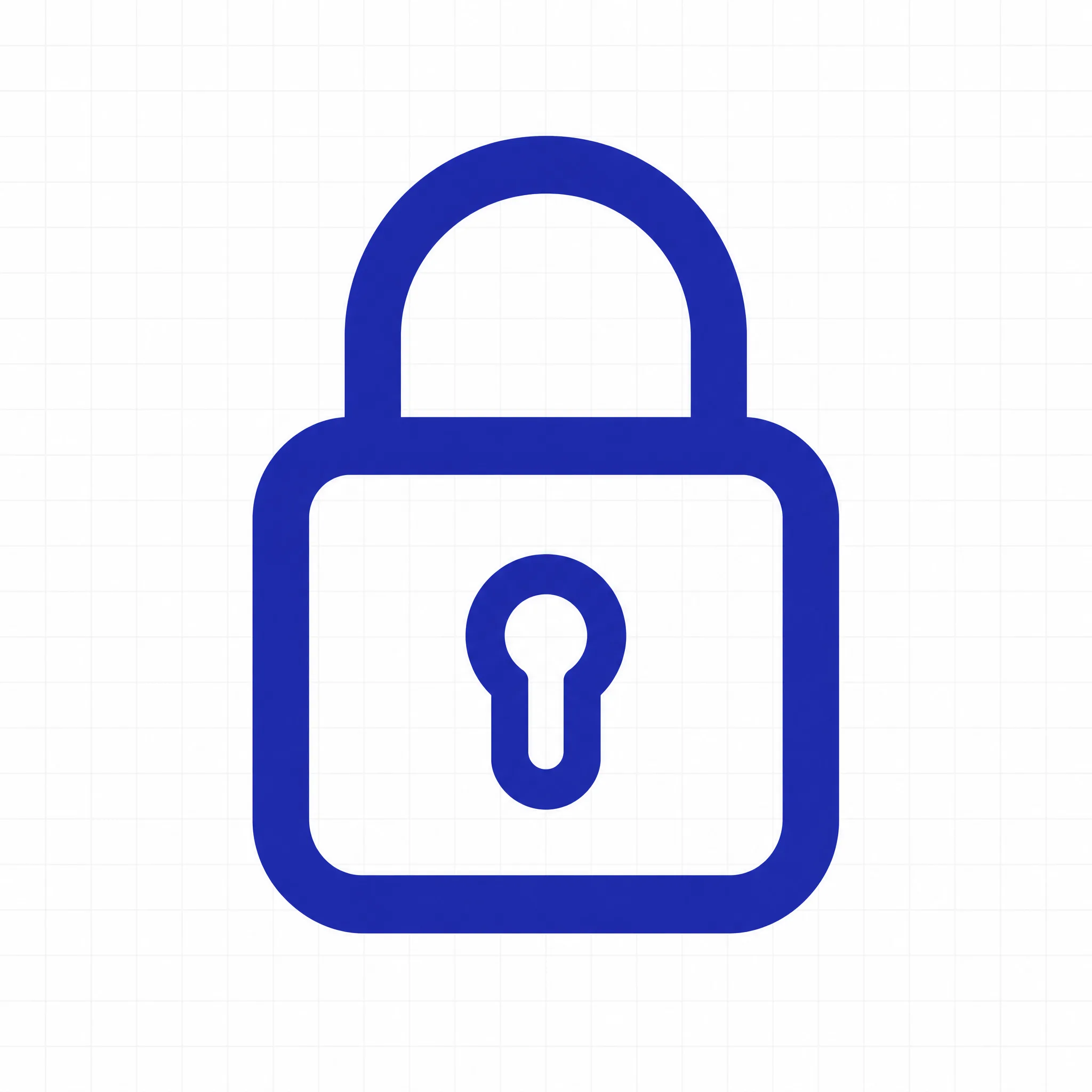
An AI icon generator lives or dies on simplicity, because icons are small. These are the categories that generate reliably, and what makes each one work at 24 pixels.



How it works
To generate an icon: describe the object and the drawing style, pick a model, then generate. For a matching set, reuse the same style clause and change only the object.
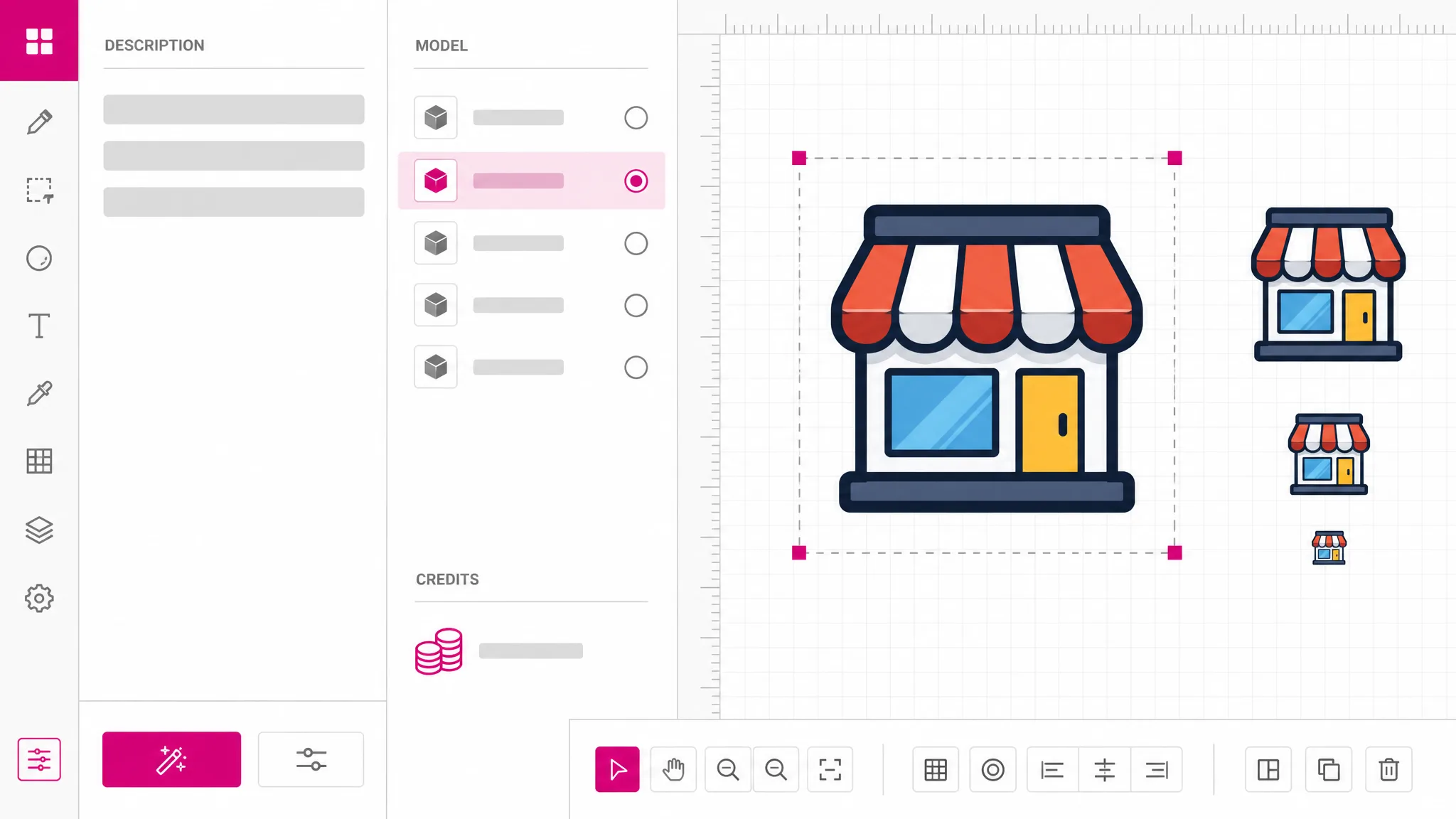
Name the thing first, then the construction: outlined or filled, stroke weight, one color or two, rounded or square ends. Those are the properties that make a set look like a set.
Both models produce vector output — this is an SVG generator AI pipeline, not an image one; the native-vector route gives cleaner geometry, which shows more at icon size than anywhere else. The credit cost appears before you run.
Download the SVG, or send it through the converter to produce a favicon or a PNG at the size a platform demands. That export step is free and runs on your device.
Why icons are different
Most generated artwork is judged at full size. An icon is judged at 24 pixels, where detail disappears and only the silhouette survives. That changes what a good prompt looks like: fewer elements, heavier strokes, one clear subject. A beautiful illustration makes a poor icon, and the difference is not quality but constraint.
Generate an icon
Icons almost never travel alone. What makes a group look designed is consistency: the same stroke weight, the same corner treatment, the same level of detail. Reusing one style clause across prompts and changing only the object is how you get that from a generator — and it is why writing the style down once is worth the effort.
See the examples
Icons get used at a dozen sizes across a product, from a favicon to a marketing page. A raster icon means shipping several files and still finding one that looks soft. Real vector paths mean one file that is sharp everywhere, and one file to update when the style changes.
See the output
Generation runs on AI providers we pay per request, so it uses credits and needs an account, though sign-up includes a starting balance. Turning the finished icon into a favicon or a PNG happens in your own browser and is free with no limit. Those are two genuinely different operations and we price them differently.
Check the pricing
What you get
Prompt guidance aimed at legibility at icon scale, not at artwork that only works when viewed large.
Reuse one style clause and vary the object to get icons that read as a family rather than a collection.
Adjust a stroke or nudge a shape after generating — impossible with a raster icon, routine with this one.
One AI app icon generator output serves the launcher icon, the toolbar icon and the marketing page without a separate export each.
Send the finished icon through the converter to produce a favicon. That step runs locally and costs nothing.
Each model shows its credit cost up front, and sign-up includes a starting balance.
When you need it
Icon libraries cover the common cases well. People reach for an AI icon generator when their object is not common, or when the library style does not match theirs.
Domain-specific things — a piece of equipment, an industry concept — rarely appear in general icon sets.
You have a set and need one more member. Describing the shared style gets closer than mixing in a library icon.
Generate a simple mark, then export it to favicon format. Simple is not a compromise here — it is the requirement.
An AI app icon generator lets you try several launcher directions before committing, at a cost where trying ten is reasonable.
Sections, filters and empty states all need small symbols, and they need to look like they came from one place.
A quick icon makes a diagram readable, and a vector one stays sharp when the slide is projected.
FAQ
An SVG containing real vector paths — the same kind of file a designer would hand you, arrived at by describing rather than drawing. That matters more for icons than for most artwork, because a single icon gets used at many sizes and a raster version would need a separate export for each one.
Generating uses credits and needs an account, because it runs on AI providers we pay per request; a new account arrives with some credits already on it. Exporting a finished icon to favicon or PNG is genuinely free and unlimited, because that conversion runs in your own browser. The two halves are priced differently because they cost differently.
Write the style once and reuse it word for word, changing only the object. Something like "outlined, 2px even stroke, rounded ends, single color" applied across every prompt does most of the work. Consistency in a set comes from consistency in the prompt far more than from picking similar subjects.
No, and this is worth being clear about. A barcode is encoded data drawn to a strict specification — the bar widths carry meaning. An AI model draws something that looks like a barcode, and it will not scan. A barcode that fails at a checkout is worse than no barcode, so we do not offer it; use a dedicated barcode generator, which is a solved and free problem elsewhere.
Yes, in two steps. Generate the icon here, then send it through the converter and choose favicon as the output format. Keep the design very simple — a favicon is around 16 to 32 pixels, and anything with more than one idea in it becomes a smudge at that size.
One object and an explicit drawing style. "A padlock, outlined, even stroke weight, rounded corners, single color" produces something usable. Adding scene, background or mood pushes the model toward illustration, which looks fine large and turns to mush at icon size.
Yes — the output is editable geometry, so you can adjust a stroke, align it to a grid or delete an element in any vector editor. Icons in particular benefit from a manual pass, because small alignment differences are visible at small sizes.
Any size, because it is vector. That is the practical argument for generating icons as SVG rather than as images: one file covers the favicon, the toolbar, the app listing and the marketing page, and updating the style means updating one file.
More tools
Describe the icon and the style, get editable vector paths back, and export a favicon for free afterwards. Sign-up comes with credits already on the account.
Open the generator