Checking generated output
A script or an API produced SVG. Rendering it is the quickest confirmation that it produced the right thing.

Paste a block of SVG and find out what it draws. This SVG code viewer renders the markup as you paste it and keeps the source beside the picture, so the two never get out of sync.
Stays in your browser — nothing is uploaded.
View SVG code online free of charge — no account. The markup is rendered in this browser tab and never uploaded.
Reviewed by SVGMaker TeamUpdated
What you can paste
Any markup a browser can draw. These are the kinds of snippets people paste, and what viewing them usually settles.





How it works
To view SVG code online: paste the markup, and it renders as you go. Nothing is uploaded — the drawing happens in this browser tab, which is why it is instant and free.
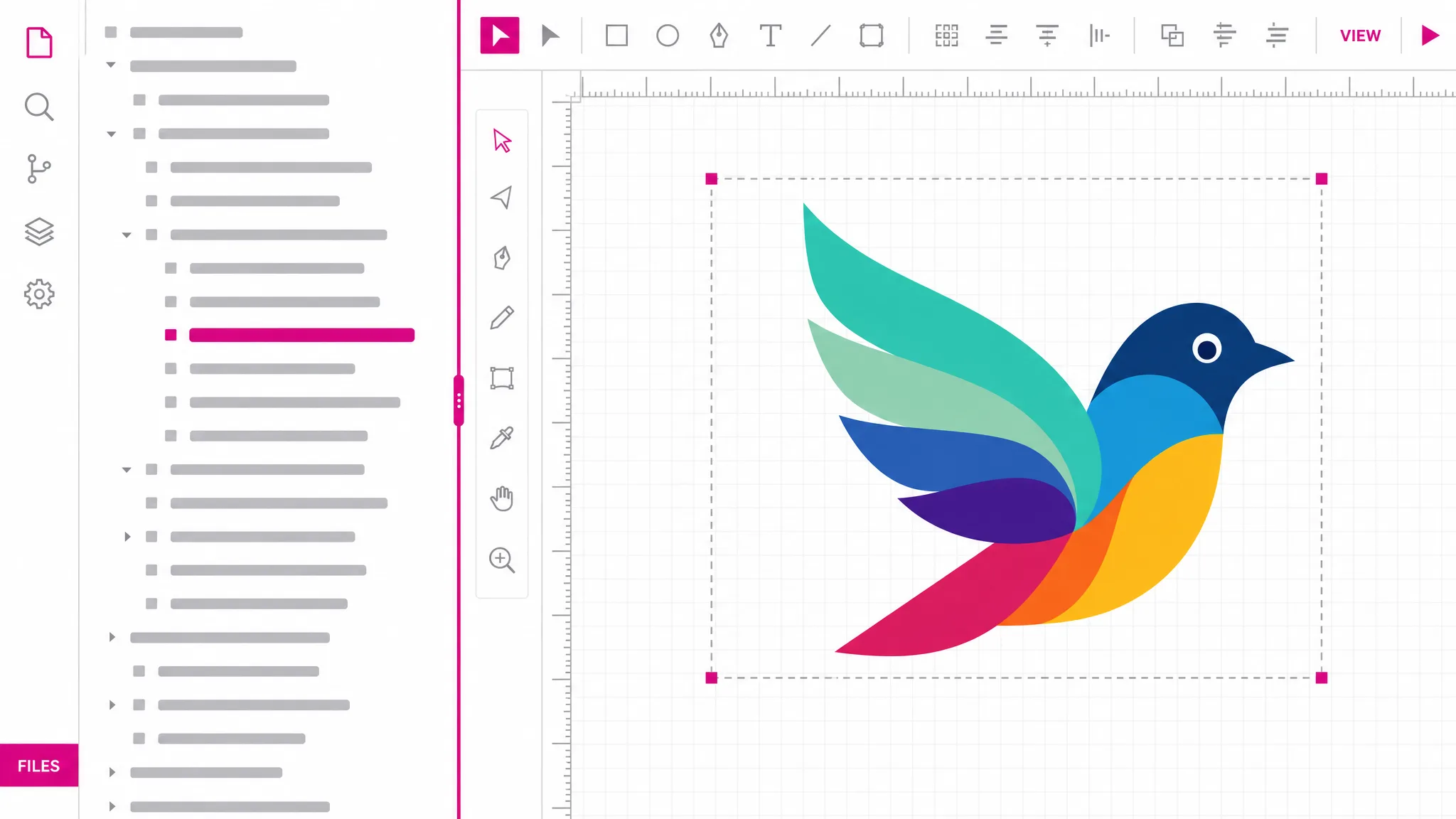
Copy the SVG from wherever it lives — an editor, an API response, a message — and paste it in. A file works too if you already saved one.
The rendering appears beside the source. If the markup is malformed, you get a readable message instead of a blank box, which is the part that usually saves the time.
Render the same markup out to PNG or JPG, or open it in the code editor when looking turns into fixing.
Why this viewer
View SVG code online free and the point is immediate: a path is a run of numbers. Nobody can tell from the text whether a curve bulges the right way or a shape closes properly, but everybody can tell from the picture. Rendering turns a careful reading exercise into a glance.
Paste some markup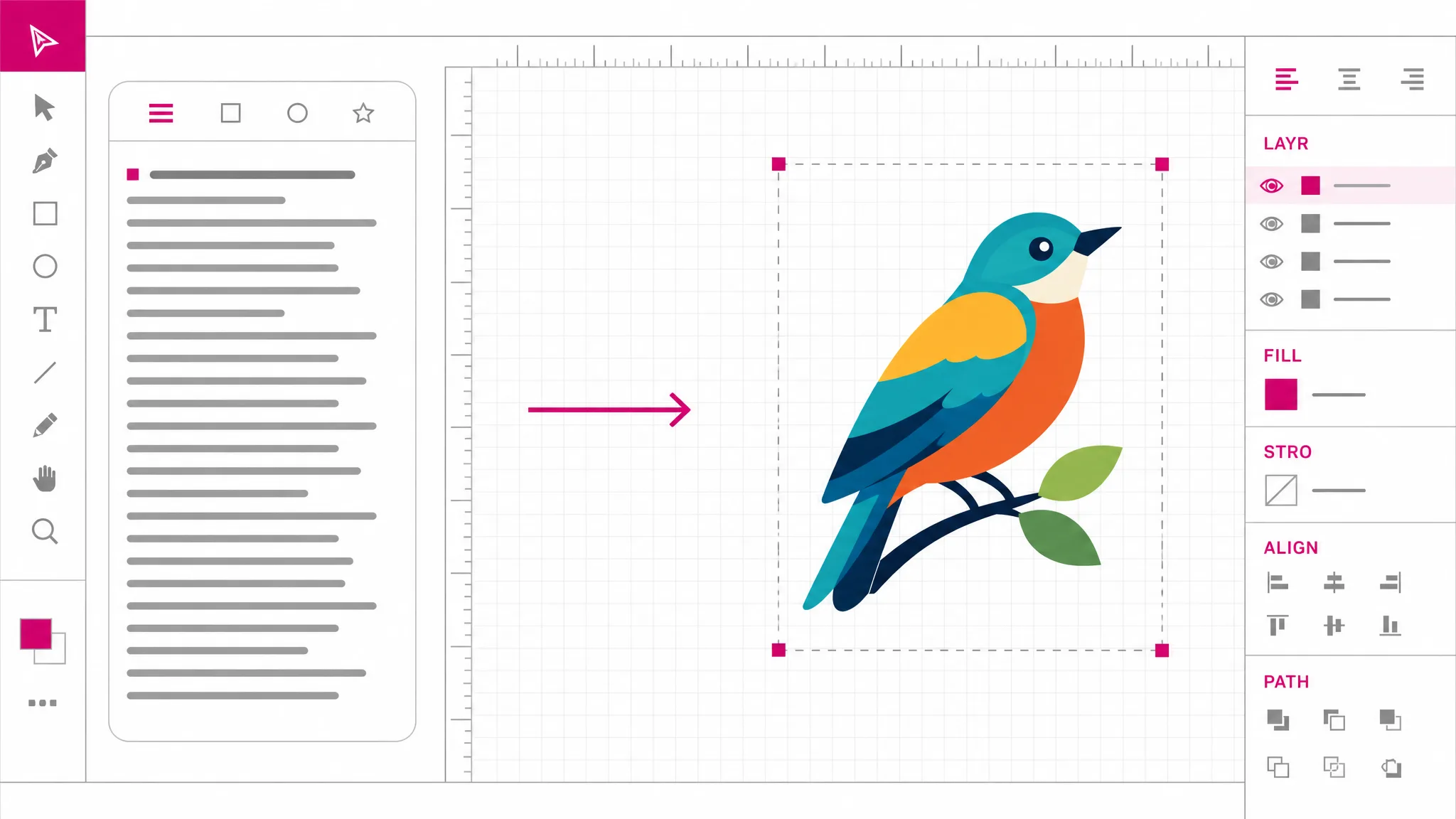
An unclosed tag or a malformed path usually renders as nothing at all, which tells you very little. Here a parse failure comes back as a message about what went wrong, so you know whether to look at the markup or at the shape.
Try it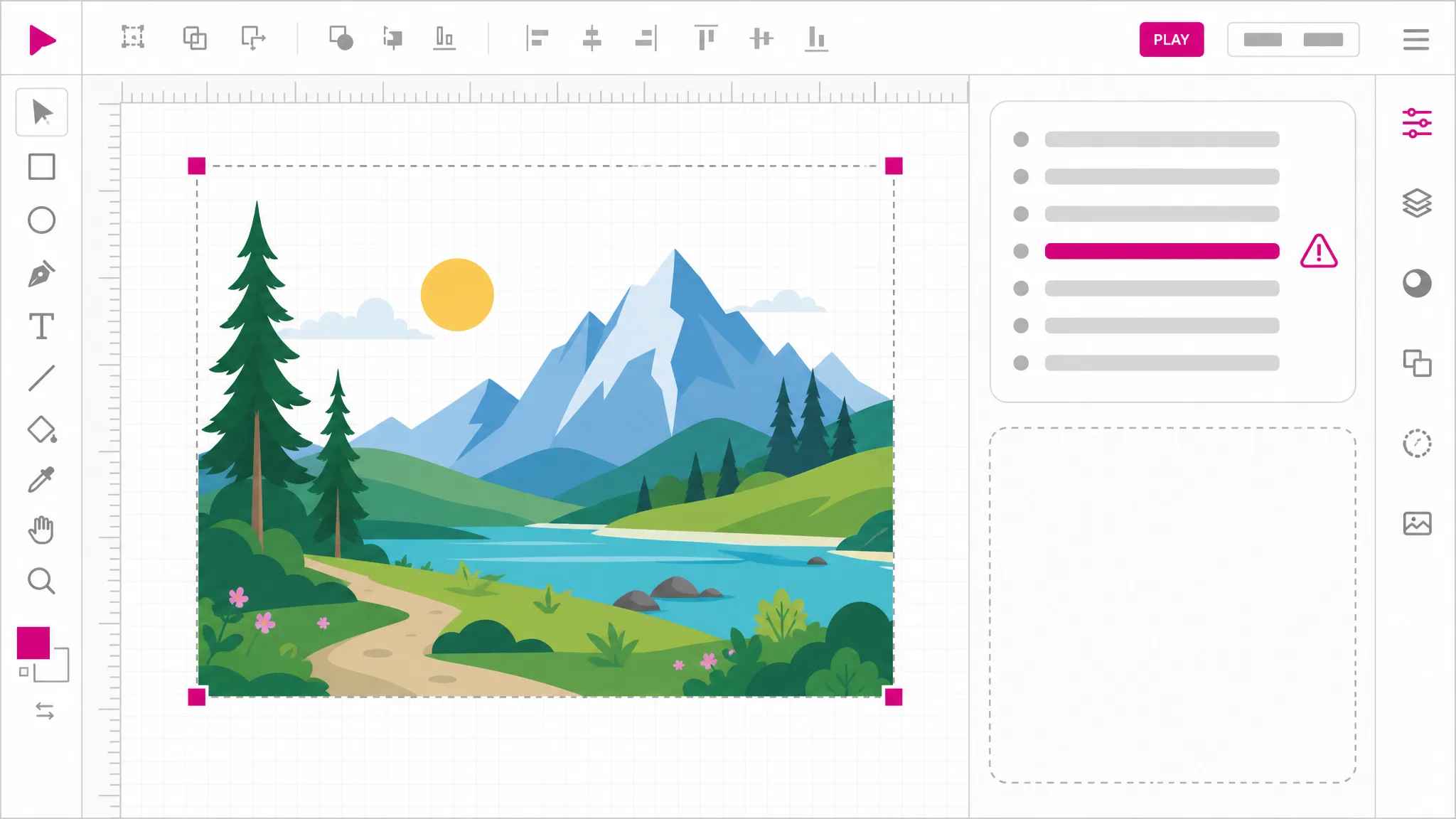
Pasted SVG often comes from somewhere you do not control. Scripts, event handlers, style blocks and external references are stripped before anything renders, so viewing an unfamiliar snippet cannot run anything in your browser.
How it stays safe
Viewing usually leads somewhere: rendering the markup out as a PNG, or editing the one path that is wrong. Both are in the same workspace, so the snippet does not need pasting a second time.
See the next steps
What you get
No save-to-disk step. The markup goes straight from your clipboard to a rendering.
Read the markup and see the result together, which is how you find which line owns which shape.
Rendering happens locally, so there is no upload, no queue and no waiting for a round trip.
Executable content is removed before drawing, so an svg inspector session cannot run anything.
The markup stays in this tab. Nothing is stored and there is no link to expire afterwards.
Render it out to PNG or JPG, or move to the code editor when you need to change something.
When you need it
Markup turns up as text far more often than as a file. These are the moments you want to see it rather than read it.
A script or an API produced SVG. Rendering it is the quickest confirmation that it produced the right thing.
SVG pasted into an issue or a pull request, where the picture answers the question the diff cannot.
One curve is wrong. In an SVG code viewer you see it at once: Seeing it drawn tells you which number to change far faster than reading the d attribute.
Markup copied between files loses characters more often than people expect. Rendering catches it immediately.
Gradients and patterns are referenced by id. If the reference broke, the rendering shows a flat shape and tells you at once.
View SVG code online free instead of installing an editor — and no reason to install one just to look at a block of markup.
Which tool
Every one of them is free, needs no account, and runs locally. What separates them is depth: how far into the file each reaches.
| Tool | Best for | What it changes | Cost |
|---|---|---|---|
| SVG Editor | Moving, recolouring and reshaping artwork on a canvas. | Objects on a canvas | Free, no account |
| SVG Path Editor | Pulling one curve into shape, anchor by anchor. | Anchors and handles | Free, no account |
| SVG Code Editor | Reading and fixing the markup itself. | The XML source | Free, no account |
| SVG Viewer | Seeing what a file draws, without changing it. | Nothing — read only | Free, no account |
FAQ
It draws the markup you paste. SVG is text that describes a picture, and reading the text tells you very little about the picture; rendering it settles in one look what careful reading would take minutes to guess at.
Yes — you can view SVG code online free here, with no account and no cap. It stays in this browser tab. The drawing happens locally, nothing is transmitted, and nothing is stored. That matters because pasted snippets often come from sources you do not control.
Yes, because it is cleaned first. SVG can carry scripts, event handlers and external references; all of those are removed before anything is drawn, as are style blocks and link containers. You see the artwork, and a notice tells you whenever something was removed.
You get a readable message rather than an empty box. A blank result tells you nothing about whether the problem is the markup, the shape or the size, so failures are reported explicitly instead.
Yes — both routes land in the same viewer. Pasting is the faster path when the SVG is already text somewhere, and opening a file is better when it has been saved.
Yes — svg code to png and svg code to image are both one step away. Rendering the same snippet happens in the same workspace, which is the usual next step after confirming it draws correctly.
You can paste an updated version at any time and re-render. For real editing, an SVG code editor is the tool built for that — syntax highlighting, formatting, error locations — and it takes the same markup.
Yes, a couple of megabytes of markup. That is far above any hand-written snippet and covers most exported files; past that point a file is usually better handled as a file.
More tools
Paste the markup into the SVG code viewer and see what it draws. It renders in this browser tab, costs nothing, and nothing is uploaded.
Open the viewer