Inlining an icon
Pasting SVG to HTML code inline is one fewer request and can inherit color from the surrounding text, which a linked file cannot.

Turn an SVG file into markup you can paste. The file is read in this browser tab, cleaned of anything that should not run, and handed back as plain SVG code.
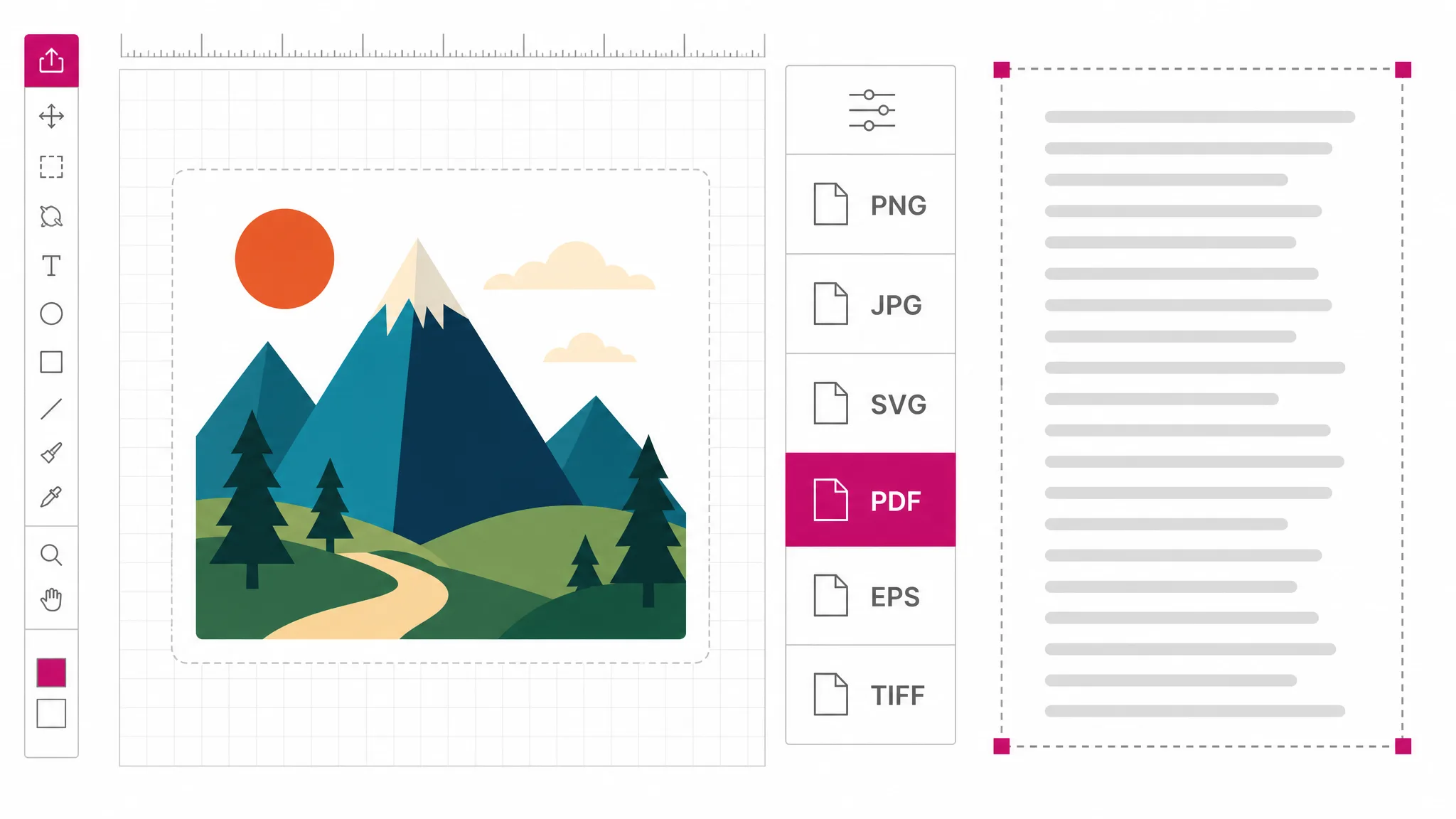
Pick a file, then choose what to convert it to.
Vector formats keep every line sharp at any size. Bitmap conversions run right in your browser — nothing is uploaded.
This conversion is free and runs on your device — no account needed. AI generation elsewhere on the site uses credits.
Reviewed by SVGMaker TeamUpdated
What comes out
The output is the drawing instructions themselves — paths, fills, groups — as text. These are the kinds of files people convert, and what the markup looks like for each.





How it works
To convert SVG to code: add the file, pick the code output, then copy. Everything happens in this browser tab — the file is never uploaded, which is also why it is free.
Drop it in or pick it from disk. The browser reads it locally, so even a large illustration opens immediately and nothing is transmitted.
The picker offers the SVG markup itself. If you want it smaller, choose the minified option instead — that is a separate output, not a setting on this one.
You get the cleaned markup as text. Paste it into a template, a component or a stylesheet, or download it as a file if you would rather manage it that way.
Why this converter
Real-world SVG files carry editor metadata, unused definitions, and occasionally things that should never run in a page. Everything here passes through the same sanitizer the rest of the site uses, so the SVG code you copy is the drawing and nothing else.
Convert a file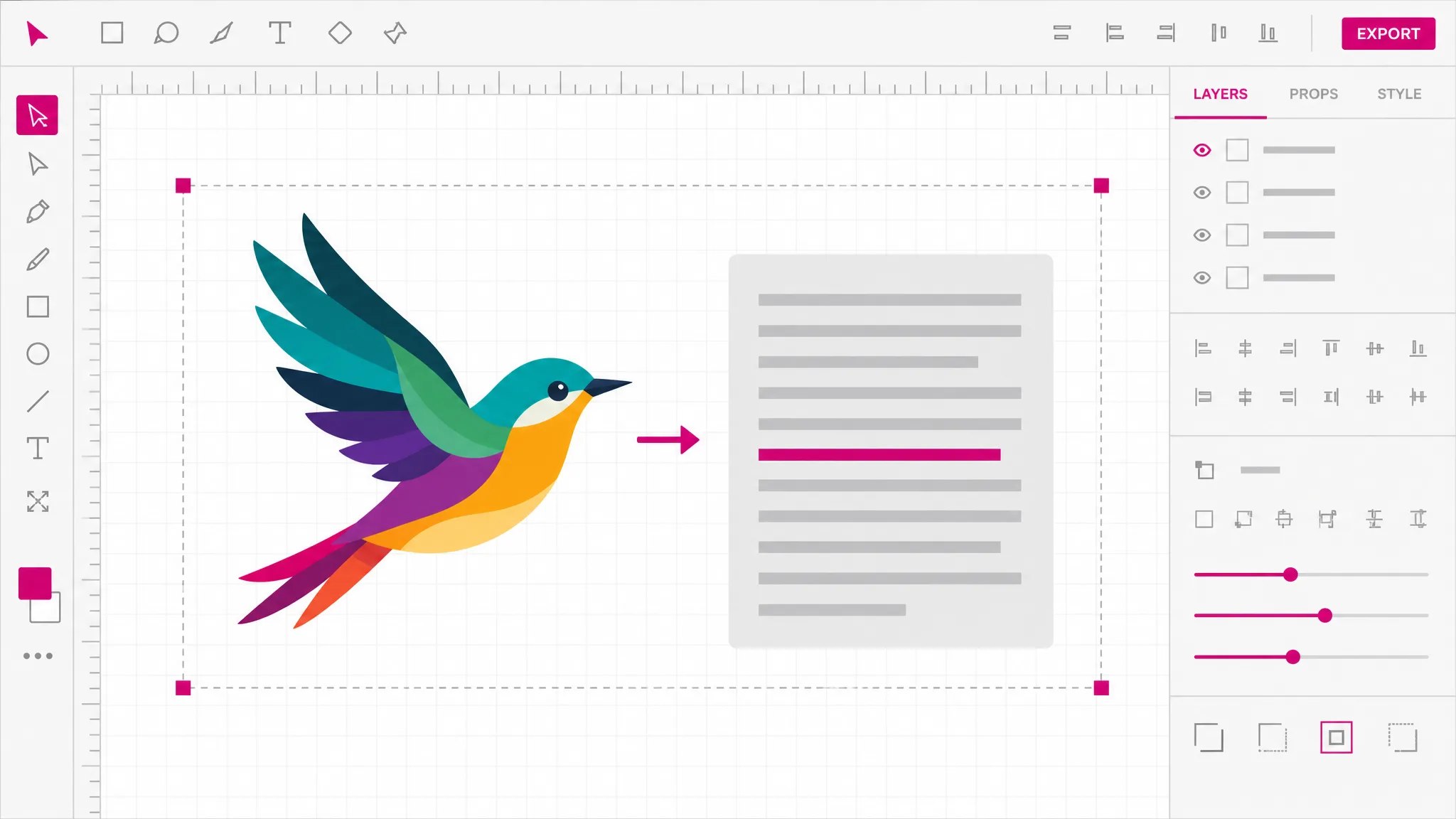
The file is read in the page you already have open, converted there, and handed back. That is not a privacy slogan — it is the reason this is free and instant: your machine does the work, so there is no server bill to recover and no queue to wait in.
Try it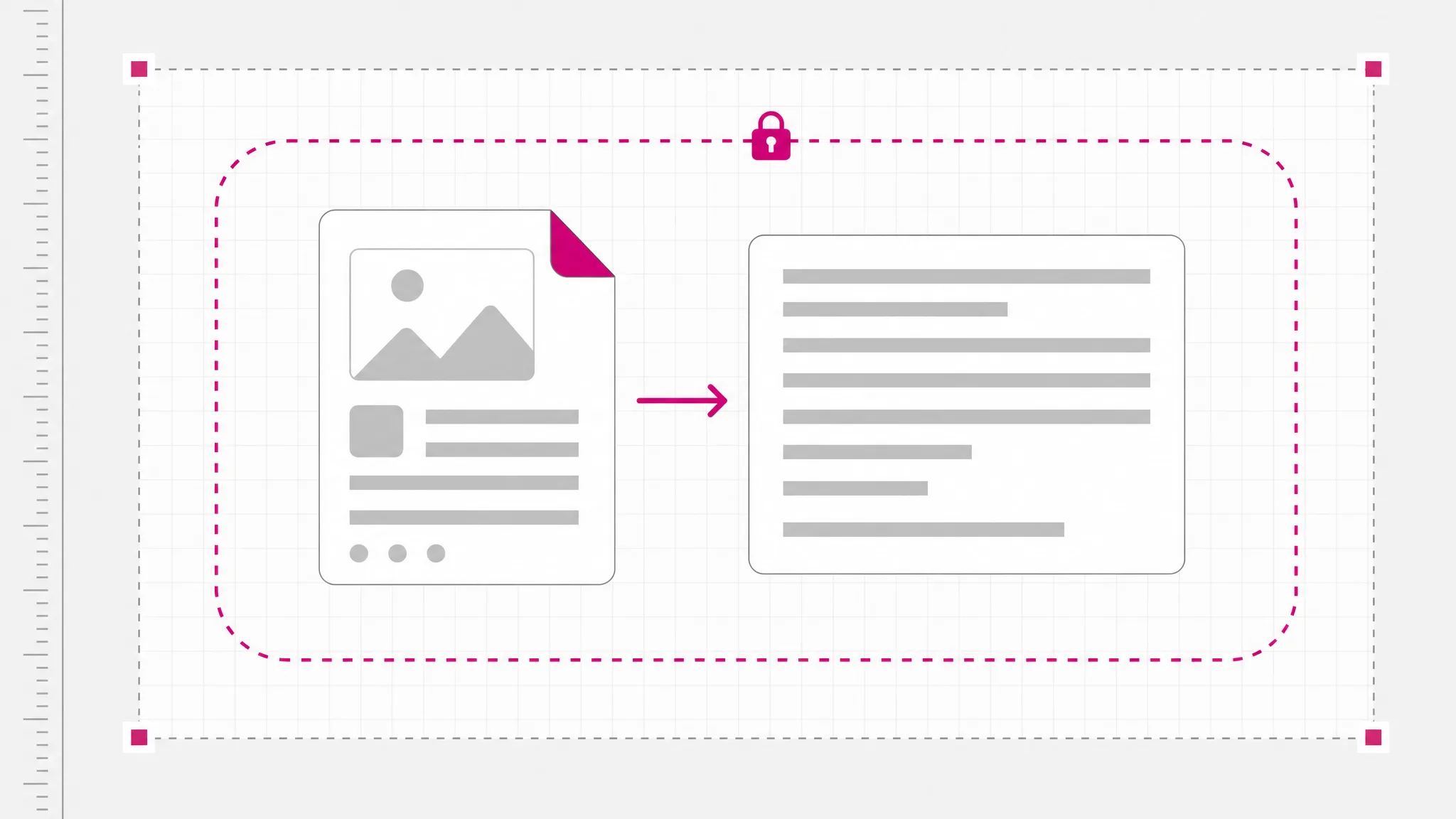
The default keeps the structure intact so you can find the path you want to change. When you need the small version instead, the minified output is one pick away in the same menu — two outputs rather than one output with a hidden switch.
See the formats
Once the file is loaded, the same workspace exports it to PNG, JPG, WebP, PDF and favicon, or to the professional formats that cutting machines and 3D slicers expect. Getting the SVG code is often the first of several things you need.
See every format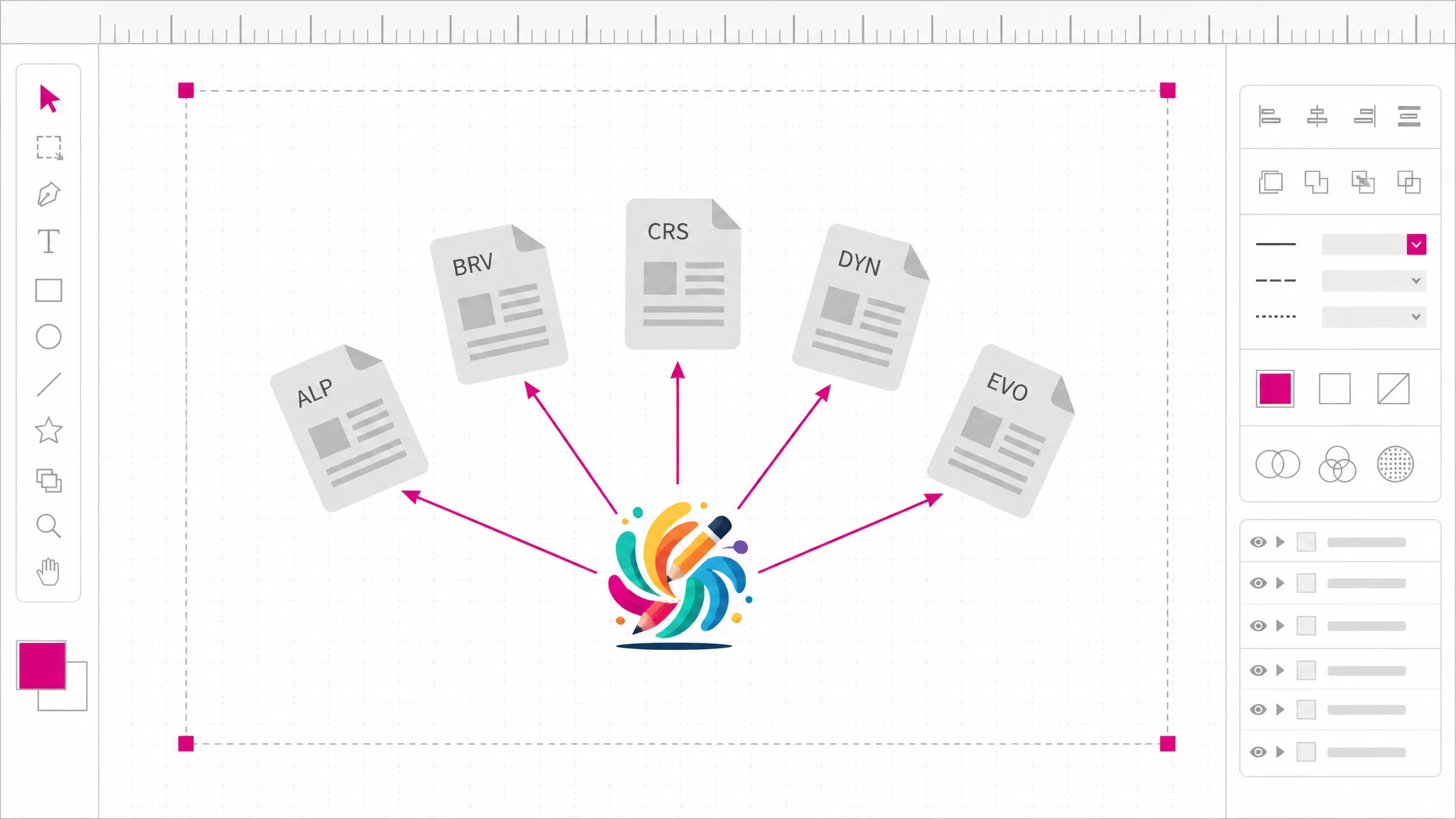
What you get
Paths, fills, groups and definitions exactly as the drawing describes them — not a screenshot, not a wrapper.
Scripts, event handlers, style blocks and external references are stripped before the SVG code reaches your clipboard.
Take it as text when it is going into a component, or as a file when it belongs in an asset folder.
Groups, gradients and embedded styling survive, so the svg file to code step does not quietly flatten your artwork.
Indentation and grouping stay intact, which is what makes the difference when you go back to edit a single shape.
The same file exports onward to raster, print, cutting and 3D formats without a second site.
When you need it
People want the markup rather than the file whenever the artwork has to live inside something else — a template, a component, a stylesheet. These are the usual ones.
Pasting SVG to HTML code inline is one fewer request and can inherit color from the surrounding text, which a linked file cannot.
Once the markup is in the page, fills and strokes become styleable. That is impossible while it is an external image.
A design handoff is a file; a component needs the markup. Converting saves opening a vector editor just to read it.
When only a single path is wrong, an SVG code editor is faster than a round trip through a desktop editor.
An SVG code viewer shows the syntax and tells you whether text is real text or outlines, and whether a gradient is defined once or repeated.
SVG to HTML code is what email, docs and static site generators accept directly but not an attached asset.
FAQ
The SVG markup itself — the text that describes the drawing. An SVG file is already text under the hood; what this does is read it, clean it, and hand it to you in a form you can paste. Nothing is redrawn or re-traced in the process.
No — you get plain SVG markup, not a component. Converting markup to JSX means renaming attributes and wrapping the result, which is a code transform rather than a graphics one, and this tool does not do it. Most React setups have an import plugin that handles the wrapping for you once you have the markup.
Yes — free with no account and no cap. The conversion runs in your own browser, so there is no server cost for us to recover and nothing to meter. Credits on this site apply only to AI generation, which is a different tool.
No — it never leaves your device. The browser reads the file from disk, cleans it, and shows you the result. That is also why it works with a poor connection and why there is no link to expire afterwards.
Scripts, event handler attributes, external references and anything else that could execute. The drawing itself — paths, shapes, fills, gradients, groups — is preserved. If your file has none of those things, the output is what you would expect it to be.
Yes — SVG code to PNG and SVG code to image are the reverse direction, and the same workspace handles both: load the markup, pick a raster output, download. Rendering back out is the more common request, which is why it also has its own page.
Yes, by choosing the minified output instead. It is a separate pick in the same menu rather than a switch on this one, so you can take the readable version, the small version, or both from the same file.
Yes — SVG to HTML code goes in as-is: browsers render inline SVG natively, so the markup goes straight into a page with no extra tags. Once it is inline you can also target it with CSS, which is the usual reason for wanting the code rather than the file.
More tools
Add an SVG file, pick the code output, copy the markup. It runs in this browser tab, it costs nothing, and your file stays on your device.
Open the converter