An uploader refuses SVG
Marketplaces, older CMSes and most email builders take raster only. One export to PNG and the problem is gone.

One SVG file converter for moving artwork in and out of SVG — a vector graphics converter, not a single-direction tool. Raster exports run in your browser for free; professional formats for cutting, print and 3D printing are here too. Pick the direction you need below.
Pick a file, then choose what to convert it to.
Vector formats keep every line sharp at any size. Bitmap conversions run right in your browser — nothing is uploaded.
Raster conversions run on your device and are free with no account. AI vectorization and the professional export formats use credits, priced before you commit.
Reviewed by SVGMaker TeamUpdated
Every direction
Each of these is a full page of its own with the details, settings and caveats for that specific conversion. This page is the map — pick the direction and follow the link.






How it works
To convert SVG files online: add your file, choose the output format, then download. Free formats never leave your browser, which is why they are instant and unmetered.
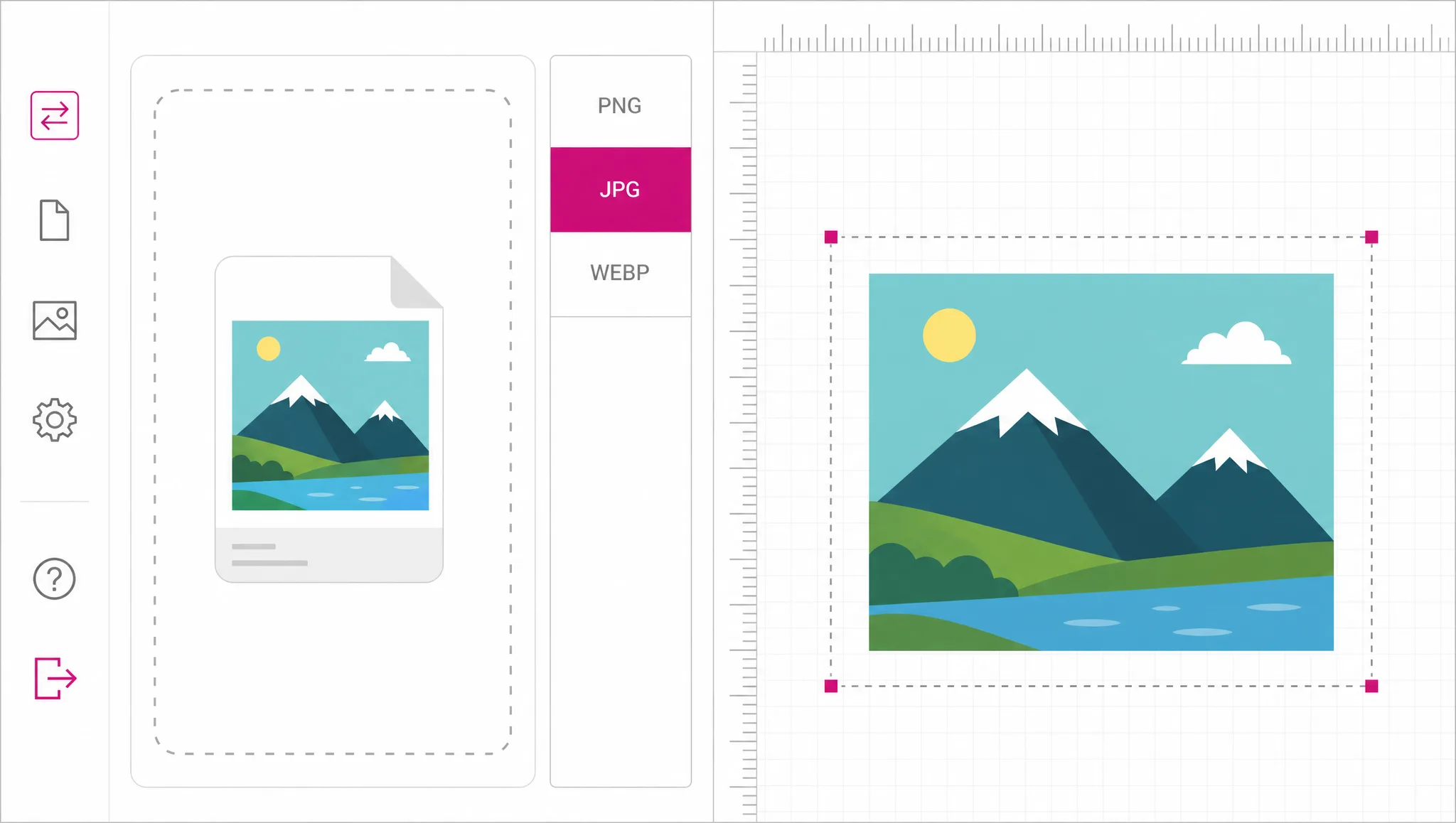
Bring an SVG to convert out of vector, or a PNG, JPG or WebP to convert into it. Those four are the input formats this converter accepts.
PNG, JPG, WebP, PDF and favicon are free and run locally. STL, DXF, EPS and AI are the professional exports and use credits; the interface labels which is which before you commit.
The file is produced and handed to you. For the free formats nothing was ever uploaded, so there is no link to expire and no copy left behind.
Why one converter
Most conversion sites are one page per direction with the same upload box on each. Here the direction is a dropdown: bring the file once, then decide what should come out. If you change your mind about the format, you do not start over on a different domain.
Open the converter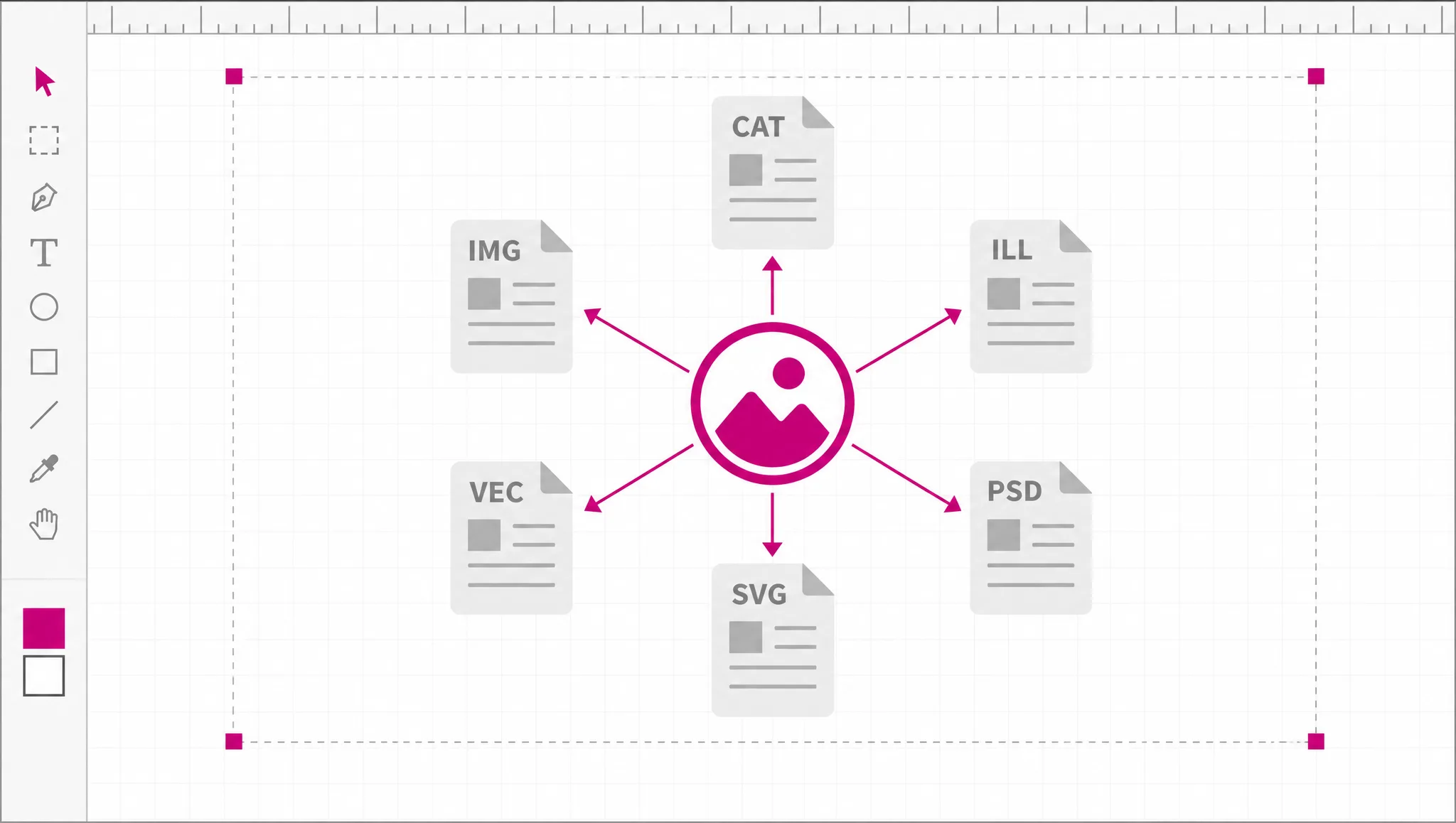
This is a free SVG converter online in the literal sense: PNG, JPG, WebP, PDF and favicon are produced by your own browser, so there is no server bill for us to recover and no reason to meter them. No account, no watermark, no daily cap — that is a consequence of where the compute runs, not a promotion.
Try a free format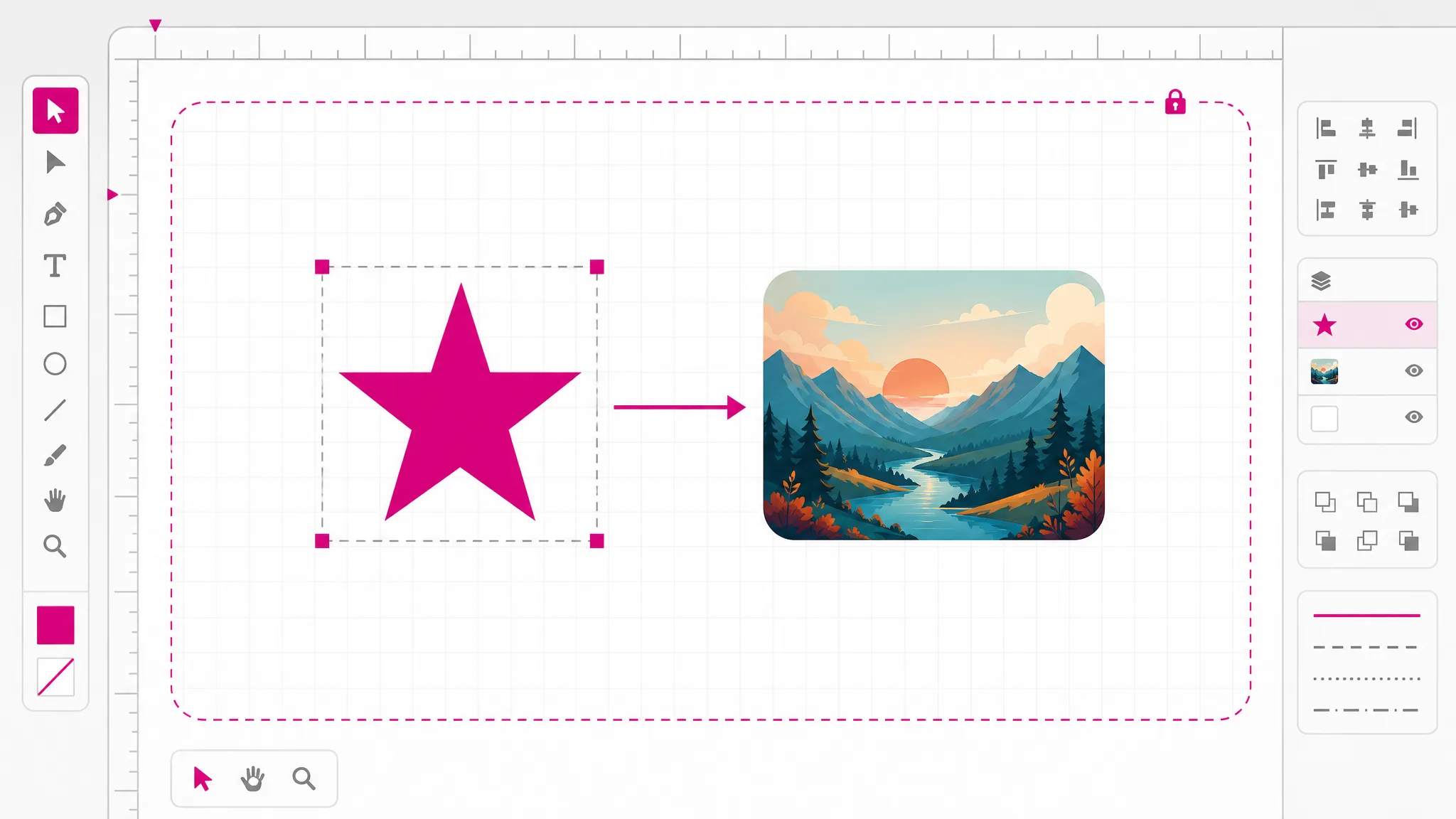
STL for 3D printing and DXF for cutting machines are not the same file with a different extension. STL needs the flat shapes turned into a solid mesh with correct holes; DXF needs the curves expressed in the entities CAD software understands. Those run on our servers and use credits, which is why they are labelled clearly.
See professional exports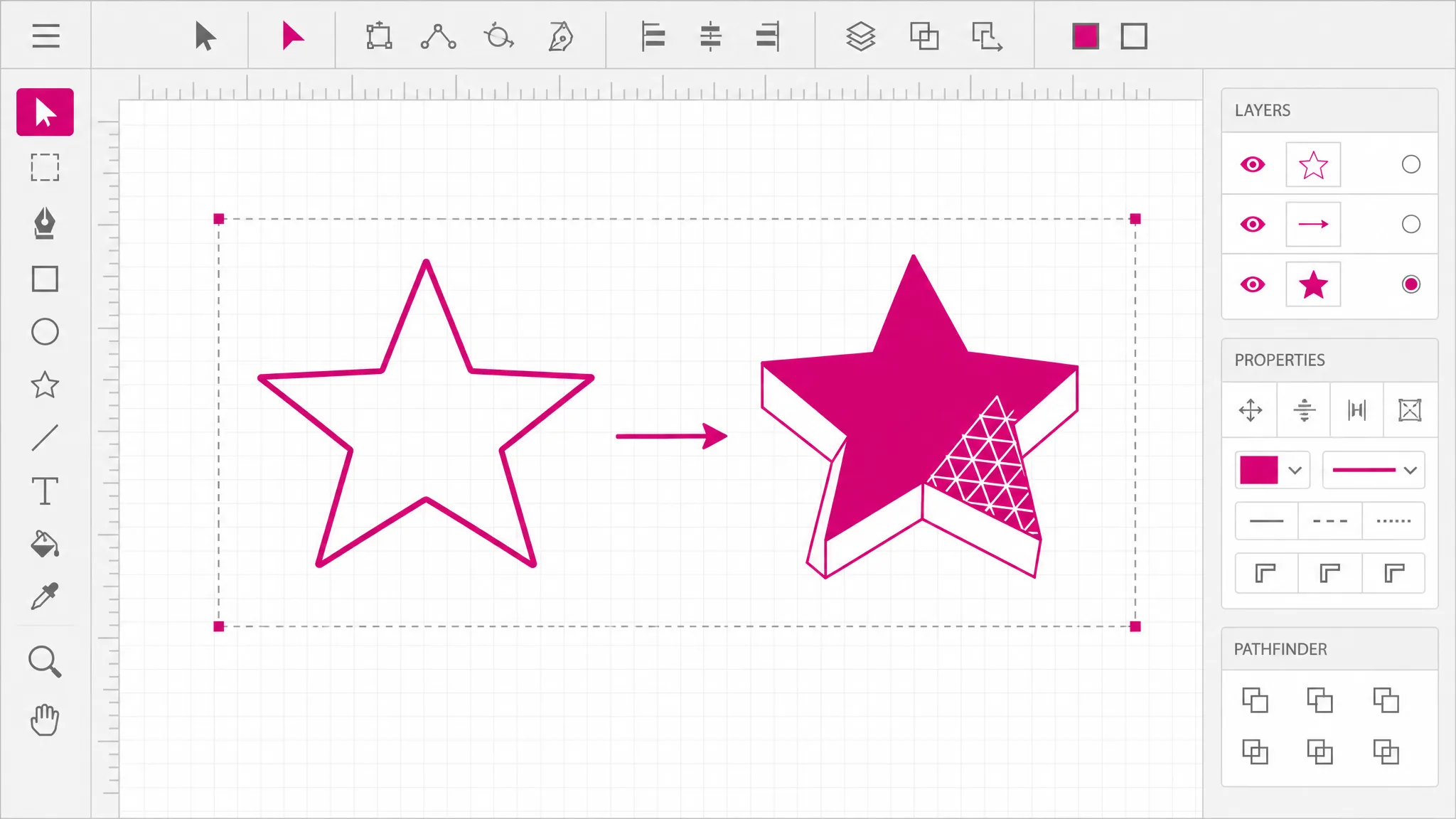
If what you have is a raster image, the same workspace vectorizes it: on-device tracing for flat artwork, AI vectorization for photographs. That is the direction people usually discover second, after something downstream refuses to accept pixels.
Vectorize an image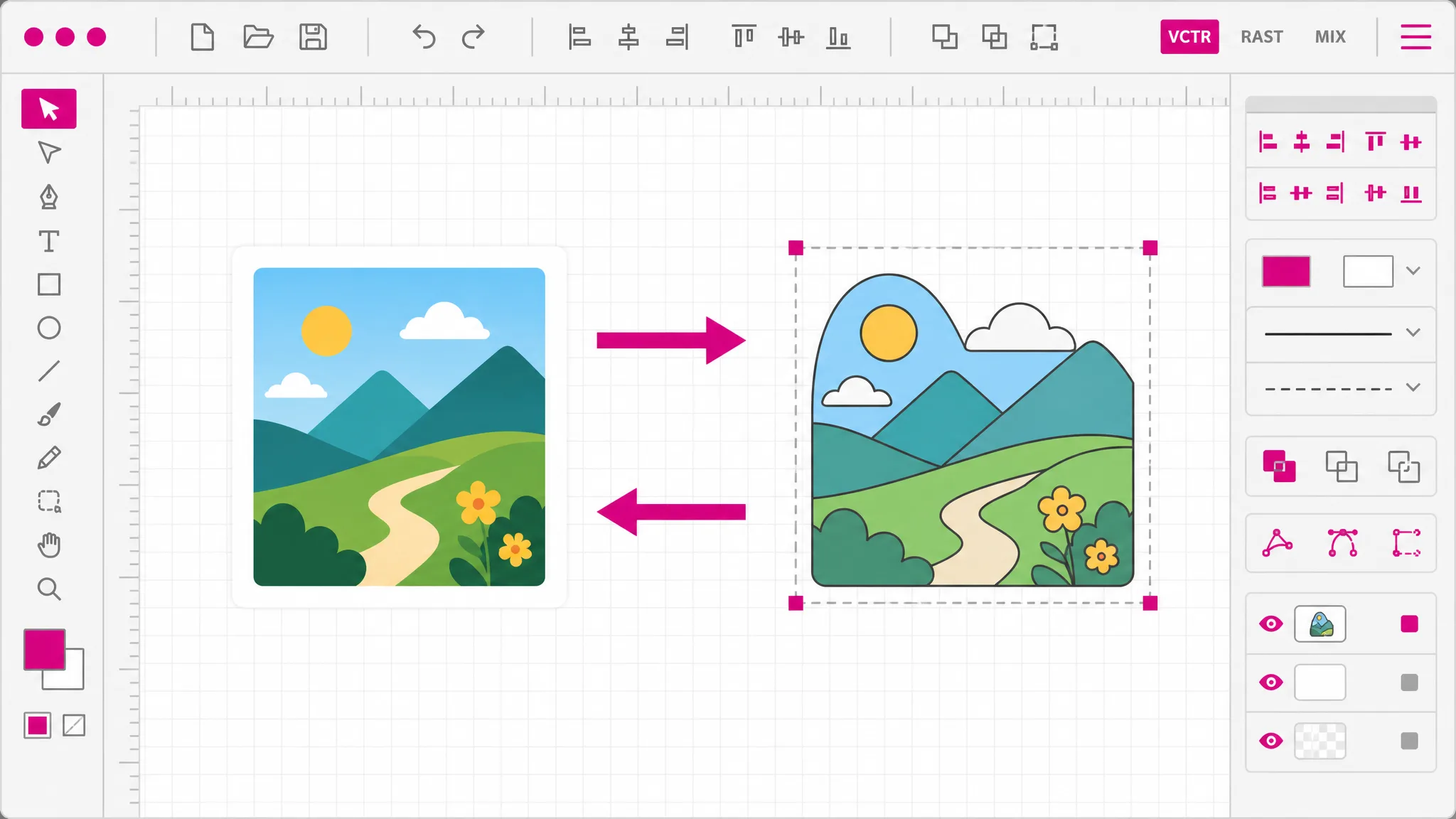
What you get
Out of SVG into raster and document formats, and back into SVG from a bitmap — one workspace covers the round trip.
PNG, JPG, WebP, PDF and favicon are produced in your browser. Nothing is transmitted, so nothing is stored.
DXF is here for laser cutters, vinyl plotters and CNC software — the format those machines actually load.
STL turns flat artwork into a solid mesh with the holes kept as holes, ready for a slicer.
Groups, paths, gradients and embedded styling are read the way a browser reads them, because a browser is what renders them.
Free formats say free and paid formats show their credit cost before you start. No surprise at the download step.
When you need it
Nobody converts a file for fun. There is always something downstream that will not accept what you have. These are the usual reasons people go looking for a free SVG converter online.
Marketplaces, older CMSes and most email builders take raster only. One export to PNG and the problem is gone.
Cutters and CNC routers read DXF, not SVG. Converting is the step that makes the artwork loadable at all.
Slicers need STL. Flat vector artwork has to be given thickness before a printer can do anything with it.
When all you have is a raster file, vectorizing is the way to give the printer what they asked for.
WebP for photographs and SVG for flat marks is usually the smallest combination a page can ship.
Favicon export takes the same artwork and produces the small icon format browsers expect.
FAQ
Out of SVG: PNG, JPG, WebP, PDF and favicon on the free local route, plus STL, DXF, EPS and AI as paid professional exports. Into SVG: any raster image, either by on-device tracing or by AI vectorization. Each direction has its own page with the specifics.
SVG, PNG, JPG and WebP. Those four are what the converter accepts. ICO, PDF and EPS are not accepted as inputs — if you need one of those converted, it has to become one of the four first, usually in whatever tool produced it.
For the raster and document formats, yes — PNG, JPG, WebP, PDF and favicon run in your browser using your own machine, so there is no cost for us to recover and no account step. The professional exports and AI vectorization run on our servers and use credits, with the price shown before you commit.
Not yet — one file at a time. For a folder, a desktop converter or a command-line tool will finish faster than any browser-based converter, this one included. We would rather say that than pretend otherwise.
Not for the free formats. Those are produced entirely in the browser tab, so the file never leaves your device. The paid professional exports and AI vectorization do run on our servers, because the work genuinely cannot happen in a browser.
No, on any format. Free conversions are unbranded and so are paid ones. A converter that stamps the output is charging you in attention rather than money.
SVG is the web-native one that every browser and editor reads. DXF is what cutting and CAD software expects, EPS and AI are print-industry formats, and STL is not really a drawing format at all — it describes a 3D surface. Converting between them is a real translation each time, not a rename.
Whatever the thing receiving the file asks for. PNG for uploads and email, WebP for page weight, PDF for print handoff, favicon for browser tabs, DXF for cutters, STL for 3D printers. If nothing has told you yet, keep the SVG — it converts to all of the above later.
More tools
This SVG converter free of charge takes a file, a format and a click. The raster formats are free and run on your device; the professional ones show their cost before you commit.
Open the converter