Large-format printing
Turn photo into vector when a banner or wall graphic needs artwork that holds up at size. A vectorized photo does; an enlarged JPG does not.

A photograph has no shapes in it — only tone. To turn photo into vector means deciding which shapes it should become, which is why this page uses AI vectorization rather than a plain tracer.
Pick a file, then choose what to convert it to.
Vector formats keep every line sharp at any size. Bitmap conversions run right in your browser — nothing is uploaded.
Photo vectorization uses AI and costs credits, shown before you commit. The free on-device tracer is meant for flat artwork and will not do well with a photograph.
Reviewed by SVGMaker TeamUpdated
What comes out
Vectorizing a photo produces a poster, not a copy. Continuous tone gets reduced to a set of flat shapes, so the subjects that work are the ones whose form survives that reduction.

How it works
To convert photo to vector: upload the image, run AI vectorization, then download the result. This photo to SVG converter is built for that input. The AI step is what makes photographic sources workable — a plain tracer would return thousands of unusable fragments instead.
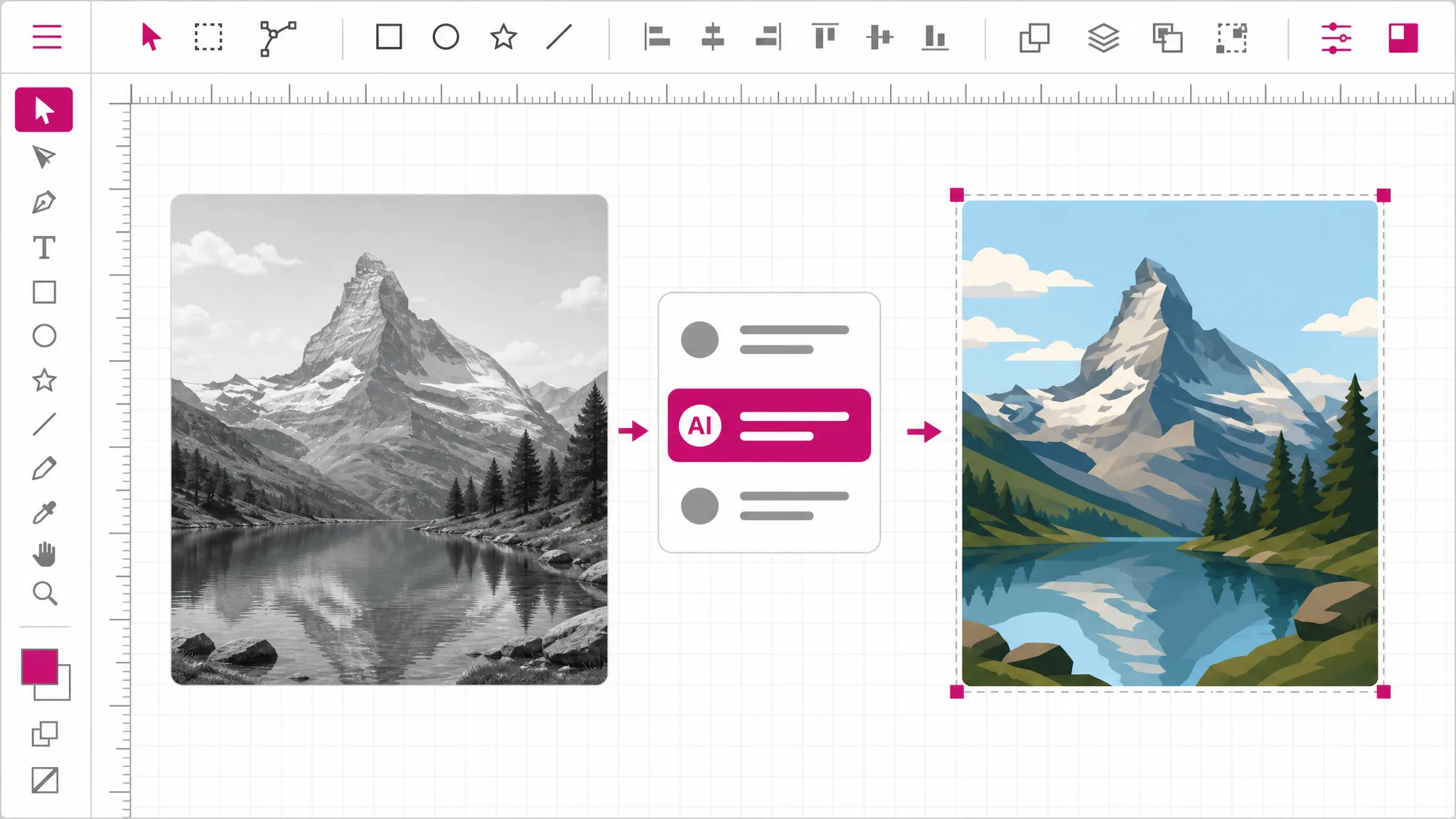
JPG, PNG and WebP are all accepted for image to vector work. High-contrast images with a clear subject give the best result, because the vectorizer has obvious boundaries to commit to.
The AI decides which regions become shapes rather than following every pixel boundary. That decision is the whole product here: it is why the output is a usable set of paths instead of visual noise.
The image to svg output is real paths and fills. Recolor it, simplify it further, or export it onward to DXF for a cutter, STL for a 3D printer, or PDF and EPS for print.
Why AI here
Tracing works by finding boundaries between flat color regions. A photograph does not have those — it has a smooth gradient of tone across nearly every pixel. Point a tracer at one and it invents a boundary everywhere it finds a small difference, producing thousands of overlapping slivers. The file is technically a vector and completely unusable.
Vectorize a photo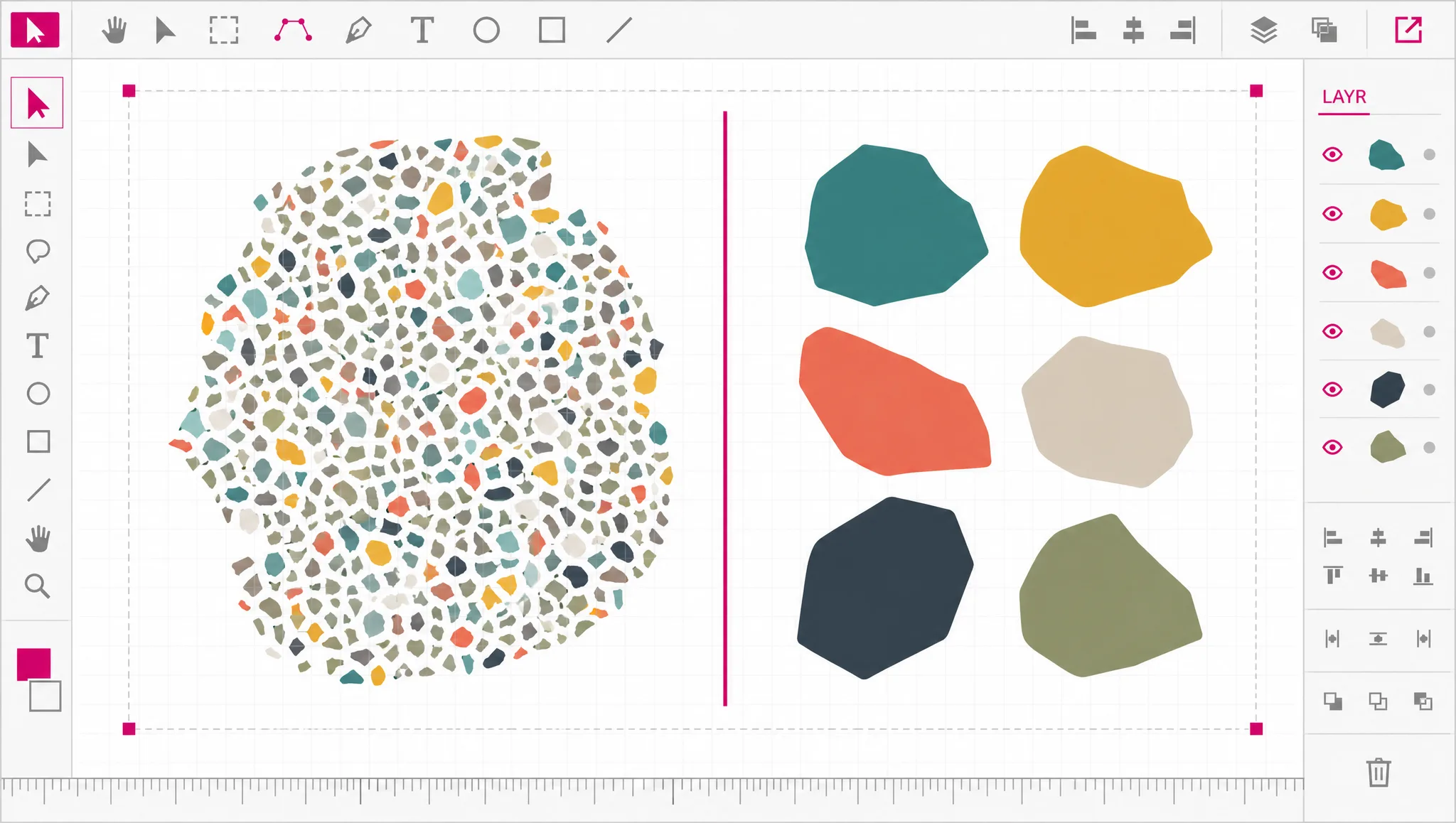
AI vectorization approaches the same image as a design problem: which regions are meaningful, which detail can be dropped, where an edge should be committed to. The result is a deliberate set of shapes at a scale you can actually work with — closer to an illustrator redrawing the photo than to a machine sampling it.
See the AI route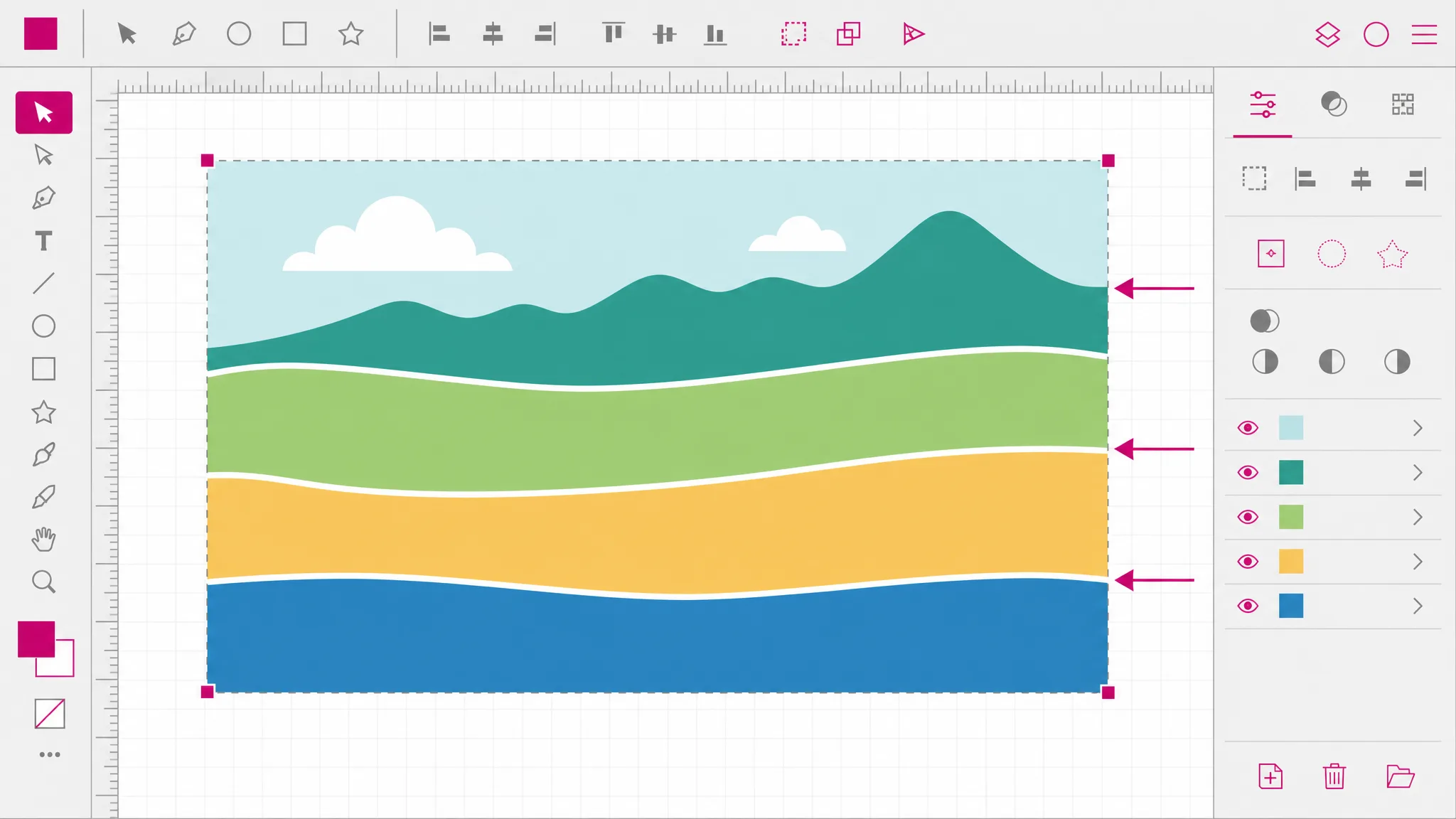
A vectorized photo will not match the original, and no tool can make it. The information a vector needs — where one shape ends and another begins — was never recorded by the camera. What you get is a stylized version, which is exactly what people want it for: print at any size, cut it, screen print it, recolor it.
See what comes out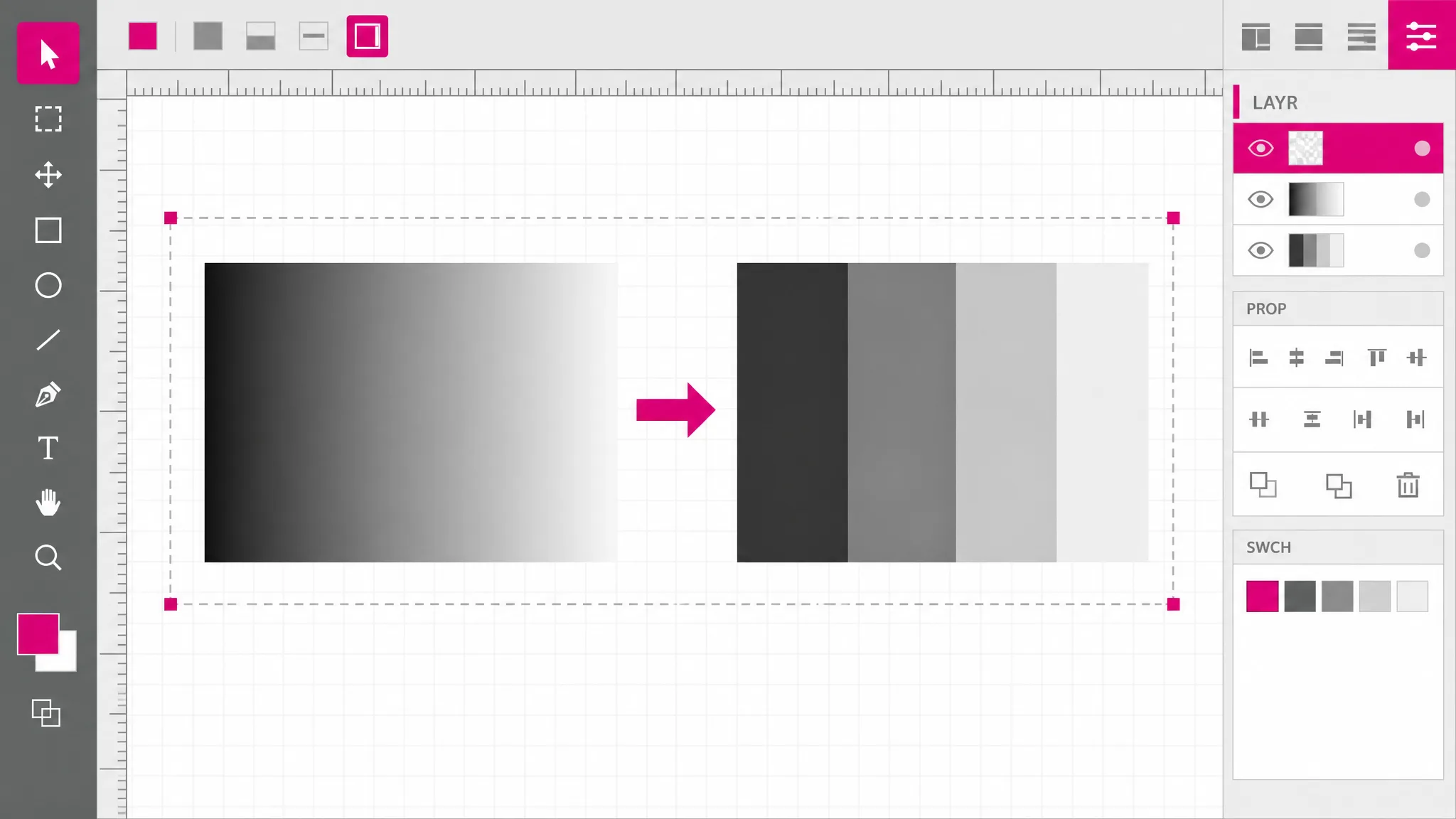
If what you have is a logo, an icon or a line drawing rather than a photograph, use the on-device tracer instead — it is free, unlimited, instant, and genuinely better at that job. Paying for AI on flat artwork buys you nothing.
Vectorize flat artwork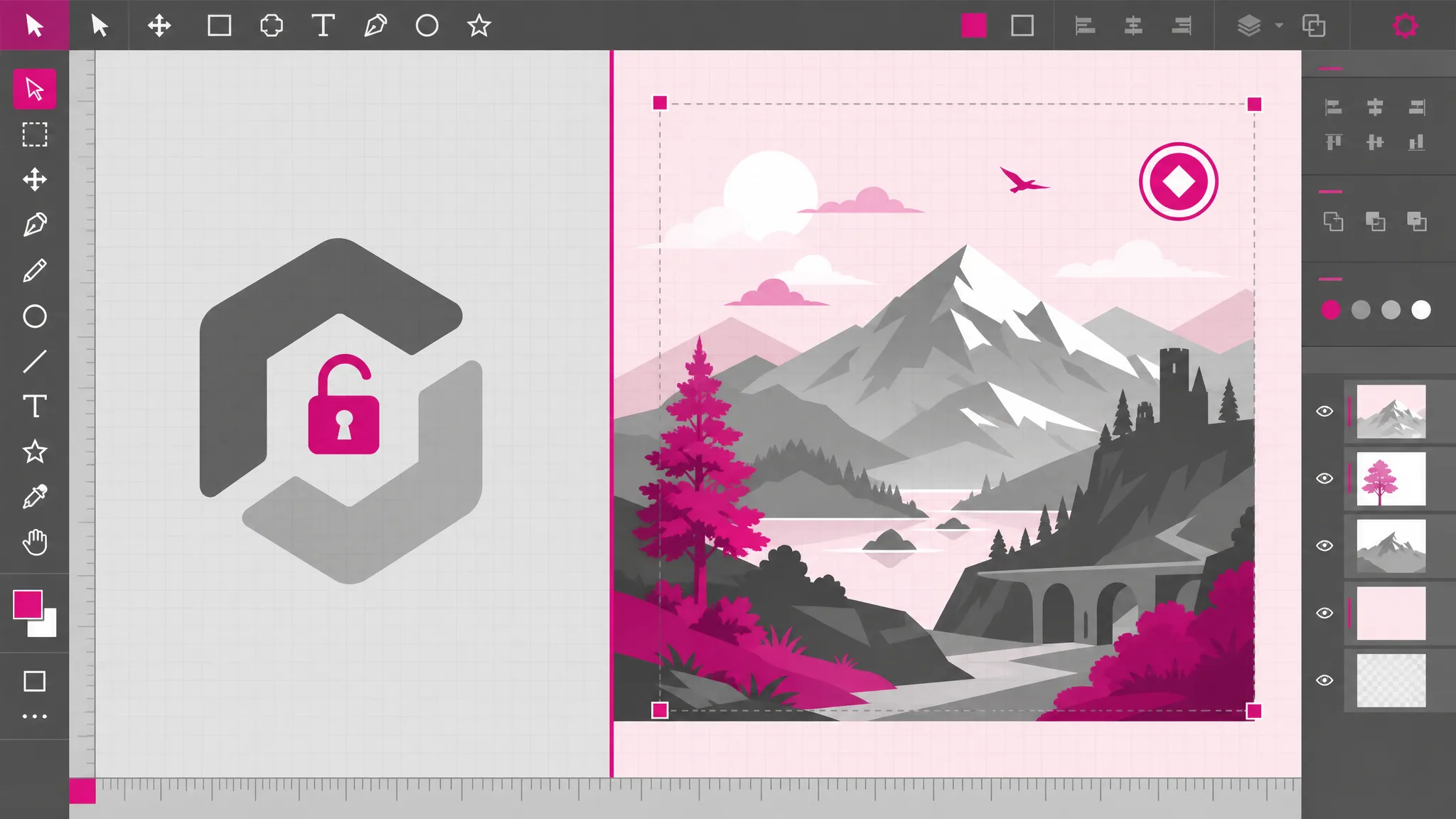
What you get
The AI route exists precisely for the case a tracer handles badly, so you are not fighting a tool designed for something else.
A workable number of paths instead of thousands of fragments, which is the difference between a file you can edit and one you cannot open.
Photo to vector output is illustration, and the flattened look is the point. Vectorizing a photo produces illustration, and the good results lean into that rather than hiding it.
Each region is a fill you can change, so one vectorized photo can become several color variants without redoing anything.
Export onward to DXF for cutting, STL for 3D printing, or PDF and EPS for print vendors that need vector artwork.
The credit cost is shown up front. No surprise charge, and no watermark on the result you paid for.
When you need it
Vectorizing a photo is worth doing when you want the subject rather than the photograph — a shape to cut, a graphic to print large, or artwork to recolor. These are the cases that pay off.
Turn photo into vector when a banner or wall graphic needs artwork that holds up at size. A vectorized photo does; an enlarged JPG does not.
A photo to SVG converter output suits screen printing, which works in flat color layers, which is exactly what vectorizing produces from a photograph.
When you need the outline of the subject as a cut line, a vectorized silhouette is the file a cutter can actually read.
Convert to svg and the flattened look becomes a deliberate style. Vectorizing gets you there from a photo in one step instead of tracing by hand.
Turn photo into vector for laser engravers, which follow paths and flat regions. A photograph has to become shapes before the machine can do anything with it.
Once the photo to SVG pass is done and the photo is shapes, a different palette is an edit rather than a reshoot or a filter that fights the original colors.
FAQ
The continuous tone of the photograph gets reduced to a set of flat shapes. A camera records how bright each pixel is, with no record of where one object ends and another begins. Vectorizing has to decide those boundaries and commit to them, which is why the output is an illustration of the photo rather than a copy of it.
No — expect a poster-like version. That is inherent, not a limitation of this tool: the shape information a vector needs was never captured. Photos with a clear subject and strong contrast survive the reduction best, and images with fine texture lose the most.
No — this route runs AI vectorization on our servers against a provider we pay per image, so it uses credits and the cost is shown before you start. The free on-device tracer is a different tool for a different job — flat artwork like logos and icons — and it will not do well with a photograph.
Because it has no clean boundaries to find. A tracer looks for edges between flat color regions, and a photograph is a smooth gradient nearly everywhere. It will produce thousands of tiny overlapping shapes that reproduce the image and are impossible to edit, print cleanly or cut.
High contrast, a clear subject, and a background that is visually separate from it. Landscapes, silhouettes, architecture, single objects on plain backgrounds. Busy scenes with many overlapping subjects give the vectorizer no obvious decision to make, and the result shows it.
Clean, well-placed shapes — not resemblance to the original photograph. A high-quality result has edges where you would have drawn them and a manageable number of paths. Judging it by how closely it matches the photo is judging it by a standard no vectorizer can meet.
Yes — the output is real paths and fills, so it opens in Illustrator, Inkscape or Figma as editable geometry. Simplifying it further by hand after vectorizing is common and usually improves the result.
Photo to SVG is the direct output. From the same workspace you can also export PNG and JPG for uploads that refuse vector, PDF and EPS for print vendors, DXF for cutting machines, and STL for 3D printing.
More tools
Upload a photograph and let AI vectorization decide the shapes. You get editable paths that print, cut and scale — priced before you commit.
Open the vectorizer