Laser cutting a design
Laser software wants DXF, so you convert SVG to DXF once and the design you made in a vector editor becomes a job the cutter accepts.

Cutting machines do not read SVG. This SVG to DXF converter rewrites your paths as the entities CAD and cutting software expect, so the file loads instead of being rejected.
Pick a file, then choose what to convert it to.
Vector formats keep every line sharp at any size. Bitmap conversions run right in your browser — nothing is uploaded.
DXF is a professional export and uses credits — the cost is shown before you convert. The raster formats in the same SVG converter are free; this one is not.
Reviewed by SVGMaker TeamUpdated
What comes out
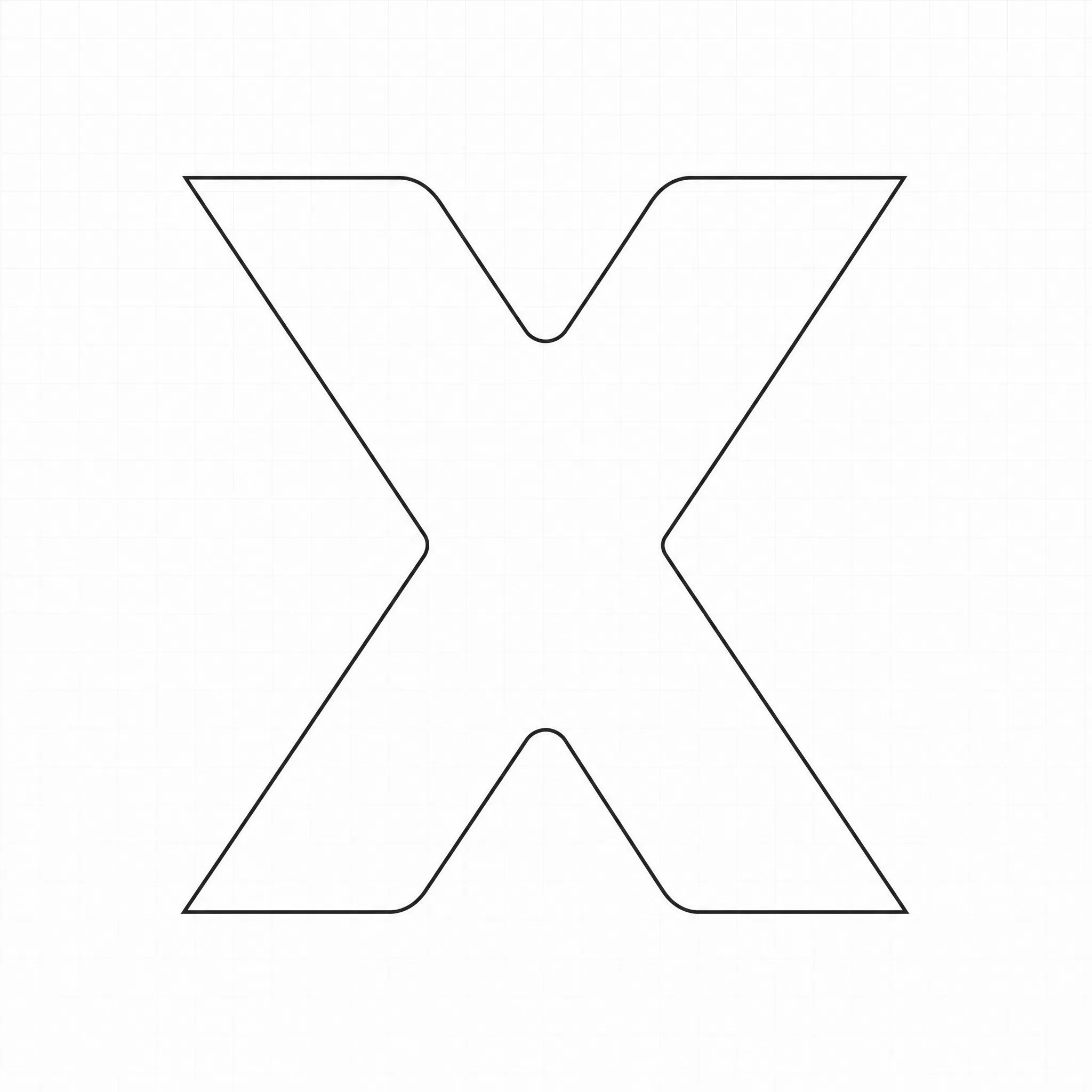
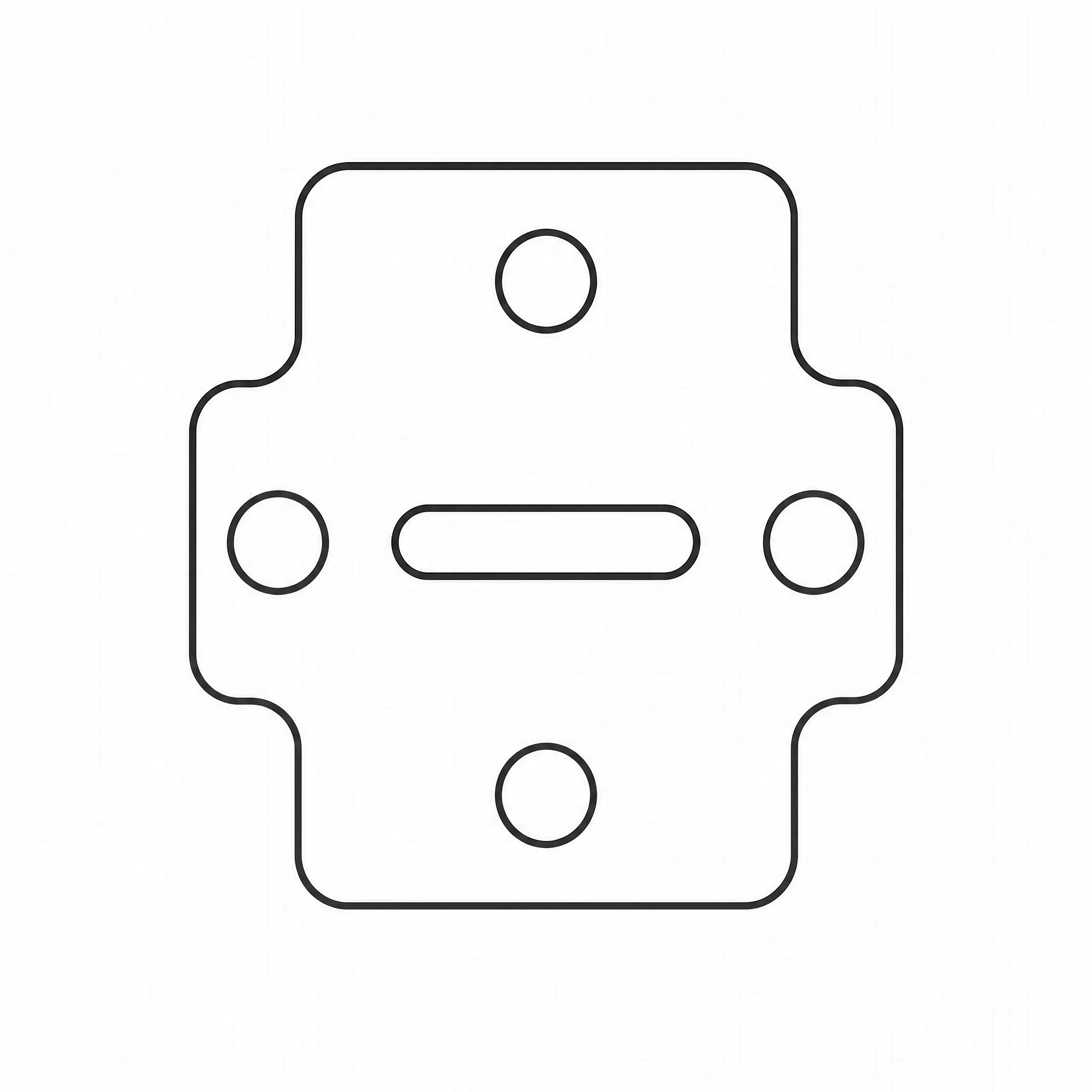
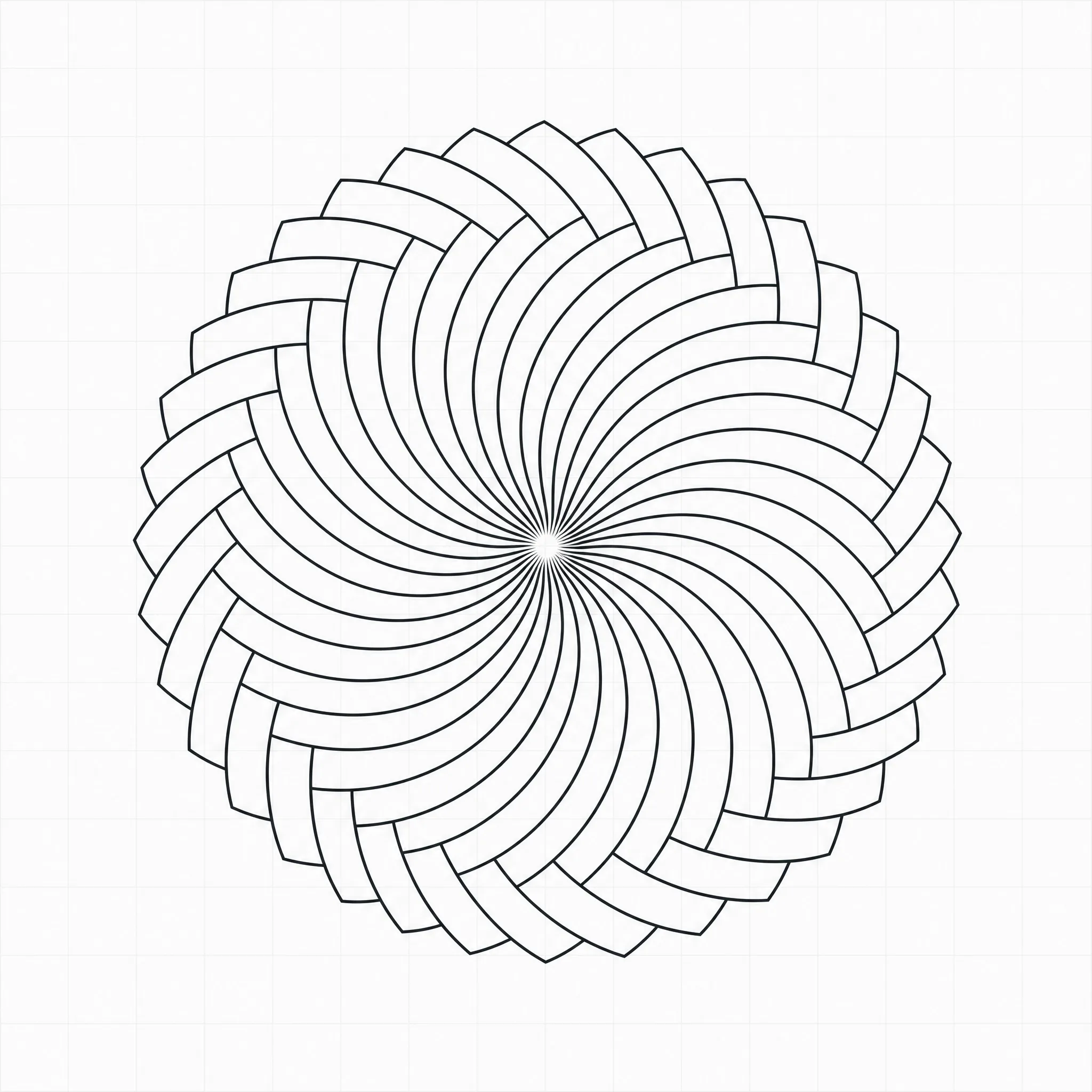
When you convert SVG to DXF for CNC or laser work, the drawing gets rewritten the way CAD software thinks about it: lines, arcs, polylines. These are the kinds of artwork people convert, and what each becomes on the cutting bed.



How it works
To use the SVG to DXF converter: upload the vector file, pick DXF as the output, then download. The result is a drawing file your cutting or CAD software can open directly.
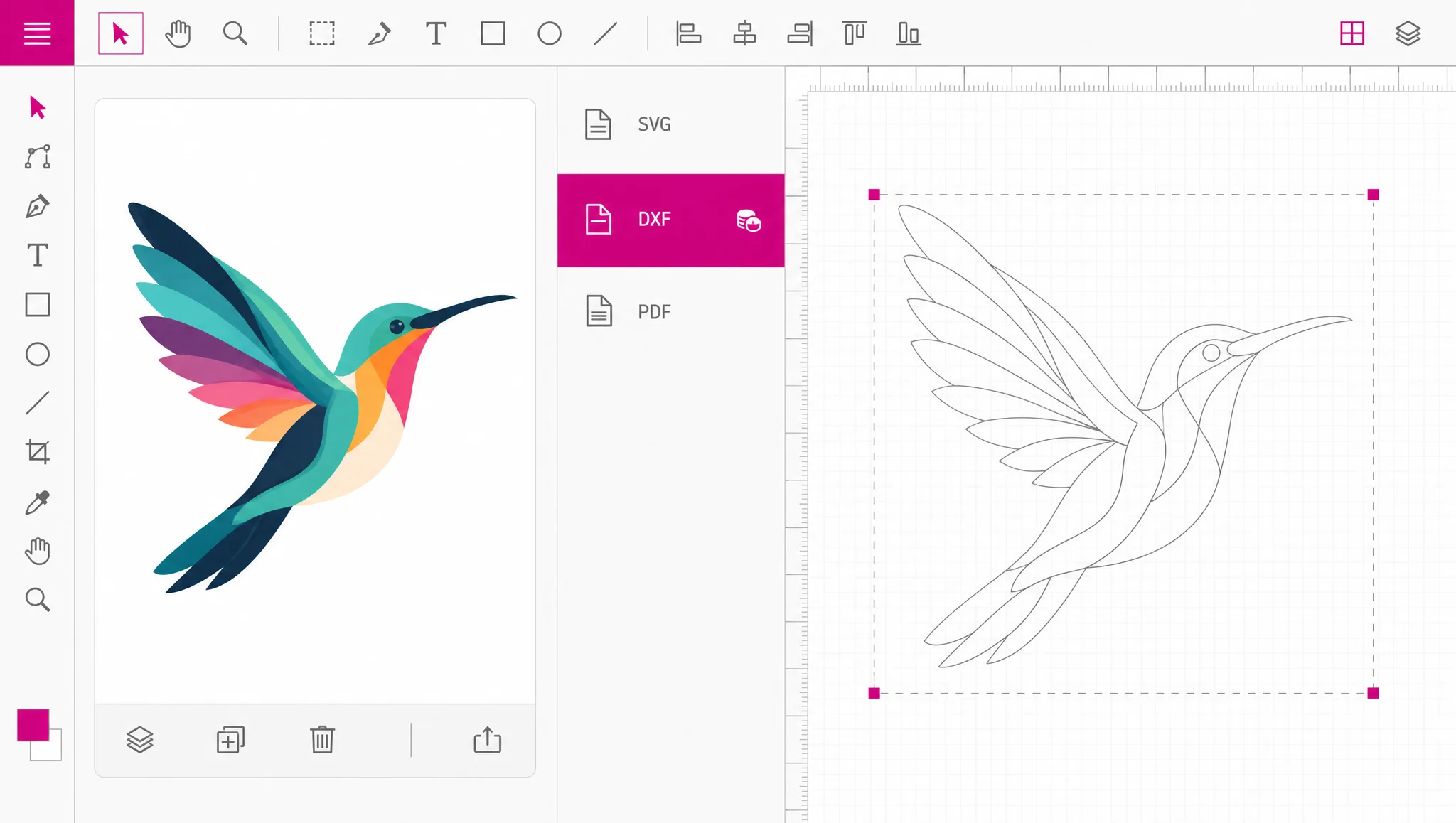
Bring the vector file you want to cut. Shapes should already be outlines rather than live text — a font that exists on your machine will not exist on the cutter.
DXF sits with the professional formats in the picker, alongside STL, EPS and AI. Its credit cost is shown at this point, before anything is converted.
The file opens in AutoCAD and in the software that ships with most laser cutters, vinyl plotters and CNC routers. Check scale and units once on import — that is the step people forget.
Why this conversion
A vector file converter has to do more than rename: SVG was designed for browsers, describing drawing operations for a screen. DXF was designed for CAD: it describes geometric entities for a machine. Most cutting software will simply refuse an SVG, and the ones that accept it usually import it as an image rather than as a cut path. Converting is not a preference, it is the entry requirement.
Convert to DXF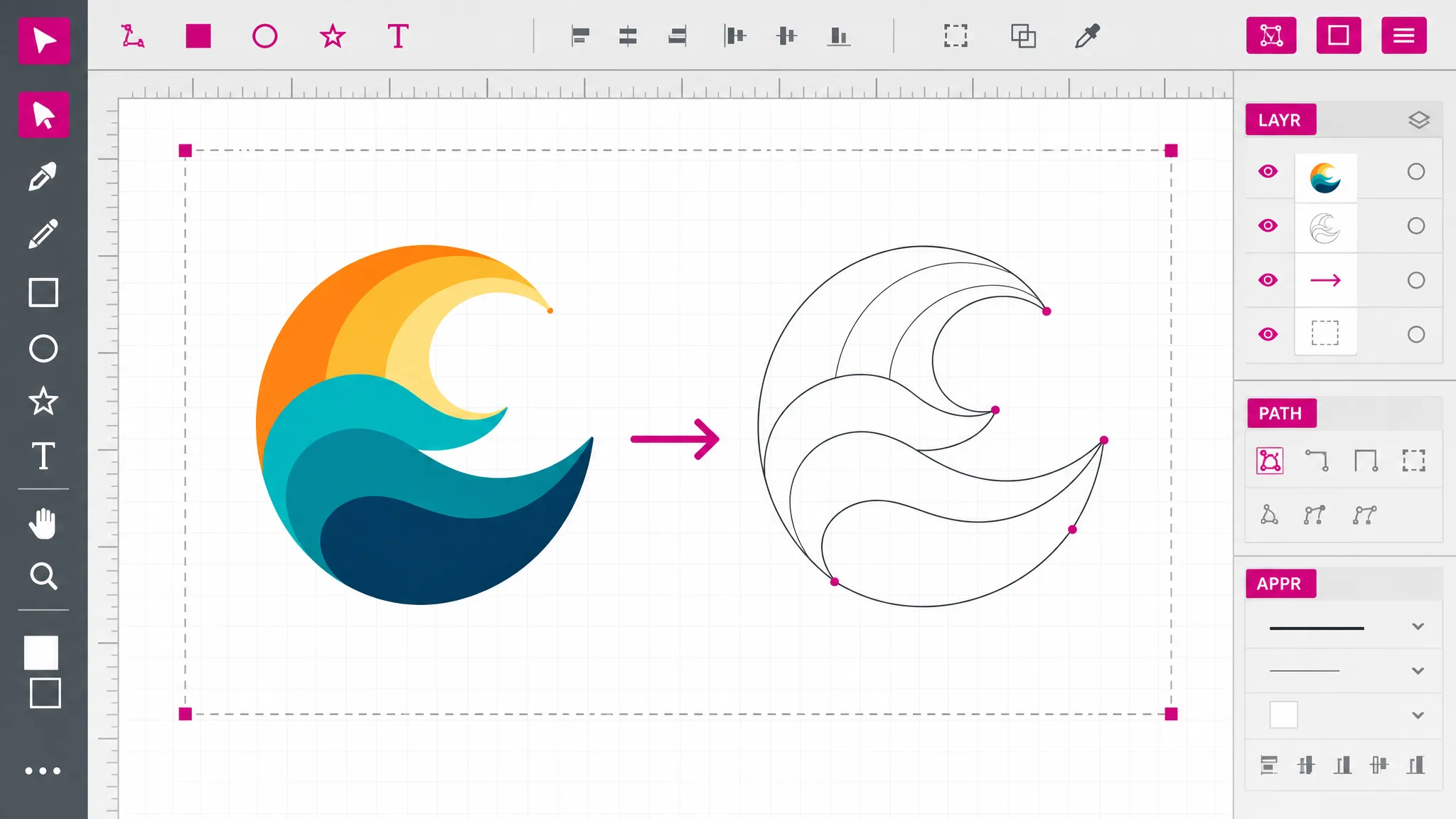
A lazy conversion approximates every curve as a chain of tiny straight segments. The file opens and the cut looks faceted, with the machine slowing at every vertex. The conversion here writes curve geometry as curve entities where DXF supports them, which is what keeps a cut smooth and fast.
See what you get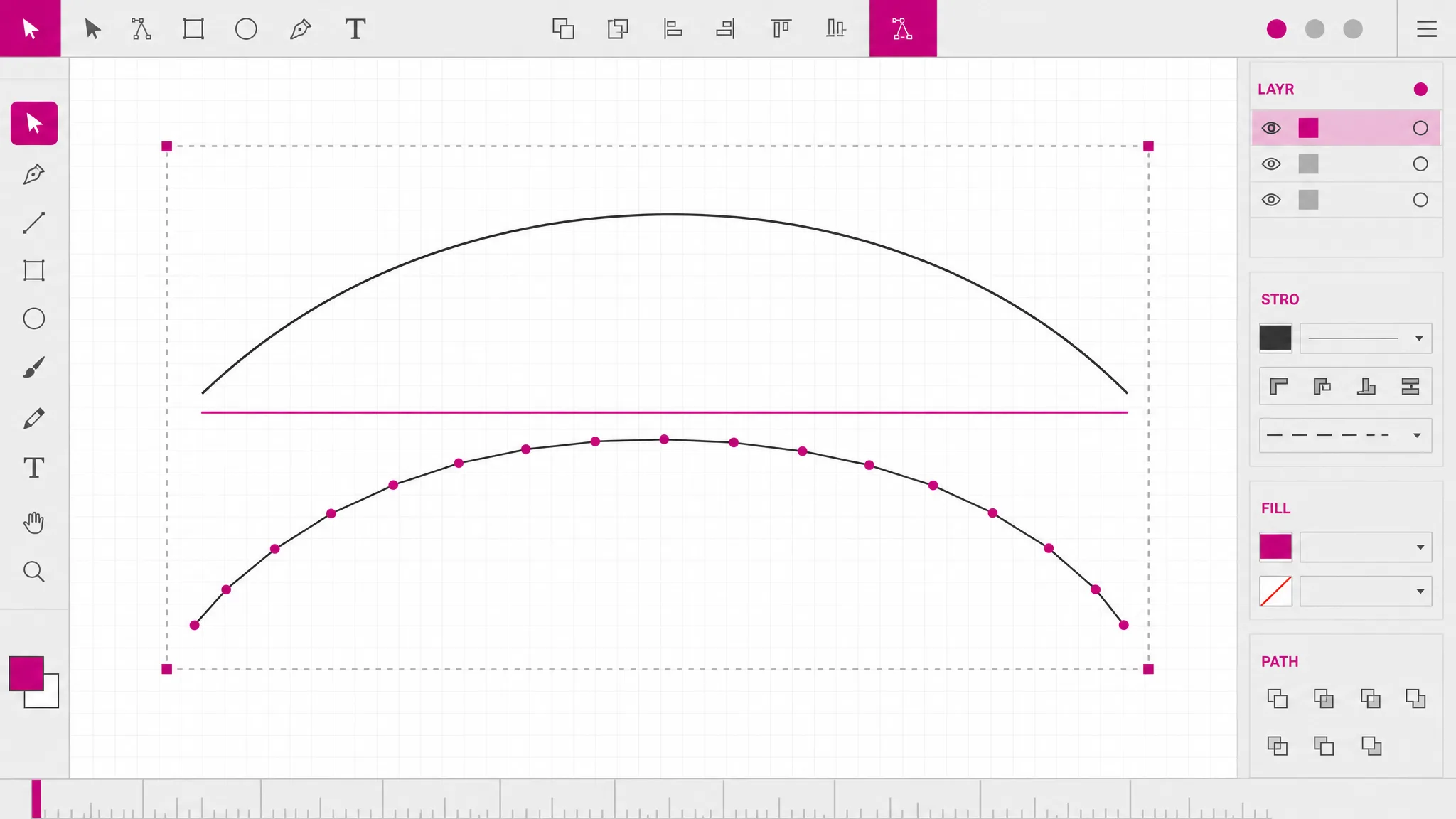
A stencil is a shape with pieces missing, and whether those interior contours are understood as holes or as separate shapes decides whether the physical part is right. Getting that wrong produces a cut that looks fine on screen and falls apart on the bed.
See the details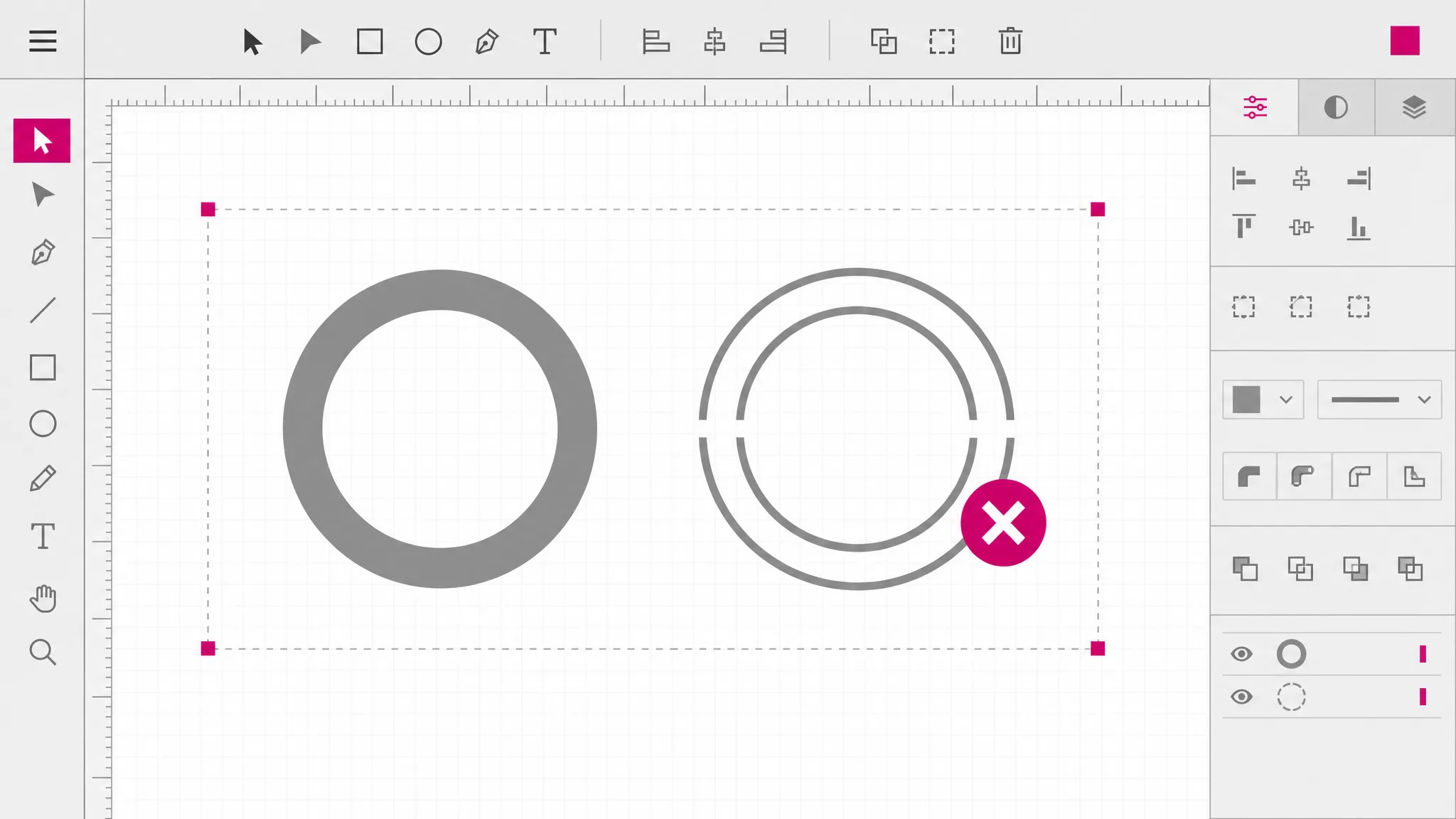
DXF is one of the professional exports and uses credits. That is not a paywall on the whole site — SVG to PNG and the other raster formats are free and always will be, because those run in your browser. This one does real conversion work on our servers, so it has a price, and you see it before you commit.
Check the cost
What you get
Laser cutters, vinyl plotters and CNC routers all read DXF. This produces the file they load rather than one they argue with.
Arcs and curves are written as curve entities rather than shattered into thousands of straight segments.
Holes are kept as holes, so a stencil cuts as a stencil instead of falling apart into separate pieces.
What the SVG describes is what the DXF contains. No silent smoothing, no dropped detail to discover on the bed.
No CAD license, no desktop converter. The whole conversion happens from the browser tab you already have open.
The credit price appears before you convert, not after. No watermark on the result and no surprise at download.
When you need it
This conversion has one origin story almost every time: a machine, or the person operating it, refused the file you had. These are the specific versions of that.
Laser software wants DXF, so you convert SVG to DXF once and the design you made in a vector editor becomes a job the cutter accepts.
CAM software builds toolpaths from CAD geometry, which is why SVG to DXF for CNC is the usual first step — DXF is the common denominator every package on the shop floor reads.
Plotters follow contours. A DXF gives them cut lines directly instead of an image they would have to interpret.
A shop that quotes from your drawing will ask for DXF, because it is the format their estimating and machine software both open.
When a logo or a profile has to live inside a technical drawing, DXF is how it gets into AutoCAD as geometry rather than as a picture.
Etching follows the same paths as cutting at a different power setting, so the same DXF drives both jobs.
FAQ
It rewrites the drawing in a different vocabulary. SVG describes drawing operations for a browser; DXF describes geometric entities — lines, arcs, polylines — for CAD and machine software. The shapes are the same, but the way they are expressed has to change before a cutter can read them.
No — DXF is one of the professional export formats and uses credits, with the cost shown before you convert. The raster formats on this site — PNG, JPG, WebP, PDF and favicon — are free because they run in your browser. DXF is real conversion work done on our servers, so it is priced.
No — DXF only. DWG is AutoCAD’s own binary format and is not an interchange format, which is precisely why DXF exists. Nearly all cutting and CAD software reads DXF, so in practice this is rarely a limitation; if your workflow truly requires DWG, open the DXF in a CAD package and save it out from there.
Yes — curve geometry is written using the curve entities DXF supports rather than being approximated as long chains of straight segments. That matters physically: a faceted path makes the machine decelerate at every vertex and leaves visible flats on the cut edge.
Interior contours are preserved as holes rather than treated as separate outlines. This is the difference between a stencil that cuts correctly and one where the middle drops out as a loose piece.
Yes — convert text to outlines in your vector editor first. Live text depends on a font file being present, and the font on your computer will not be on the cutting machine. Outlined letterforms are just shapes, which is what the cutter needs anyway.
Not yet — one file at a time. For a batch, a desktop CAD tool or a command-line converter will be faster than any browser-based converter, this one included.
The geometry follows the coordinates in your SVG. Check units once when importing into your cutting software — DXF carries geometry faithfully, but every CAM package has its own idea of default units, and a scale mismatch on import is the single most common surprise with this conversion.
More tools
Open the SVG to DXF converter, pick DXF, and load the result straight into your cutter or CAD software. The credit cost is shown before you convert.
Open the converter