Only the export survived
The source file is gone and all that is left is a JPG someone emailed — convert image to SVG free and you have shapes again. Vectorizing gets you back to editable shapes without redrawing.

Bring any raster image — JPG, PNG or WebP — and vectorize image files into real shapes. Flat artwork traces on your own device for free; photographic sources go to AI vectorization, which is the only honest way to handle them.
Pick a file, then choose what to convert it to.
Vector formats keep every line sharp at any size. Bitmap conversions run right in your browser — nothing is uploaded.
Tracing runs in your browser and is free with no account. AI vectorization uses credits and shows the cost before you commit.
Reviewed by SVGMaker TeamUpdated
What comes out
Vectorizing rebuilds shapes from pixels, so the source decides the result far more than any setting does. These are the kinds of images people bring, and what each one turns into.

How it works
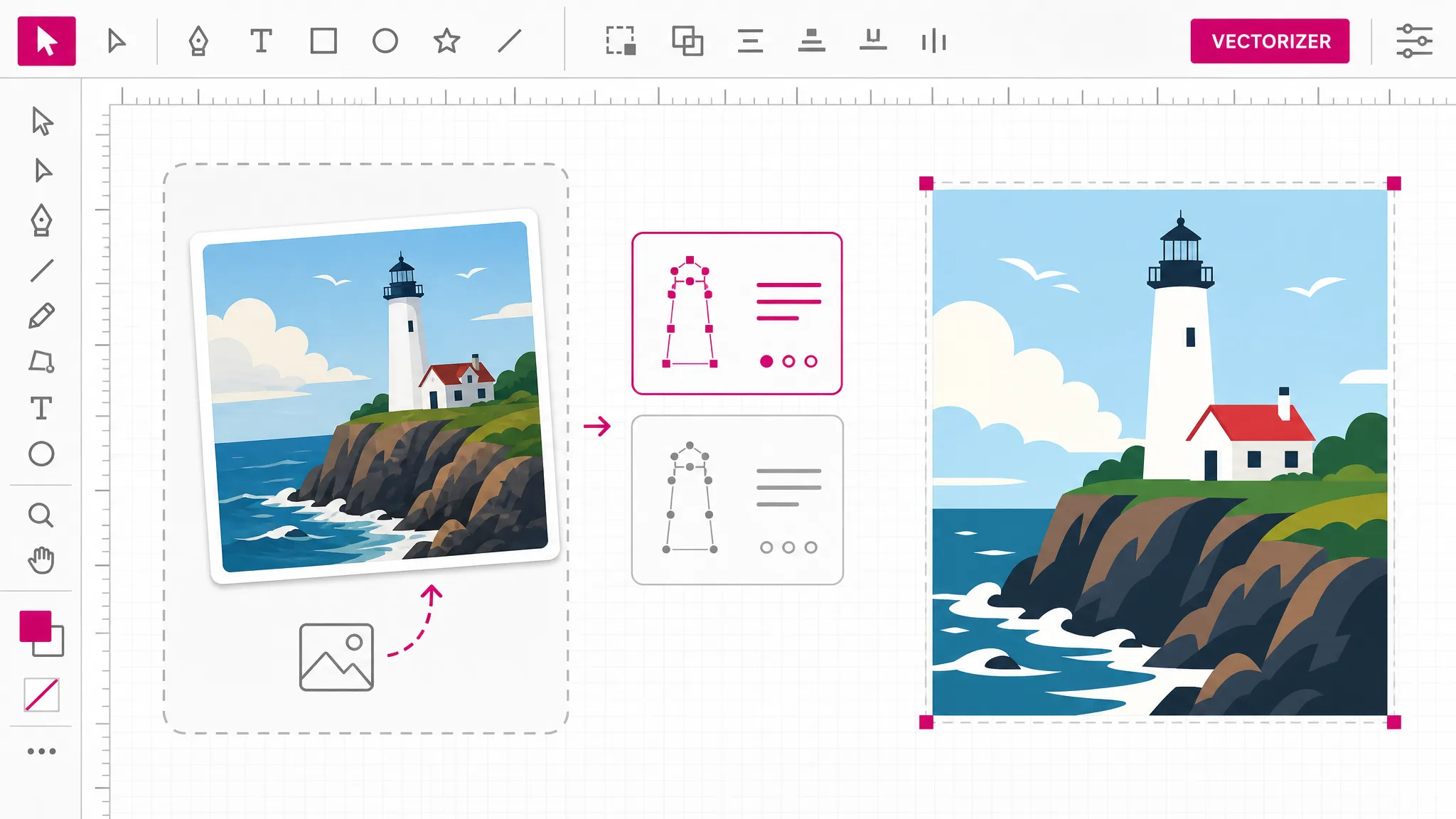
To convert image to SVG online: upload the file, choose tracing or AI, then download the vector. Whatever raster format you bring, the process is the same — only the pixels matter, not the container.
JPG, PNG and WebP all work. On the tracing route the file is read locally and never uploaded, so a large photo starts converting without any transfer wait.
On-device tracing is the free default and suits flat artwork. Switch to AI vectorization when the source is a photograph — the page will not pretend tracing can reduce it well.
The result opens in Illustrator, Inkscape or Figma as editable geometry. From the same picker you can export onward to PNG, PDF, STL, DXF and the other formats downstream tools expect.
Why this converter
JPG, PNG and WebP are three ways of storing the same grid of pixels. What decides whether vectorizing works is what is drawn on that grid — flat regions with clear boundaries reduce beautifully, continuous photographic tone does not. So this converter asks about your artwork, not your file extension.
Vectorize an image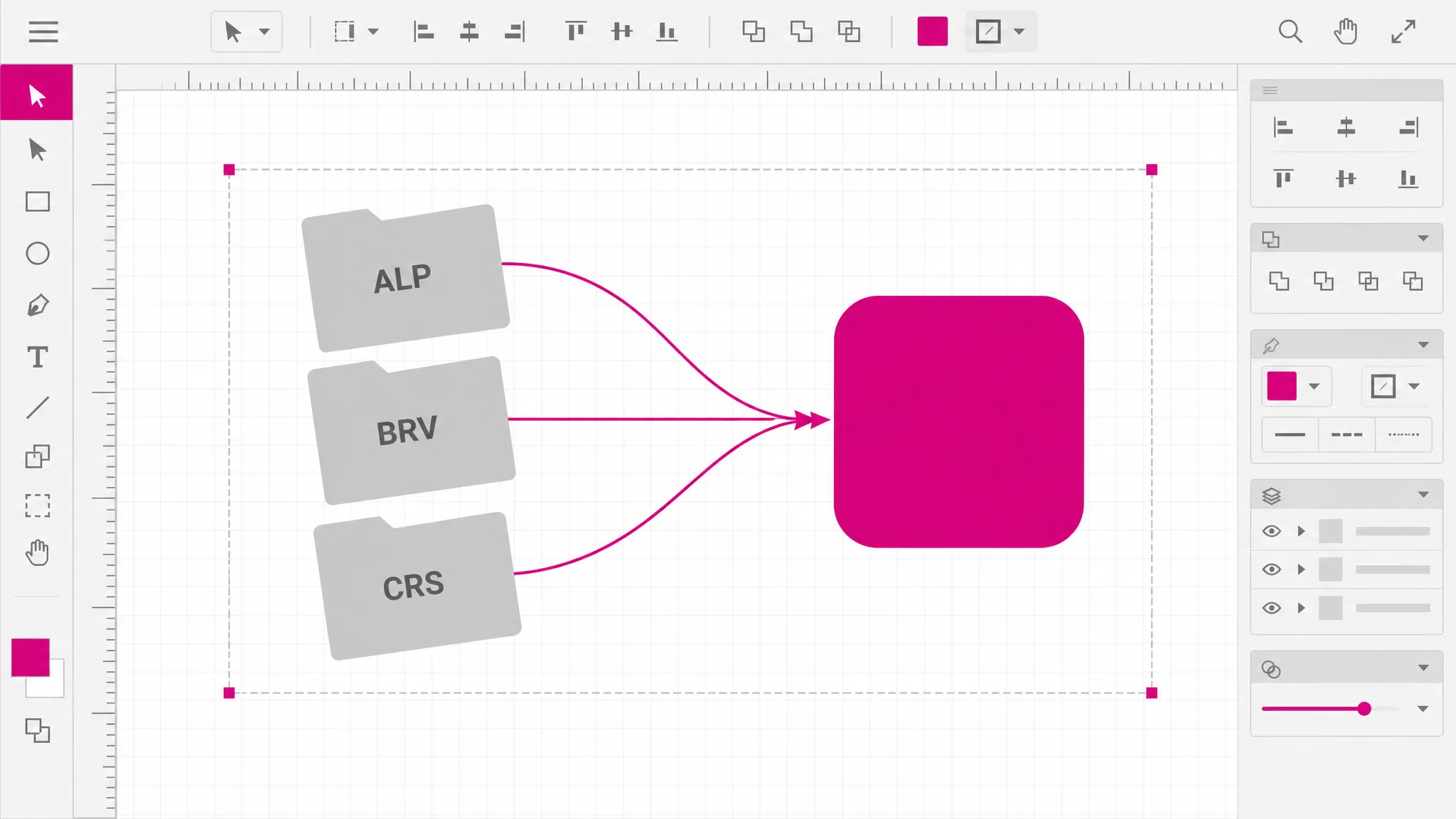
The local route reads the image, finds the boundaries between color regions, and writes them out as paths — all in this browser tab. Nothing uploads, so there is no server cost to recover and no reason to cap it. That is the whole explanation for why it is free and instant.
Try the free route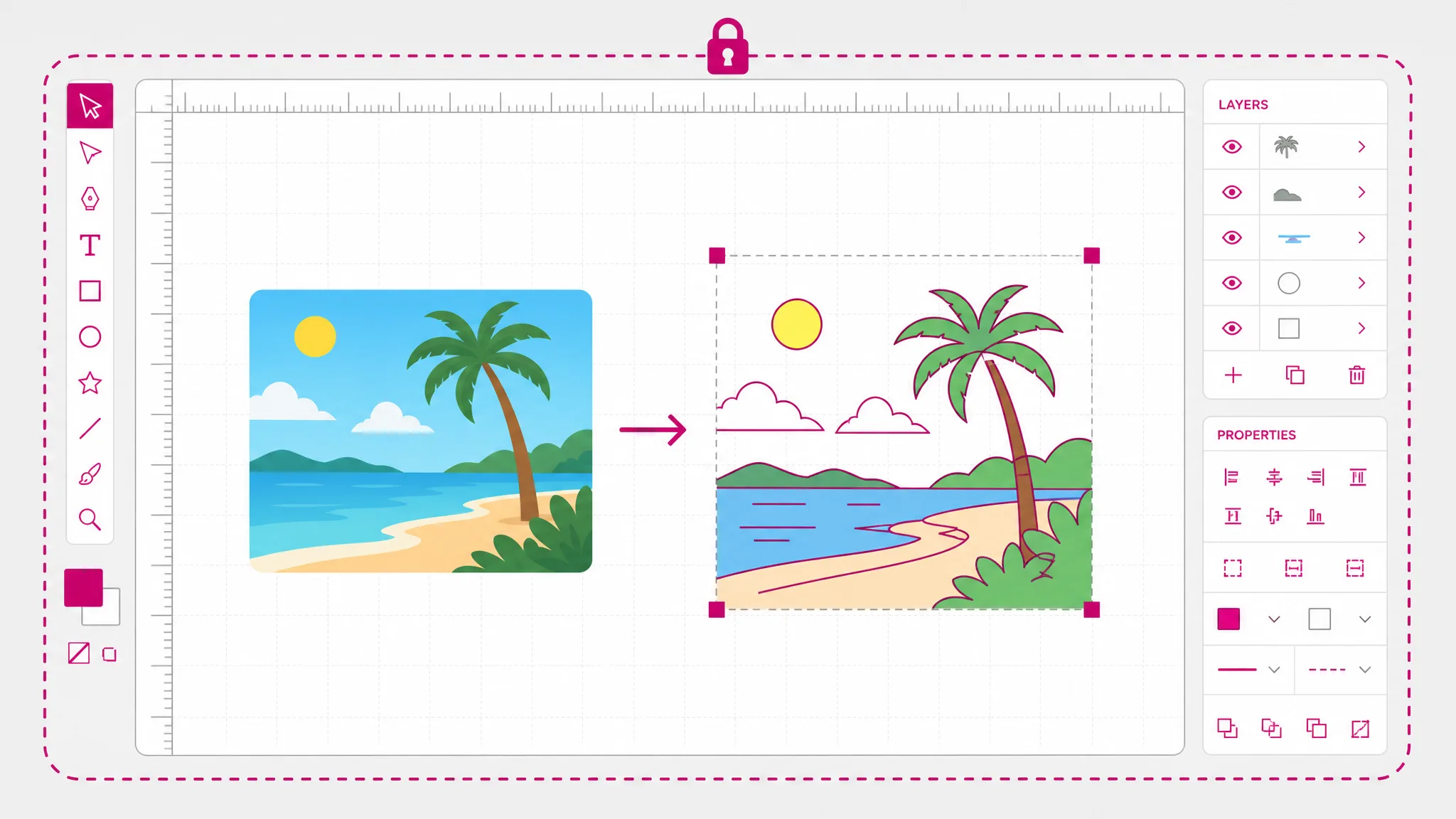
A photograph has no flat regions to find, so a tracer invents thousands of tiny shapes that reproduce the image and destroy the point of vector. AI vectorization interprets instead: it produces a smaller set of deliberate shapes. It costs credits because it runs on a provider we pay per image.
See AI vectorization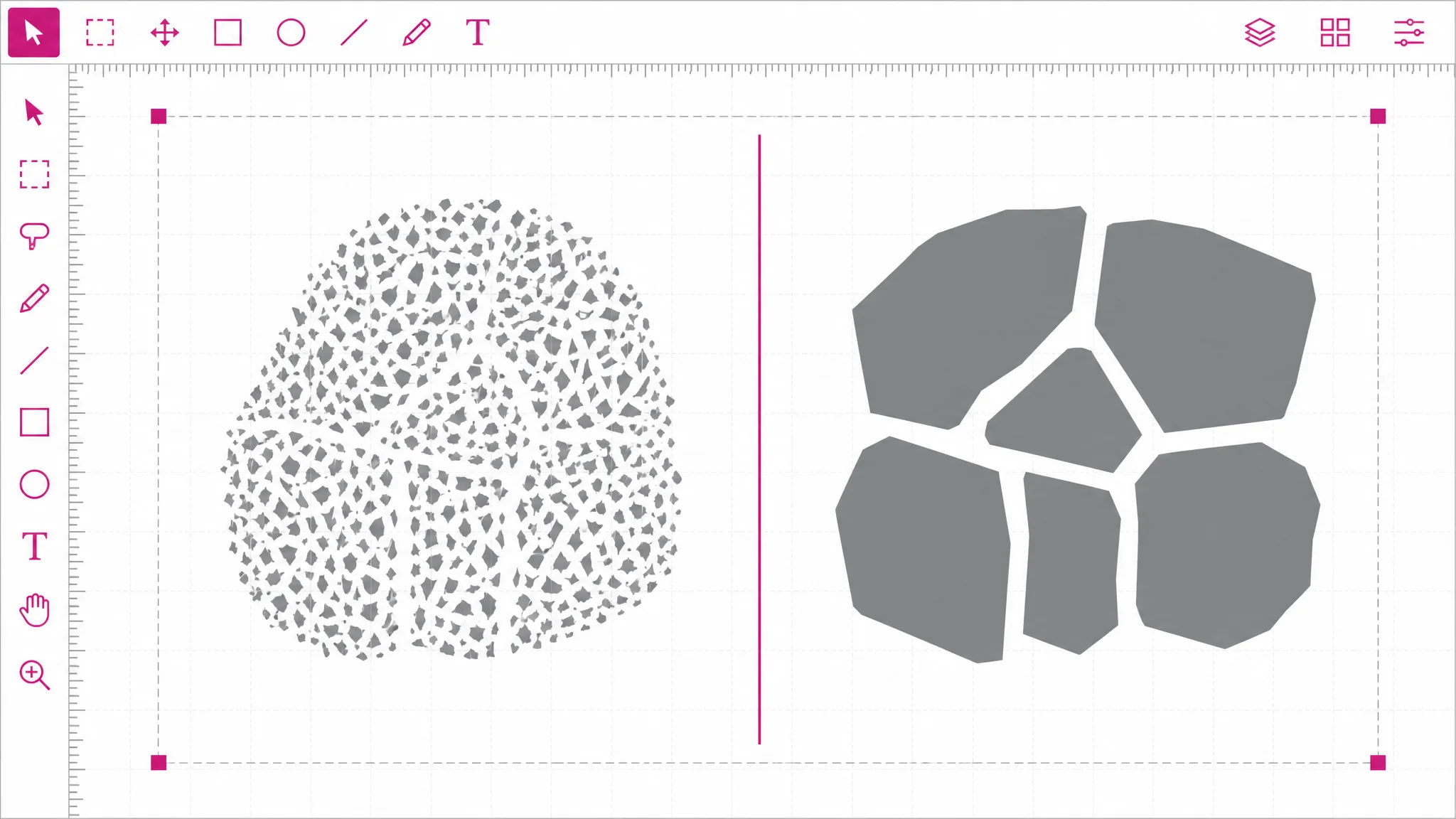
Once the artwork is geometry it can go anywhere: PNG and JPG when an uploader refuses SVG, PDF for print, STL for a 3D printer, DXF for a laser cutter. That onward step is the reason most people wanted vector in the first place.
See the formats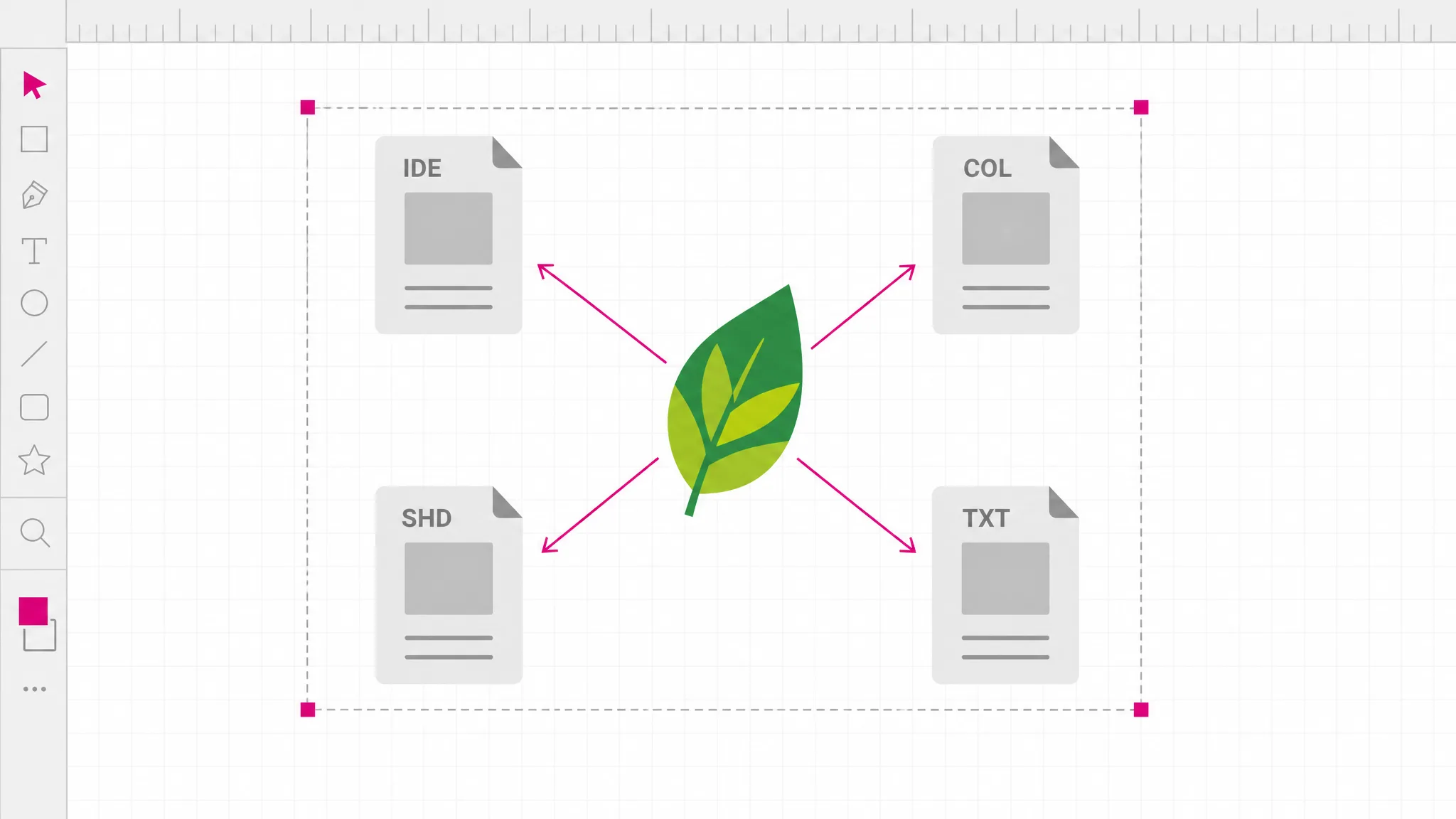
What you get
JPG, PNG and WebP are all accepted, and img to svg behaves the same whichever you bring — no need to convert first just to use an image vectorizer.
The free route reads your picture in the browser and writes the SVG there. Nothing is transmitted, so nothing is stored on our side.
Local tracing starts as soon as the file is read — no upload, no waiting position, no daily quota to run out of.
When you convert photo to SVG, AI vectorization gives a usable set of shapes instead of the sliver storm a tracer would produce.
Paths and fills, not a bitmap in a wrapper. You can open the result and keep working on it, which is the point of raster to vector at all.
Neither route brands your output. A free image vectorizer that stamps the result is charging you in a different currency.
When you need it
People reach for an image to SVG converter when something downstream needs to scale, cut or recolor artwork that only exists as pixels. These are the usual moments.
The source file is gone and all that is left is a JPG someone emailed — convert image to SVG free and you have shapes again. Vectorizing gets you back to editable shapes without redrawing.
Print vendors ask for vector because placement size is decided later. Converting once answers every future size at the same time.
Vinyl cutters, laser cutters and CNC machines read paths. A picture cannot be loaded at all until it becomes geometry.
A vector icon stays crisp on any display density and is usually lighter than the raster it replaces, so the page gets faster too.
Changing a color in a picture means repainting pixels; in a vector it is one fill value. That is why brand assets ship as vector.
A single-color silhouette traced from a photo becomes a closed path you can use as a cut line, a mask or an overlay.
FAQ
It rebuilds shapes from pixels. A raster image is a grid of colored dots with no record of what is drawn on it. An SVG stores instructions instead — this path, this fill, this stroke. Converting means finding the boundaries between color regions and writing them out as geometry, which is why the result is an interpretation rather than a recovery of something that was already there.
JPG, PNG and WebP are all accepted, and SVG is accepted too when you want to convert onward to another format. The three raster formats behave identically here, because vectorizing looks at the pixels rather than the container.
Yes — you can convert image to SVG free on the on-device tracing route, with no account and no limit — it runs on your machine, so there is nothing for us to meter. AI vectorization is the paid route because it runs on a provider we pay per image; the credit cost is shown before you start.
AI vectorization. A photograph has continuous tone rather than flat regions, so a tracer has no clean boundaries to find and produces thousands of tiny slivers instead. Those are technically vector and practically unusable. AI vectorization interprets the image into a deliberate set of shapes, which is what you actually wanted.
Close for flat artwork, stylized for photographs. Vectorizing simplifies by nature: gradients become bands and anti-aliased edges become hard boundaries. For a logo the difference is usually invisible; for a photo, expect a poster-like interpretation. That is the honest result rather than a failed one.
Not yet — one file at a time. If you have a folder to get through, a desktop tool or a command-line tracer will be faster than any browser-based converter, including this one.
Not by a special algorithm — there is no logo detector here. Both go through the same tracing, and logos simply come out better because flat color and hard edges are exactly what tracing is good at. That is a property of the artwork, not a mode you select.
Scale it without blur, recolor it by editing fills, or convert it onward from the same workspace — PNG and JPG for uploads that refuse vector, PDF for print, STL for 3D printing, DXF for laser and CNC.
More tools
Upload a JPG, PNG or WebP and get editable vector paths back. Tracing is free, unlimited and never leaves your device.
Open the vectorizer