Matching an icon to a palette
The shape is right, the color is not. In an SVG file editor you select it, set the fill and export — faster than launching anything with a splash screen.

Open a vector file, or start from an empty canvas. This SVG editor draws rectangles, ellipses, polygons and freehand strokes, and lets you select any shape, move it, recolor it, reshape its curves, and take the result back out as SVG or PNG.
Open an SVG file to start editing it here
Canvas: 0 x 0Objects: 0Grid: offNo selectionZoom: 100%Pointer: —, —
Properties
Select a shape on the canvas to change how it looks
Layers
Open a file to see its shapes here
A free online SVG editor that runs entirely in this browser tab — nothing is uploaded or stored on our side. No account needed.
Reviewed by SVGMaker TeamUpdated
What you can open
Vector files people already have, and the change that brought them here. Each one opens straight onto the canvas.




How it works
To edit SVG files online free of charge: open the file, click the shape you want, change it, and download the result. The whole sequence happens in this browser tab.
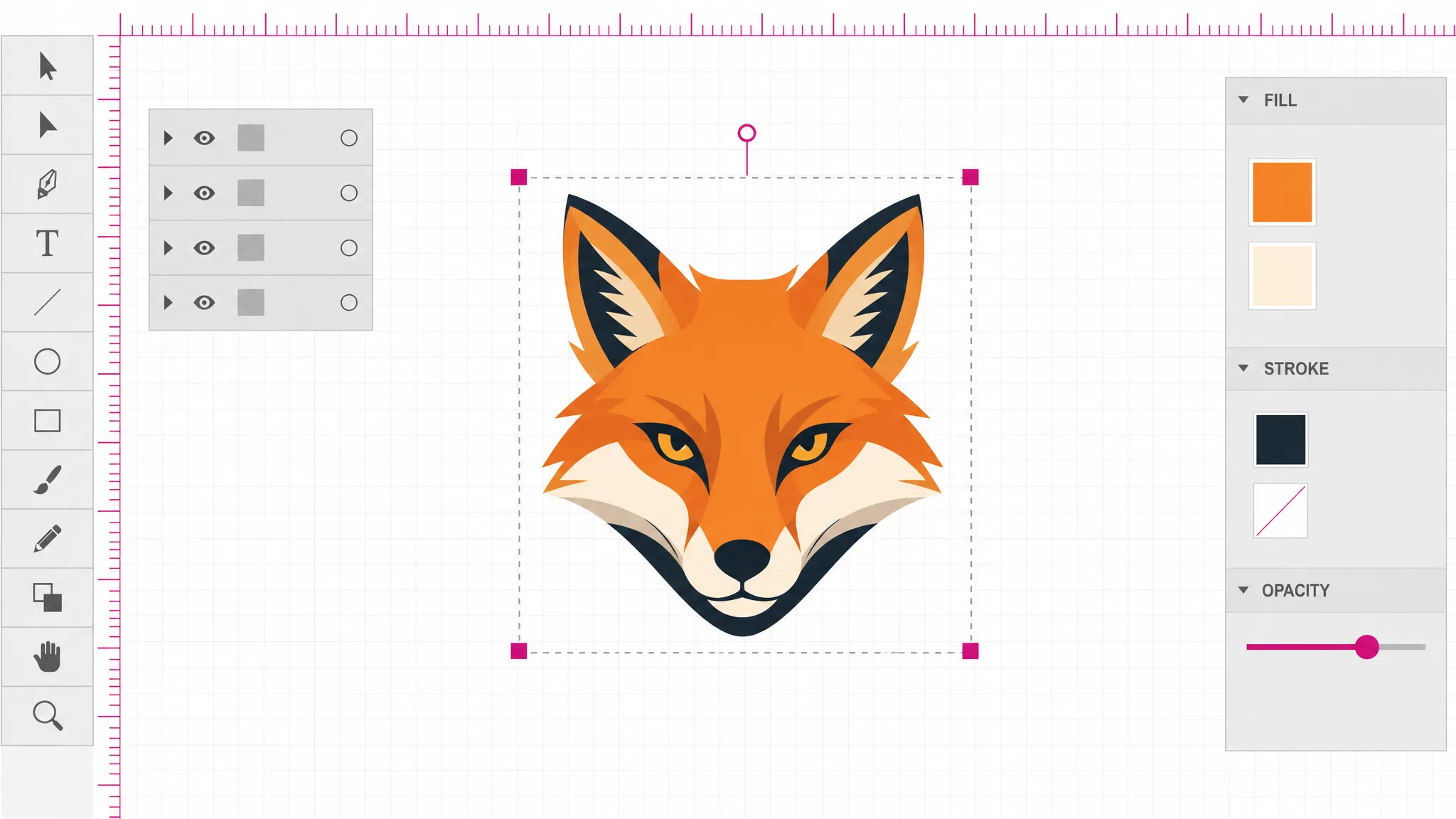
Pick a file from disk and it lands on the canvas as separate, selectable objects rather than as a flat picture. Anything executable in it is removed on the way in, and you are told when that changed what you see.
Click a shape to select it. Drag to move it, pull a corner to scale it, spin the top handle to rotate it, and use the panel beside the canvas to set fill, stroke and opacity. Every change can be undone.
Download SVG to keep it as vector, or PNG when you need pixels. The SVG you get back is cleaned the same way the file was on the way in, so it is safe to hand on.
What it does
The difference between a vector editor and an image viewer is what happens on the way in. Here the document is parsed and every element in it becomes an object you can click: a path, a circle, a group. That is why one shape can be recolored without touching its neighbors, and why a group can be pulled apart and put back together.
Open a file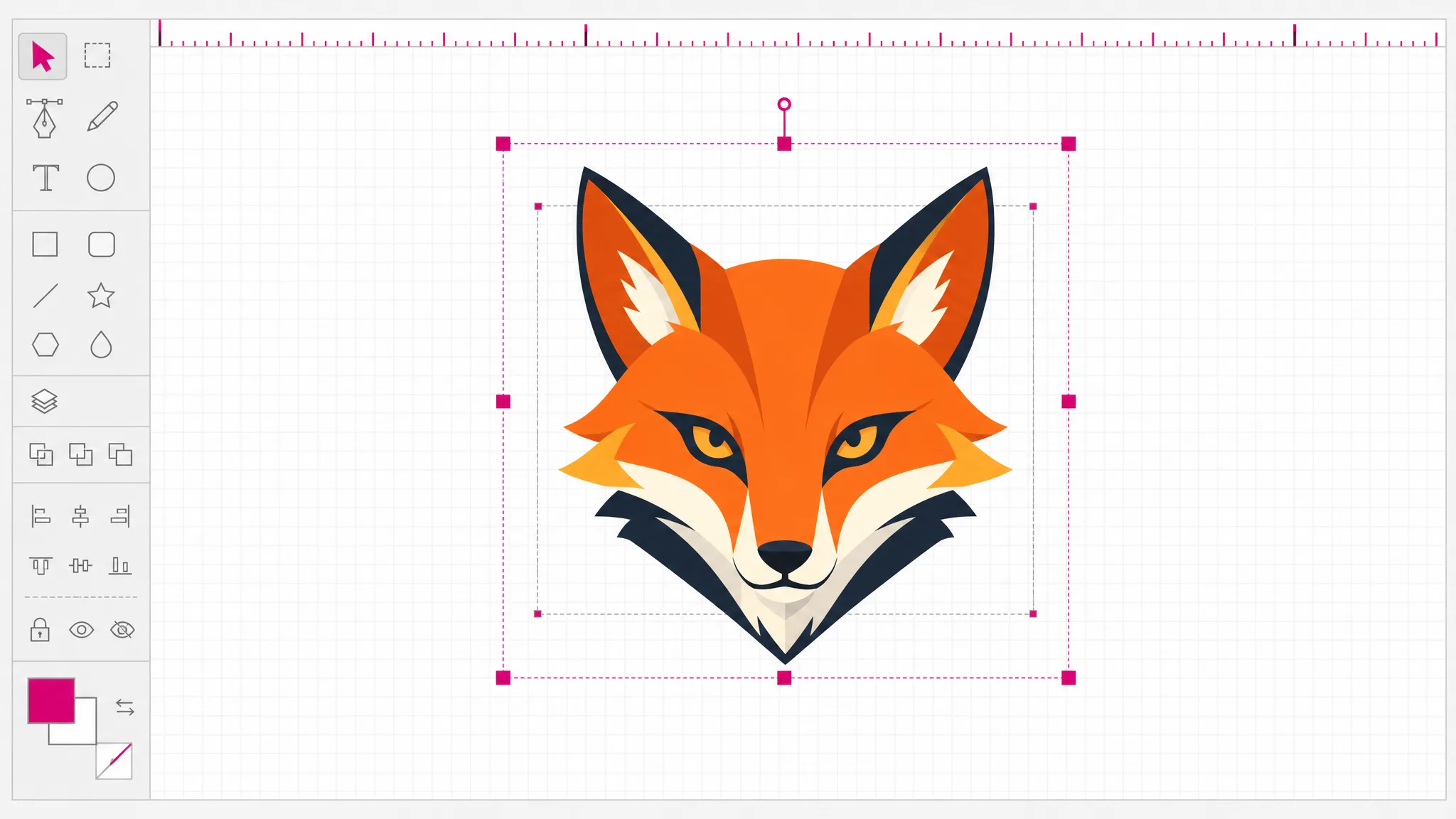
Fill and stroke each get a color control, stroke width a set of steps, and opacity a slider. They apply to the current selection — one shape or several at once — and the canvas updates immediately, which is the whole point of doing this visually rather than by editing attributes. This is the part people mean by an svg color editor.
Recolor something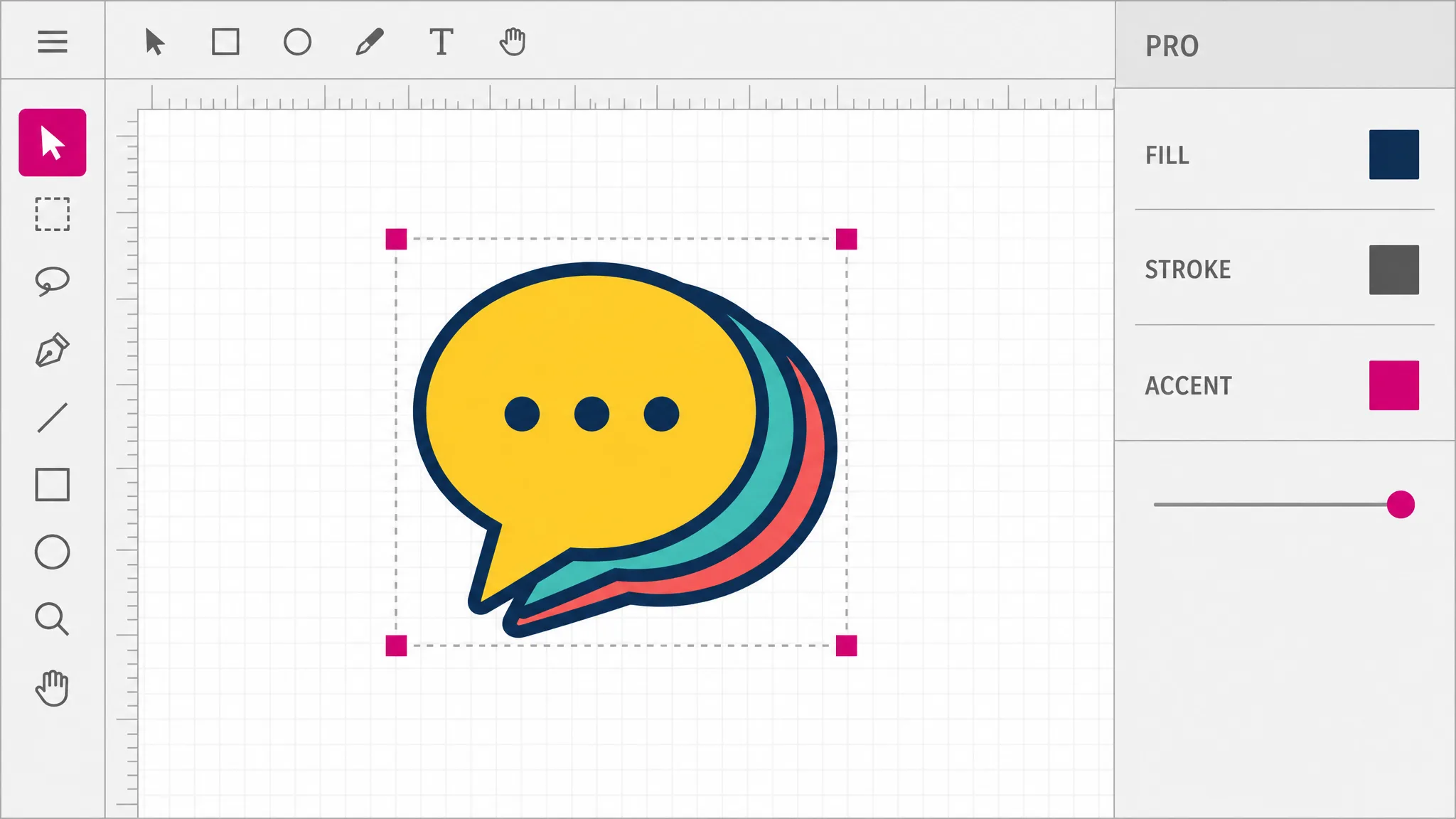
Vector artwork is a stack, and most real fixes are about that stack: a shape that should be in front, a set of shapes that should move together. Bring forward and send back walk an object through the order one step at a time. Group binds a selection so it transforms as one; ungroup releases it again with every member still separately editable.
Reorder a shape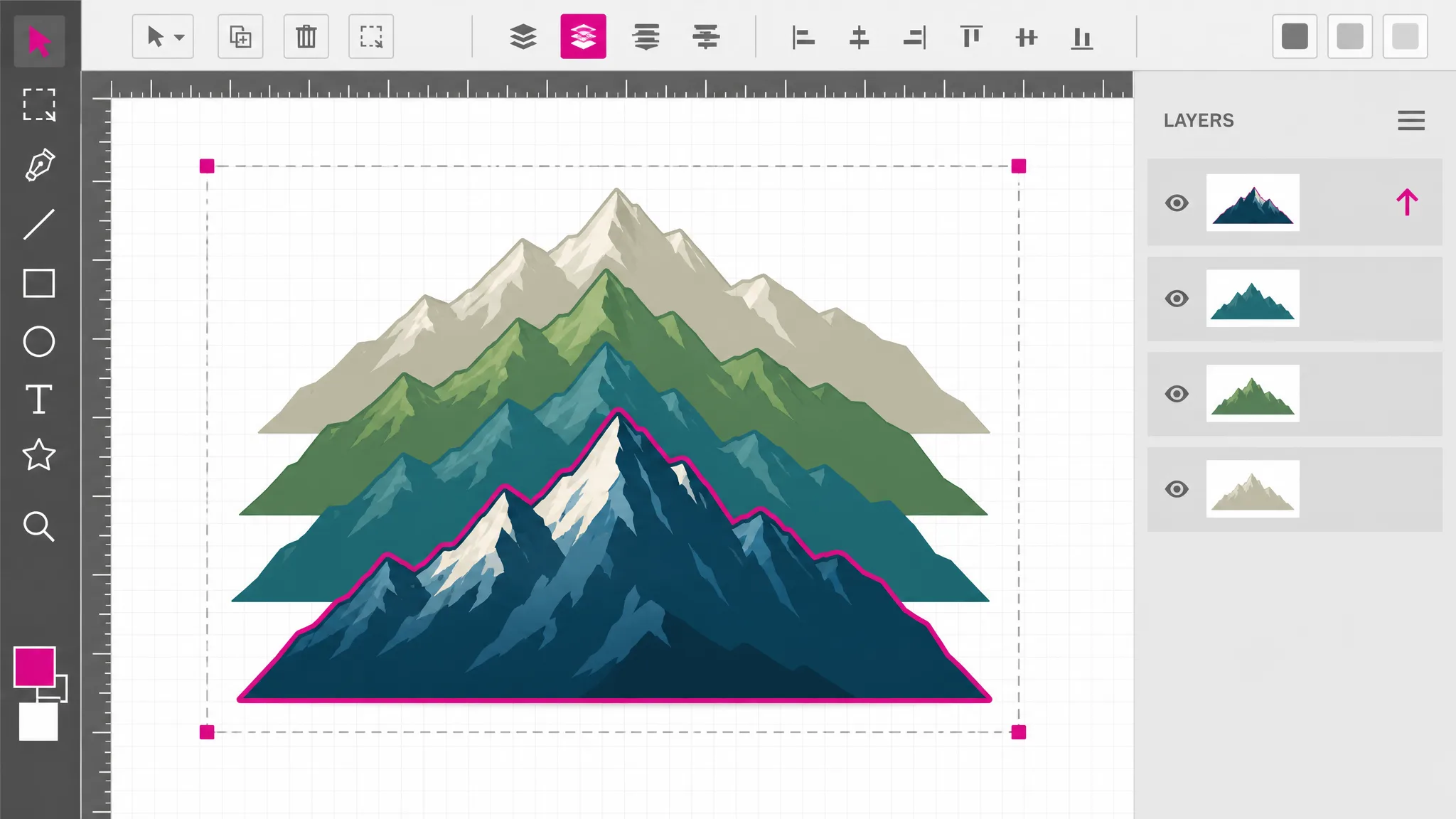
Select a single path, turn on node editing, and its anchor points appear along the outline with the bezier handles that control each curve. Dragging a handle changes the curve — and changes the numbers in the path data, which is what makes the result a genuine edit rather than a visual approximation. Reshaping an outline in detail is its own subject, and the SVG path editor covers it.
Edit the nodes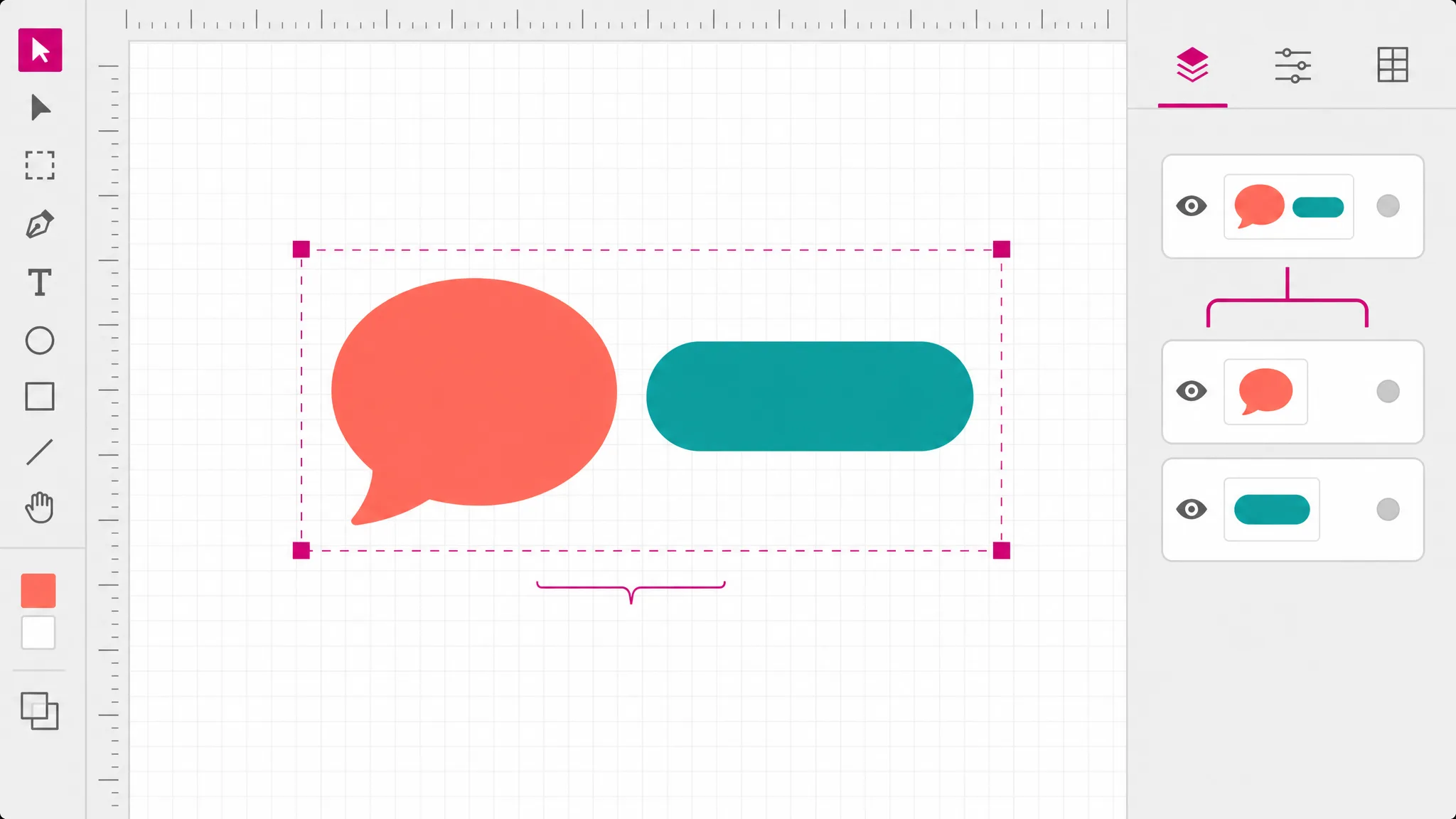
What you get
Click any shape in the file and work on that shape alone, with the rest of the drawing untouched.
Anchor points and curve handles on any path, so an outline can be reshaped rather than redrawn.
Move a shape forward or back through the stack until the overlap looks the way it should.
Bind shapes so they move as one, or break an imported group apart to get at a single member.
Every change is a step you can walk back, including node edits and color changes.
Optional rulers along the canvas and a grid behind it, for the times alignment matters more than speed.
Keep it as vector, or export pixels at twice the canvas size when something needs a flat image.
The file stays in this tab. Nothing is transmitted, nothing is stored, nothing expires.
When you need it
Most vector work is a small change to a file somebody else produced. These are the moments a canvas beats both a design suite and a text editor.
The shape is right, the color is not. In an SVG file editor you select it, set the fill and export — faster than launching anything with a splash screen.
Two shapes overlap the wrong way round after an export. In the SVG editor one click forward or back puts the stack right.
Everything is correct except one piece that sits two pixels low. The SVG editor lets you select it, move it and leave the rest alone.
Auto-traced artwork comes back with stray shapes. Selecting and deleting them is quicker than re-running the trace.
A shape headed for a cutter needs its outline tweaked. Node editing moves the curve without rebuilding the path.
A borrowed laptop, a locked-down work machine, a tablet. A free SVG editor in the browser needs none of them.
Which tool
Every one of them is free, needs no account, and runs locally. What separates them is depth: how far into the file each reaches.
| Tool | Best for | What it changes | Cost |
|---|---|---|---|
| SVG Editor | Moving, recolouring and reshaping artwork on a canvas. | Objects on a canvas | Free, no account |
| SVG Path Editor | Pulling one curve into shape, anchor by anchor. | Anchors and handles | Free, no account |
| SVG Code Editor | Reading and fixing the markup itself. | The XML source | Free, no account |
| SVG Viewer | Seeing what a file draws, without changing it. | Nothing — read only | Free, no account |
FAQ
An SVG editor is a tool that opens a vector file as separate, selectable shapes and lets you change them directly — move, scale, recolor, reorder, reshape — rather than editing the markup as text or repainting pixels. This page is a browser svg editor: the drawing sits on a canvas, and every element of the file is an object you can click.
Yes — this SVG editor online is free to use, with no account and no signup. Everything happens in this browser tab: the file is parsed, drawn, edited and re-serialized locally, so there is no per-file cost on our side and nothing to charge for. You can edit SVG online here as often as you need to, and an svg editor online free of charge is the whole point of running it in the browser.
No — the file never leaves your browser. It is read from disk by the page itself, and both the editing and the export happen in this tab. Nothing is transmitted, nothing is stored, and there is no shared link that could outlive the session.
Yes — rectangle, ellipse, triangle, line, polygon and multi-segment line tools sit in the toolbar, alongside freehand pencil and spray brushes and a text tool, so an empty canvas can become a finished file. What is missing is a pen tool for plotting bezier points one at a time: points on an existing path can be dragged, added and removed, but a curve cannot be drawn from nothing.
New text is typed straight on the canvas, in any of the widely installed families listed in the toolbar. Fonts are not embedded in the exported file, so whoever opens it needs the same one installed — which is why only common families are offered. Text that arrived with an opened file moves and recolors like any object, but retyping its wording is a markup change, so the SVG code editor is the route for that.
SVG is an executable document format: it can carry scripts, event handlers, style blocks, link containers and references to files elsewhere. All of those are stripped before your file reaches the canvas, because opening a file from a source you do not control would otherwise run its code. A notice appears whenever the cleaning changed what you see, so a file whose colors live in a style block will look different here — and you will be told rather than left guessing.
Not byte for byte, and it is better to know that up front. Opening and re-exporting rewrites the document: attributes are normalized, comments and editor metadata do not survive, and shape data may be written differently even where the drawing is unchanged. What the file draws is preserved; how it is written is not. Editing SVG files covers what survives a round trip.
Select a single path and switch on node editing. The anchor points appear along the outline as squares, and each curved segment grows handles on dashed lines. Dragging an anchor moves that point of the outline; dragging a handle changes how the curve leaves it. Both write straight into the path data, so the exported file carries the new geometry.
More tools
Pick a file and it lands on the canvas as shapes you can select, move, recolor and reshape — or start on the empty canvas and draw one. A free online SVG editor, no account, nothing uploaded.
Open a file